









GeeksModo Story Archive - October 2026
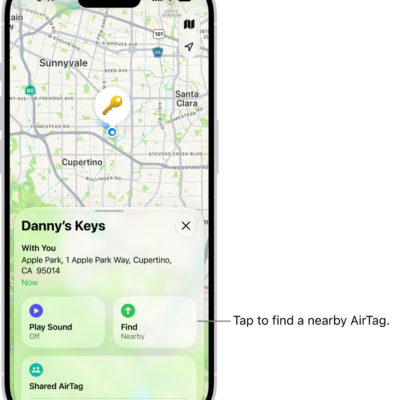
How to set separation alerts in case you leave an AirTag or item behind in Find My on iPhone
You can turn on separation alerts for an AirTag or other item in Find My on iPhone, and set Trusted Locations.
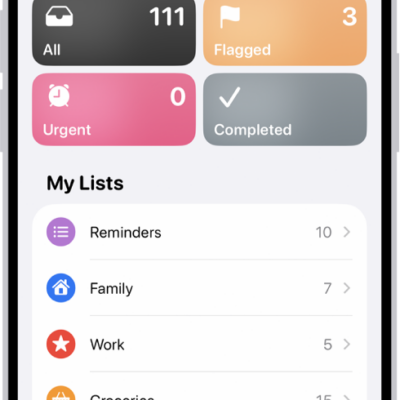
How to add or remove accounts in Reminders on iPhone
You can sync Reminders with iCloud on iPhone, update older iCloud reminders, add accounts like Microsoft Exchange, and remove accounts you don't use.
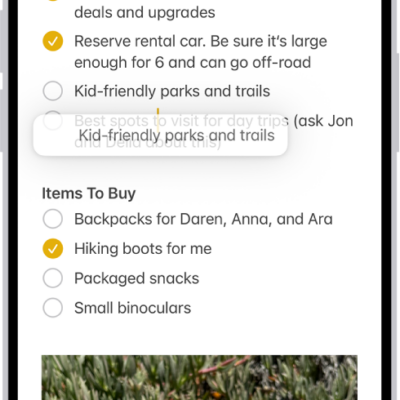
How to control iPhone with an external keyboard
You can control iPhone from Magic Keyboard or another physical keyboard with Full Keyboard Access, using default shortcuts or your own.
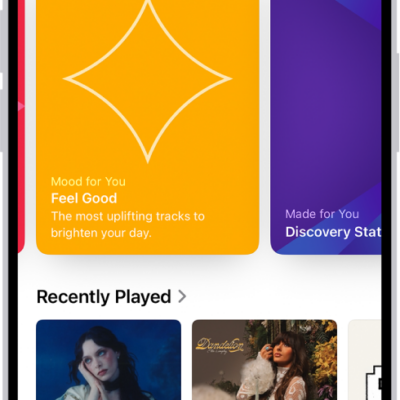
How to create an Apple Music profile on iPhone
You can create a profile on iPhone that shows your playlists and listening, and follow friends' profiles if you subscribe to Apple Music.
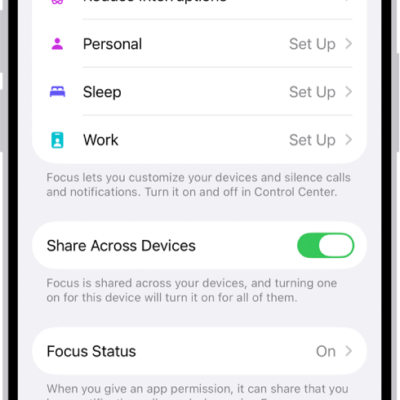
How to set up a Focus on iPhone
You can set up a Focus on iPhone, like Work or Sleep, to silence or allow notifications, add Focus filters, and sync it across devices.
How to sign in with Apple on iPhone
You can sign in to websites and apps with your Apple Account, without new passwords and without being tracked with Sign in with Apple on iPhone.
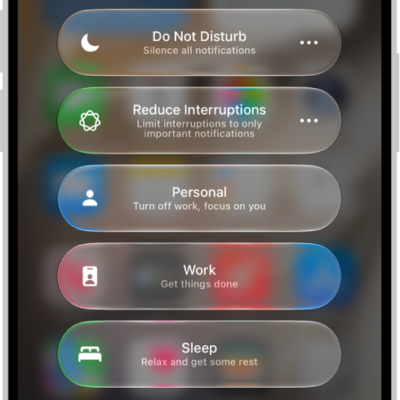
How to turn your Sleep Focus on or off on iPhone
You can turn your Sleep Focus on or off in Control Center on iPhone, or turn it off for all your sleep schedules.
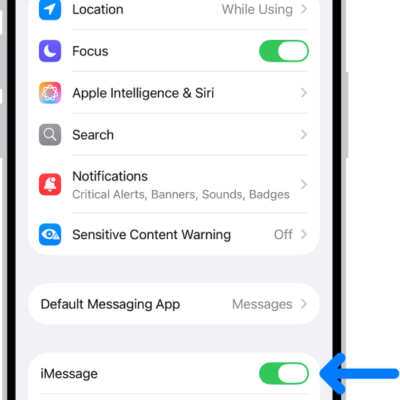
How to use Contact Key Verification on iPhone
You can use Contact Key Verification on iPhone for alerts and verification codes that help confirm you're messaging the right people.
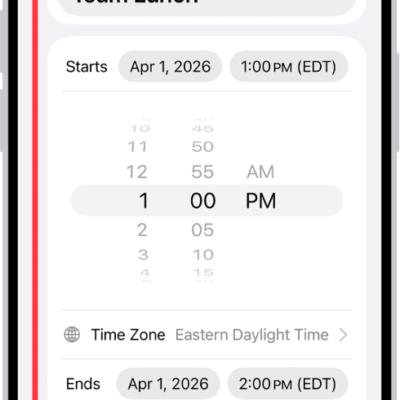
How to create and edit events in Calendar on iPhone
You can create and edit events, appointments, and meetings in Calendar on iPhone, add a location or FaceTime link, and invite people.
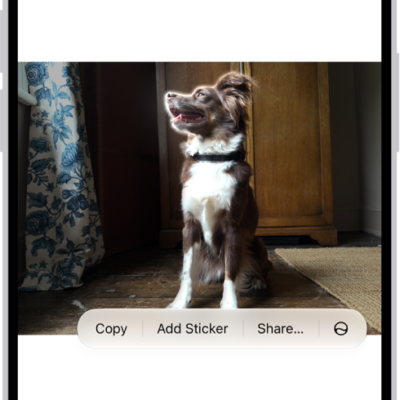
How to make stickers from your photos on iPhone
You can make stickers and animated stickers from the subjects of your photos and Live Photos on iPhone, then use them in messages and notes.