









GeeksModo Story Archive - October 2026

How to take a selfie with your iPhone camera
You can take a selfie with the iPhone front camera in Photo or Portrait mode, widen the view, use Center Stage, and mirror the image.
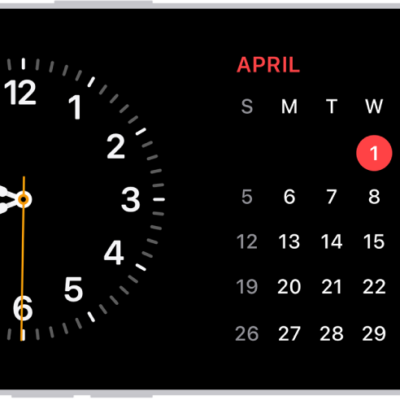
How to rotate your iPhone screen
You can rotate your iPhone screen for a different view in many apps, or lock the screen orientation from Control Center.
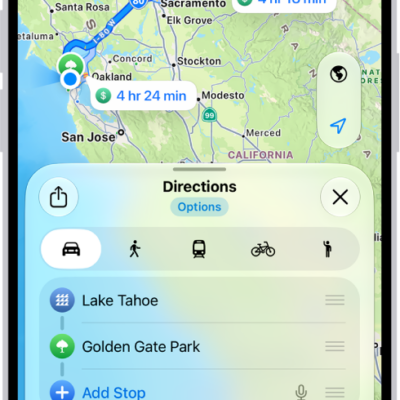
How to share your estimated time of arrival in Maps on iPhone
You can share your ETA in Maps on iPhone while you drive, cycle, or walk, and it updates automatically if you're delayed.
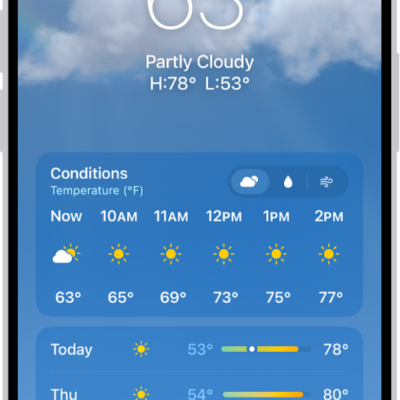
How to manage weather notifications on iPhone
You can get weather notifications on iPhone for precipitation and severe weather where you are and for locations in your list.
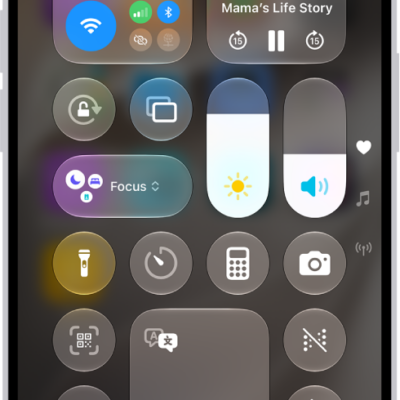
How to connect iPhone to Bluetooth accessories
You can pair your iPhone with Bluetooth accessories like headphones and keyboards, rename them, unpair them, or disconnect them all at once.
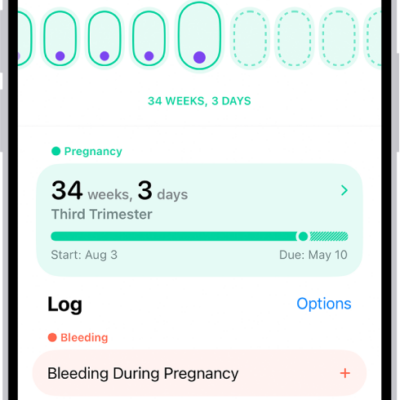
How to log a pregnancy in Health on iPhone
You can log a pregnancy in Health on iPhone to see your gestational age, log symptoms, and view the pregnancy timeline.
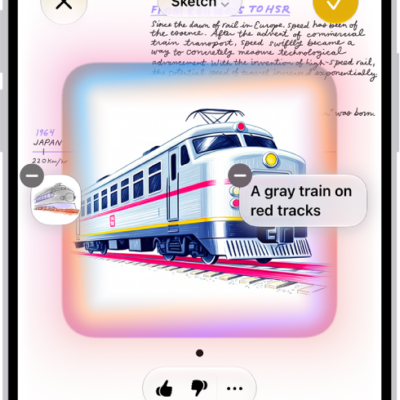
How to use Image Wand with Apple Intelligence on iPhone
You can use Image Wand in Notes on iPhone to turn rough sketches or nearby content into images, then refine them with Apple Intelligence.
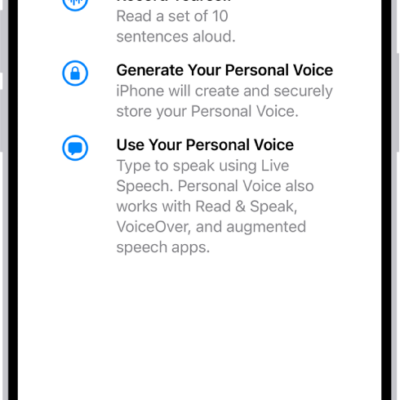
iPhone speech accessibility features: Live Speech, Personal Voice, and more
You can use speech accessibility features on iPhone, including Live Speech, Personal Voice, Voice Control, Vocal Shortcuts, and Siri options.

How to identify objects in your photos and videos on iPhone
You can identify landmarks, art, plants, pets, food, and more in your photos and videos with Visual Look Up on iPhone.
How to hand off a FaceTime call from your iPhone to your other Apple devices
You can move a FaceTime call from your iPhone to your iPad, Mac, or Apple TV 4K, and use iPhone as a webcam for FaceTime on Mac.