









GeeksModo Story Archive - October 2026
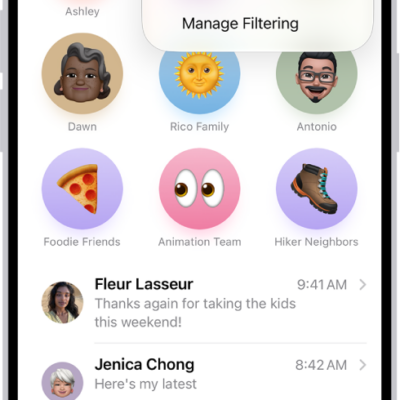
How to report spam and block senders in Messages on iPhone
You can report spam in Messages on iPhone, recover messages wrongly marked as spam, and block specific people or numbers.
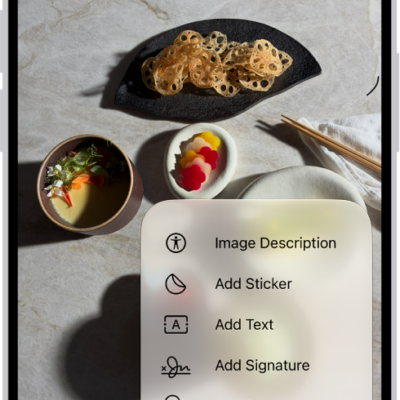
How to edit an image in Preview on iPhone
You can crop, rotate, flip, resize, or remove the background of an image in the Preview app on iPhone.
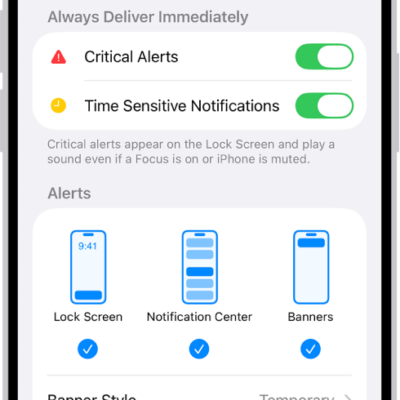
How to stop, mute, and change message notifications on iPhone
You can stop, mute, or change message notifications on iPhone, and give certain people their own notification sound.
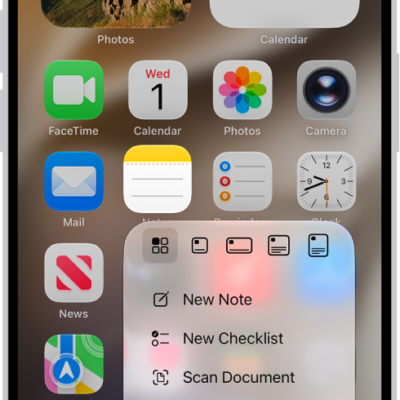
How to perform quick actions on iPhone
You can touch and hold apps on the iPhone Home Screen, in App Library, and in Control Center to open Quick Actions menus and see previews.
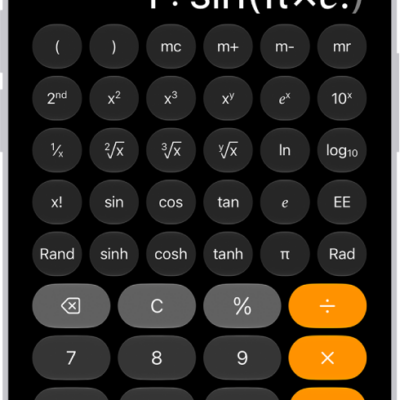
How to use the scientific calculator on iPhone
You can use the scientific calculator on iPhone for exponential, logarithmic, and trigonometric functions and full expressions.
How to start SharePlay by holding two iPhone devices close together
You can start SharePlay by holding your iPhone close to a friend's, to stream content, listen to music, or play games together.
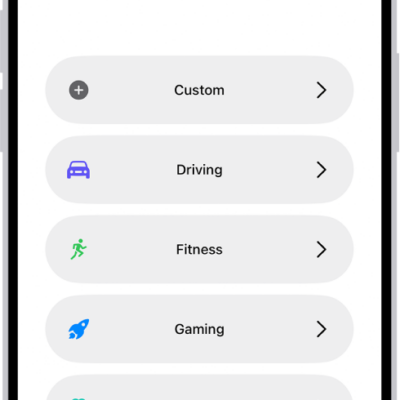
How to stay focused while driving with iPhone
You can stay focused while driving with the Driving Focus on iPhone, which silences or limits notifications and allows calls only through CarPlay or a hands-free accessory.
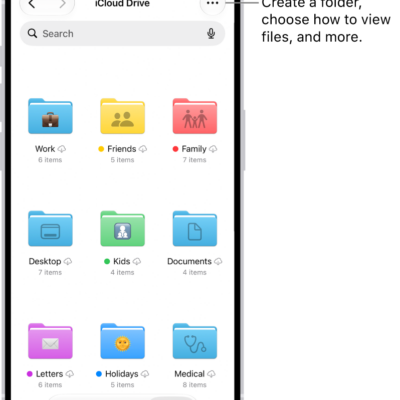
How to find and view files and folders in Files on iPhone
You can search for and view files and folders in the Files app on iPhone, choose which app opens a file, and change how files are sorted.
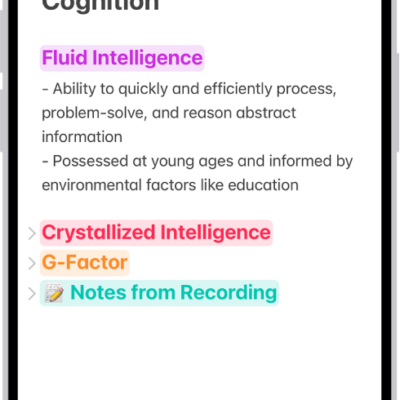
How to record and transcribe audio in Notes on iPhone
You can record and transcribe audio in Notes on iPhone, see a live transcript, search it, and view a summary of the recording.
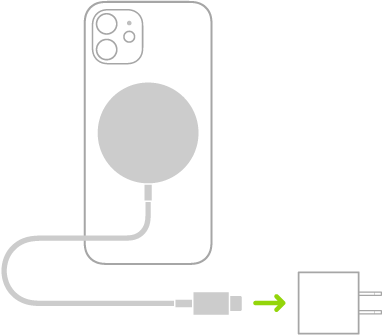
How to charge iPhone with a Qi-certified wireless charger
You can charge iPhone and AirPods wirelessly with a Qi-certified charger, placing iPhone face up on the center of the charger.