









GeeksModo Story Archive - October 2026
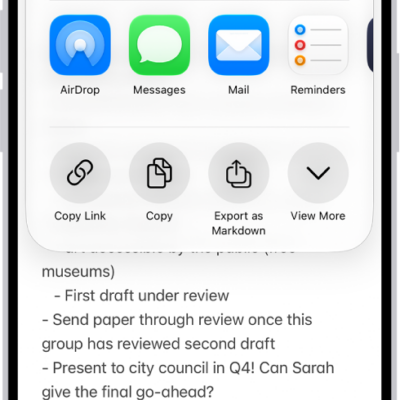
How to share notes and collaborate on iPhone
You can send a copy of a note on iPhone or invite people to collaborate on a note or folder in iCloud and see the latest changes.
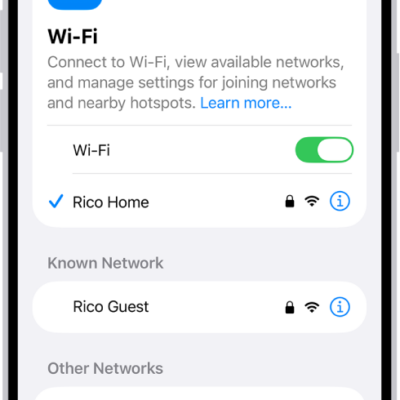
How to share your internet connection from your iPhone
You can share your iPhone's internet connection with other devices through Instant Hotspot and Personal Hotspot, over Wi-Fi, Bluetooth, or a cable.
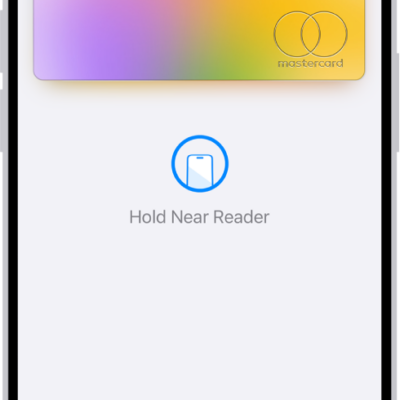
How to fill in payment information on iPhone
You can save card numbers in Apple Wallet on iPhone and use AutoFill to fill in payment information where Apple Pay isn't available.
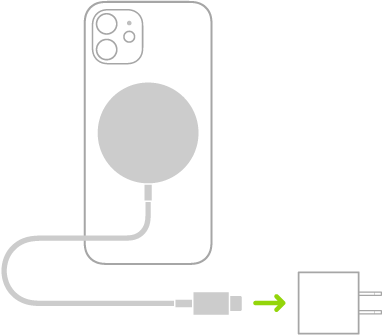
How to charge iPhone with MagSafe chargers and battery packs
You can snap MagSafe chargers and battery packs to the back of supported iPhone models for fast wireless charging, and charge AirPods too.
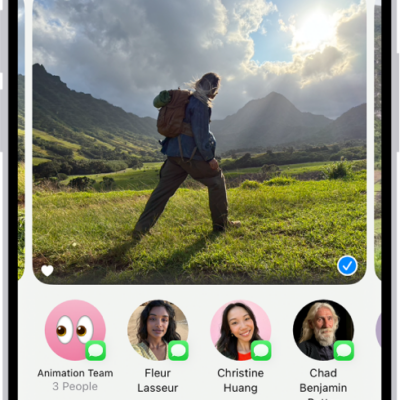
How to customize sharing options in an iPhone app
You can choose which options appear in an app's Share menu on iPhone, add them to Favorites, and change their order.

How to edit photos and videos on iPhone
You can edit photos and videos in the Photos app on iPhone: adjust light and color, add filters and stickers, and copy edits to other photos.
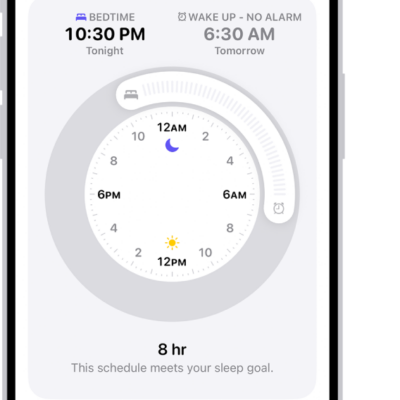
How to turn off alarms and delete sleep schedules in Health on iPhone
You can turn off your next alarm, turn off all sleep schedules, or delete a sleep schedule and its alarm in Health on iPhone.
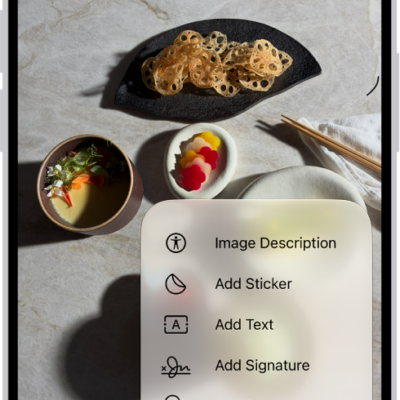
How to annotate a PDF or image in Preview on iPhone
You can annotate a PDF or image in Preview on iPhone: highlight, underline, or strike through text, and add stickers, signatures, shapes, or text.
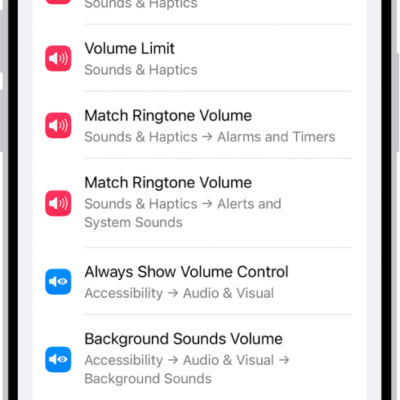
How to search with Spotlight on iPhone
You can use Spotlight on iPhone to search apps, contacts, messages, photos, and the web, and with Siri AI, start a conversation with Siri.
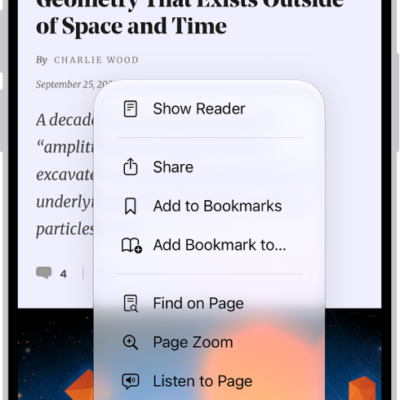
How to bookmark a website in Safari on iPhone
You can save, organize, and sync Safari bookmarks on iPhone, and add a website icon to the Home Screen for quick access.