









GeeksModo Story Archive - October 2026
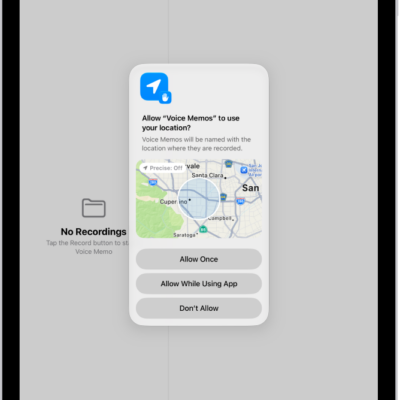
How to control the location information you share on iPad
You can control the location information you share on iPad, turn Location Services on or off, and see which apps use your location.

How to sort and filter the photo library on iPhone
You can sort your photo library on iPhone by date added or taken, filter it to show certain items, and hide screenshots.
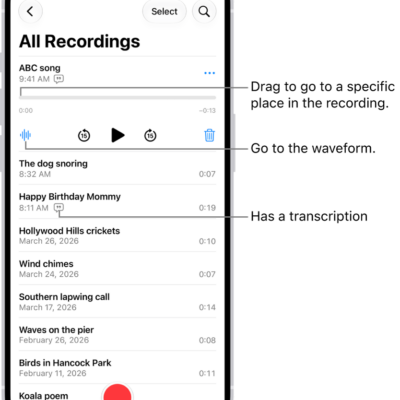
How to search for or rename a recording in Voice Memos on iPhone
You can search for a recording in Voice Memos on iPhone, even by words in its transcript, and rename any recording.
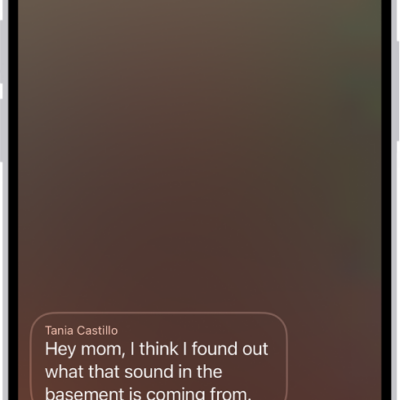
How to set up Voicemail on iPhone
You can set up Visual Voicemail on iPhone, store voicemail in iCloud, and use Live Voicemail to see a message as it's left.
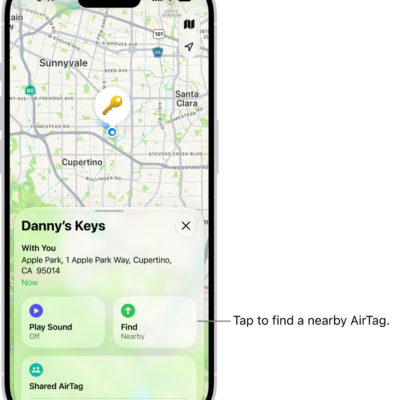
How to share an AirTag or other item in Find My on iPhone
You can share an AirTag or other Find My item with up to five people on iPhone, so they can see it on a map and find it.
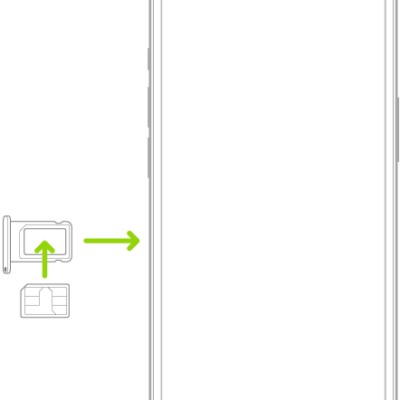
How to use Dual SIM on iPhone
You can use two numbers or plans, like a business and a personal line, or a local data plan when you travel with Dual SIM on iPhone.
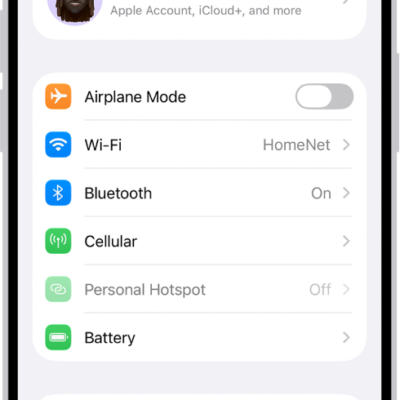
How to connect iPhone to the internet
You can connect iPhone to the internet over Wi-Fi or cellular, join hidden networks, and see which network iPhone uses first.
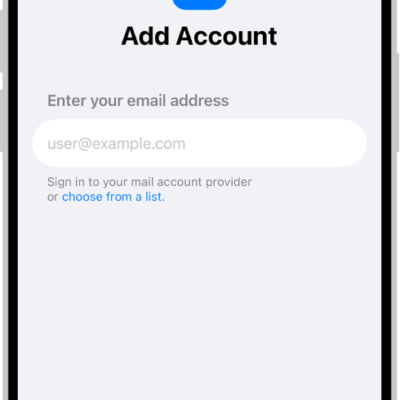
How to set up mail, contacts, and calendar accounts on iPhone
You can set up mail, contacts, and calendar accounts on iPhone for Microsoft Exchange and popular internet services.
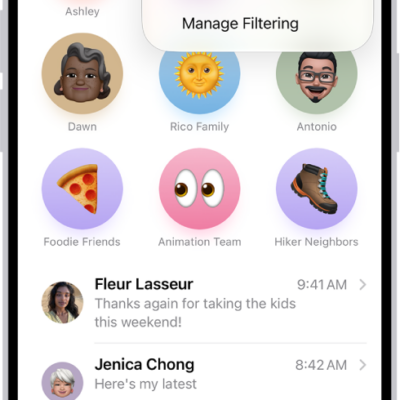
How to screen and filter text messages on iPhone
You can screen and filter texts from unknown senders on iPhone, mark senders as known, and turn off business alerts.

How to control access to your contacts on iPad
You can control access to your contacts on iPad, choose which contacts an app can see, and change that access later.