









GeeksModo Story Archive - October 2026
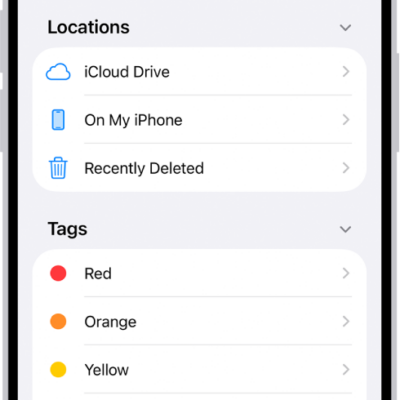
How to transfer files from iPhone to a storage device, a server, or the cloud
You can transfer files from iPhone to an external storage device, a file server, or a cloud service like iCloud, Box, or Dropbox.
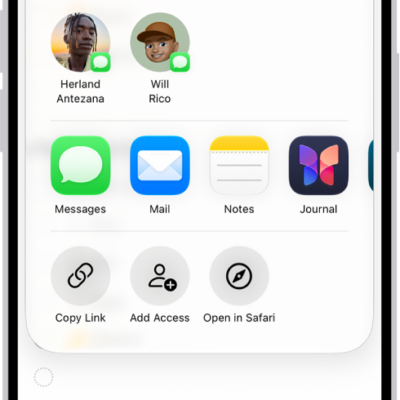
How to share lists and collaborate in Reminders on iPhone
You can share Reminders lists on iPhone with people who use iCloud, assign tasks, and turn notifications for shared lists on or off.
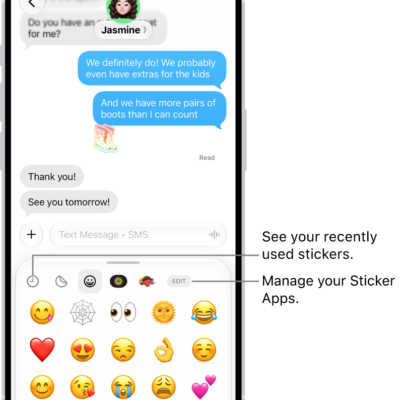
How to send stickers in Messages on iPhone
You can send stickers in Messages on iPhone, place them on a conversation, and create and save Live Stickers.
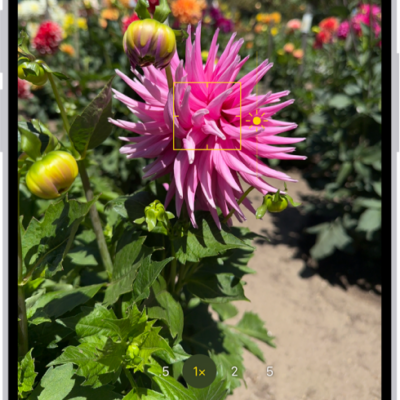
How to adjust HDR camera settings on iPhone
You can control Smart HDR for photos on some iPhone models and turn Dolby Vision HDR video recording on or off on supported models.
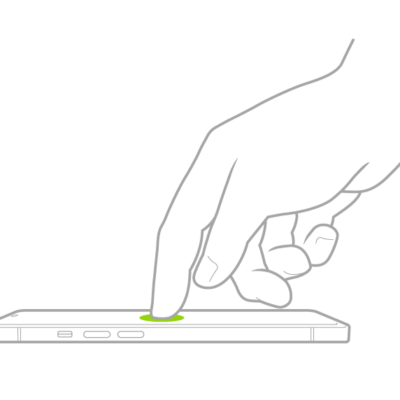
Basic iPhone gestures: tap, touch and hold, swipe, scroll, and zoom
You can control iPhone and its apps with a few simple gestures: tap, touch and hold, swipe, scroll, and zoom.
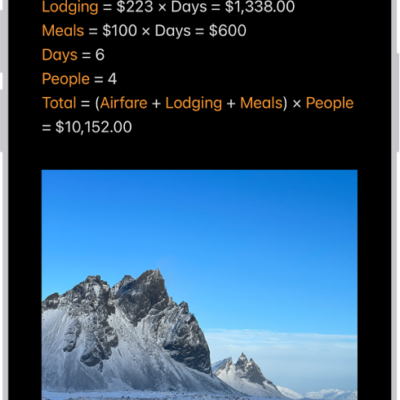
How to solve math with Math Notes in Calculator on iPhone
You can solve expressions, use variables, and graph equations with Math Notes in Calculator on iPhone, with results as you write.
How to make a grocery list in Reminders on iPhone
You can make a grocery list in Reminders on iPhone that sorts items into categories automatically, or convert an existing list.
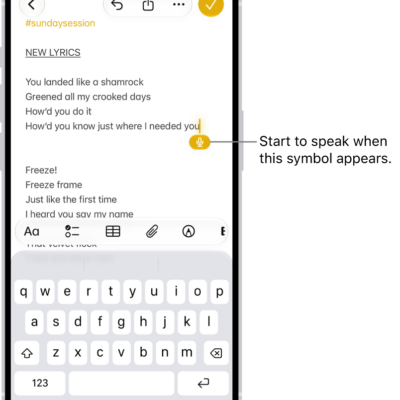
Dictation commands for punctuation, formatting, and emoji on iPhone
You can use commands while dictating text on iPhone to add punctuation, format text, change capitalization, and insert emoji with your voice.
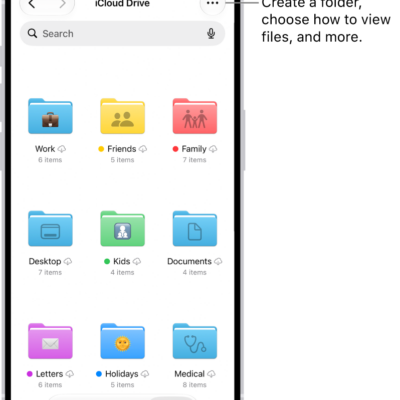
How to send files from the Files app on iPhone
You can send files from the Files app on iPhone, compress them first, reply to received documents, and scan paper documents.
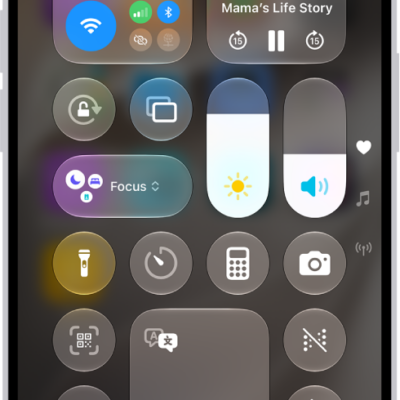
How to take a screen recording on iPhone
You can make a screen recording on iPhone from Control Center, add audio with the microphone, and review your recordings.