









GeeksModo Story Archive - October 2026
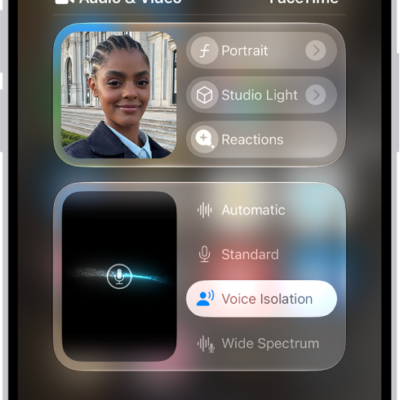
How to use camera controls during a FaceTime call on iPhone
You can use Portrait mode, switch cameras, share both cameras with Dual Capture, or turn your camera off during a FaceTime call on iPhone.

How to create original images with Image Playground on iPhone
You can create original images in the Image Playground app on iPhone from descriptions, photos, and people in your library with Apple Intelligence.

How to use NameDrop on iPhone to share your contact info
You can use NameDrop to share new contact info between iPhones, or with a supported Apple Watch, just by holding them close.
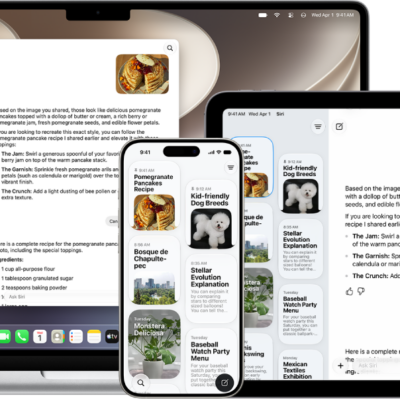
How to use the Siri app with Siri AI on iPhone
You can use the Siri app on iPhone with Siri AI (Beta) to keep all your Siri conversations in one place and pick up on other devices.

How to make your passwords and passkeys available across devices with iPhone and iCloud Keychain
You can make your passwords and passkeys available across devices with iCloud Keychain, along with cards and Wi-Fi details, encrypted so Apple can't read them.

How to use a braille display with VoiceOver on iPhone
You can connect a Bluetooth braille display to iPhone to control it, read the screen, and type in braille with VoiceOver.
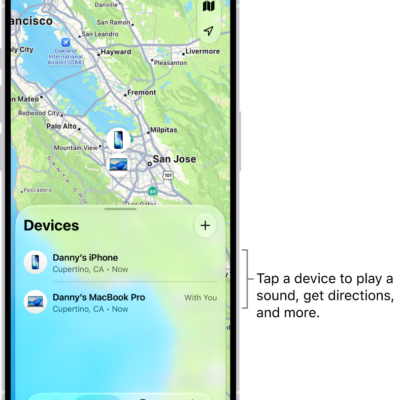
How to add your iPhone Wallet with MagSafe to Find My on iPhone
You can add an iPhone Wallet with MagSafe to Find My on iPhone, see its last known location, and get notified if it detaches.
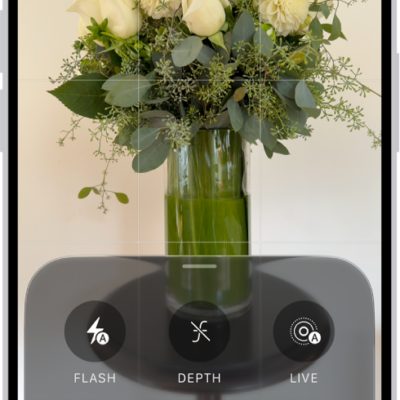
How to take panoramic photos with your iPhone camera
You can take panoramic photos with your iPhone camera in Pano mode, panning sideways or, in landscape, vertically.
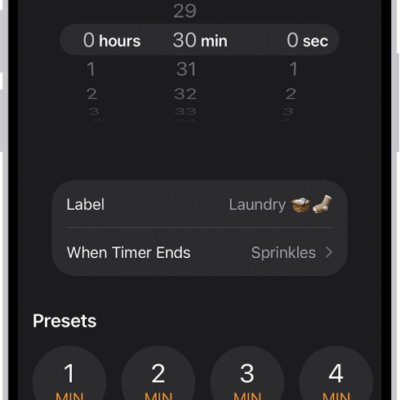
How to set timers in Clock on iPhone
You can set timers in the Clock app on iPhone, name them, choose a sound, run several at once, and stop audio or video playing.
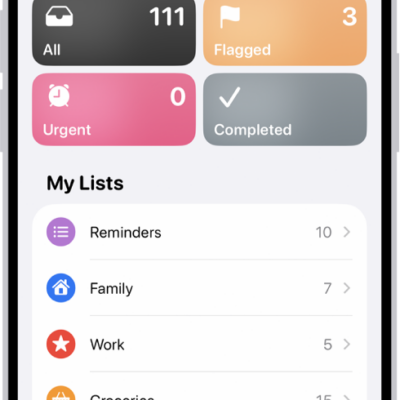
How to organize multiple lists in Reminders on iPhone
You can create lists in Reminders on iPhone, choose a list type, group lists, pin important ones, and rearrange or delete them.