









GeeksModo Story Archive - October 2026
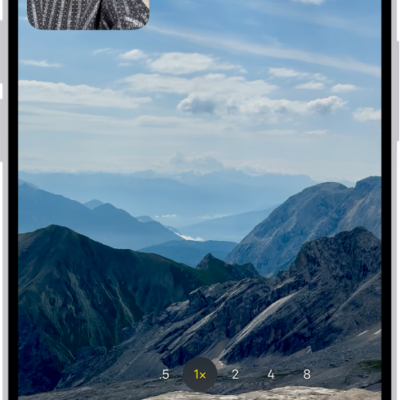
How to change sound recording options on iPhone
You can choose Spatial Audio, Stereo, or Mono for recording video sound on iPhone, and turn wind noise reduction on or off.
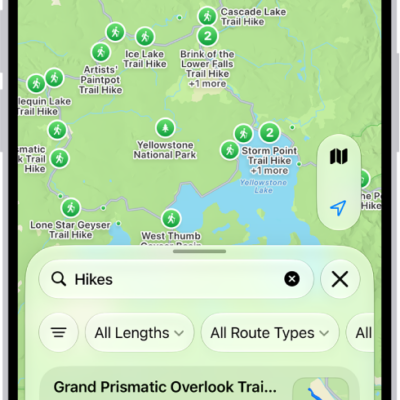
How to share places in Maps on iPhone
You can share places from Maps on iPhone in a message or email, so people know where to meet you.
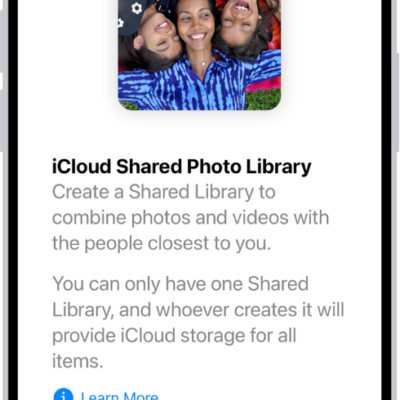
How to add content to an iCloud Shared Photo Library on iPhone
You can add photos and videos to an iCloud Shared Photo Library on iPhone by moving them manually or saving them directly from Camera.
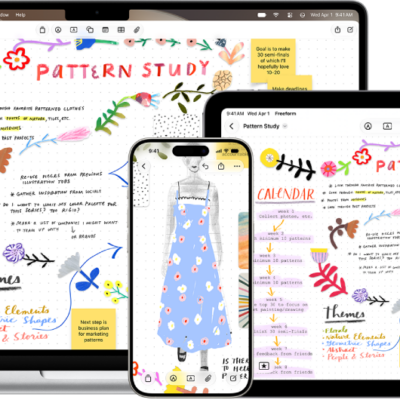
How to organize your Freeform boards in folders on iPhone
You can organize Freeform boards into folders on iPhone, create subfolders, rename folders, and move boards in and out.
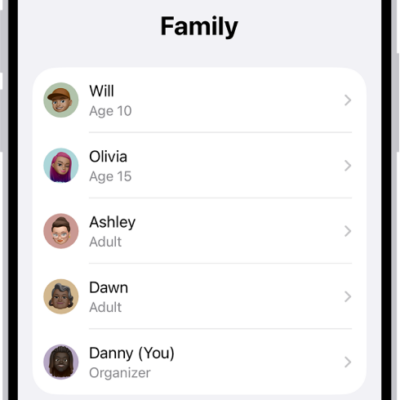
How to leave or remove a member from a Family Sharing group on iPhone
You can leave a Family Sharing group on iPhone, and the organizer can remove a member or stop sharing altogether.
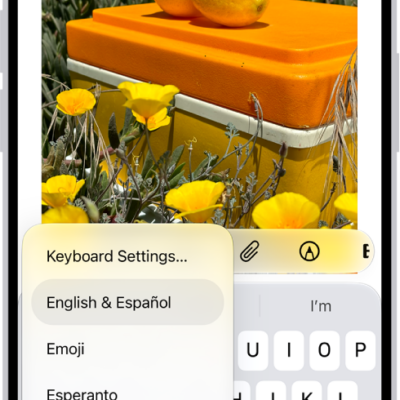
How to use VoiceOver on iPhone with an Apple external keyboard
You can use keyboard shortcuts for VoiceOver commands, Quick Nav, and VoiceOver Help with Magic Keyboard and iPhone.

How to insert sketches, photos, and scans from your iPhone on Mac
You can use your iPhone to add photos, scans, and sketches to your Mac or mark up files with Continuity Camera, Sketch, and Markup.
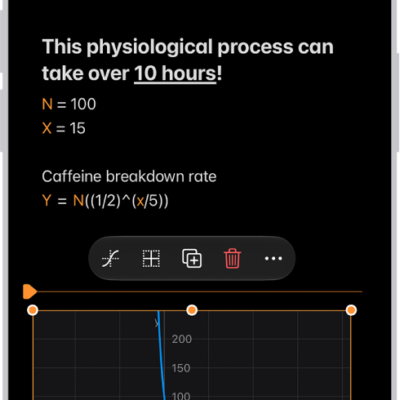
How to work with graphs in Math Notes in Calculator on iPhone
You can graph equations in two or three dimensions in Math Notes in Calculator on iPhone, overlay several graphs, and modify them.
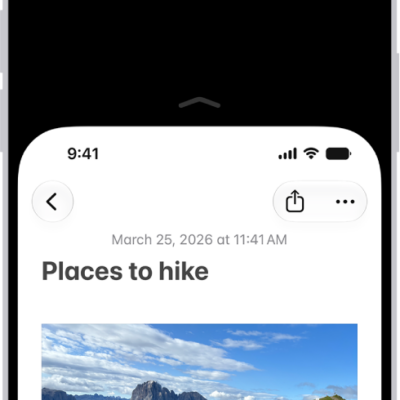
How to reach the top of the iPhone screen with one hand
You can lower the top half of the iPhone screen so it's within reach of your thumb when you use one hand with Reachability.
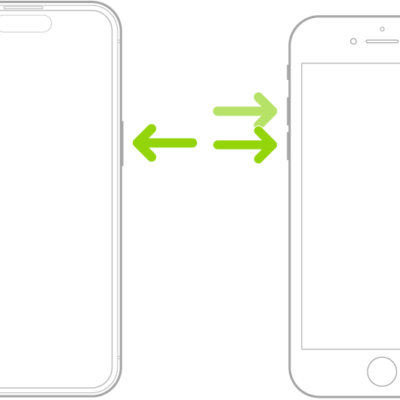
How to adjust settings for the side or Home button on iPhone
You can change the click speed, Siri, Touch ID, haptic, and payment confirmation settings for the side or Home button on iPhone.