









GeeksModo Story Archive - October 2026
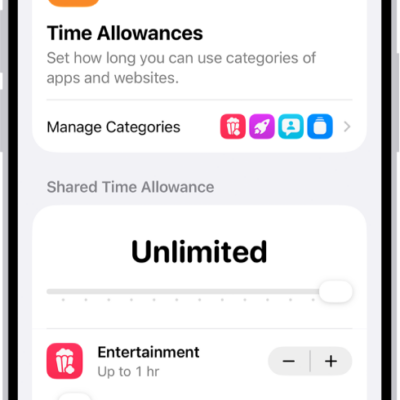
How to block features or content with Screen Time on iPhone
You can use Screen Time on iPhone to allow or block explicit content, built-in apps and features, and Siri and Apple Intelligence features.
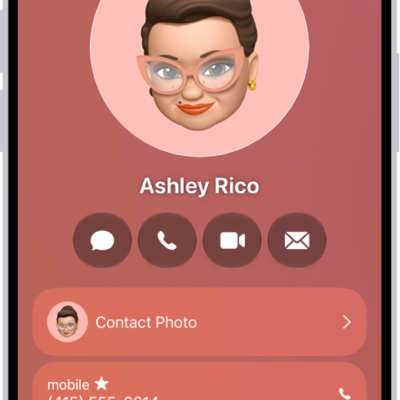
How to add and use contact information on iPhone
You can create, find, share, and delete contacts in the Contacts app on iPhone, and reach anyone with a message, call, or email.
How to control app tracking permissions on iPhone
You can control app tracking permissions on iPhone, changing each app's permission to track you across other companies' apps and websites, or stop all requests.

How to play podcasts with CarPlay
You can play the podcasts on your iPhone with CarPlay, and control playback with your car's controls or CarPlay Dashboard.
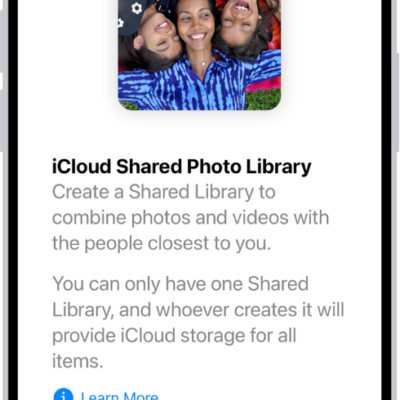
How to set up or join an iCloud Shared Photo Library on iPhone
You can set up or join an iCloud Shared Photo Library on iPhone to share photos and videos with up to five friends or family members.
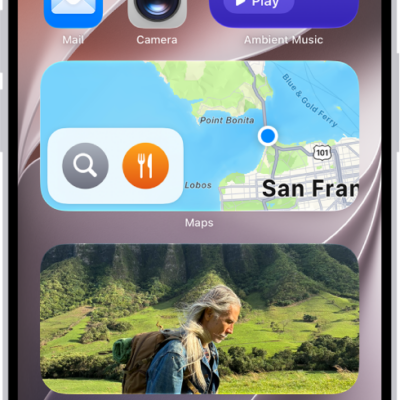
How to add a Mail widget to your iPhone Home Screen
You can add a Mail widget to your iPhone Home Screen and choose which mailbox it shows, like unread email or messages from your VIPs.
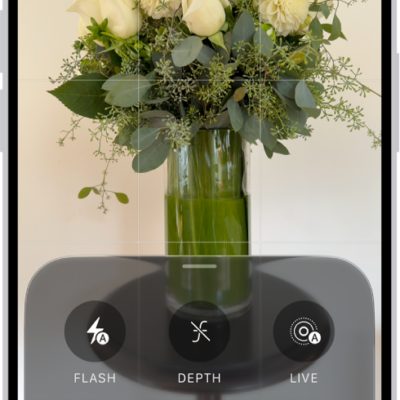
How to save camera settings on iPhone
You can have the iPhone camera keep your last camera mode, style, and other settings instead of resetting them each time.
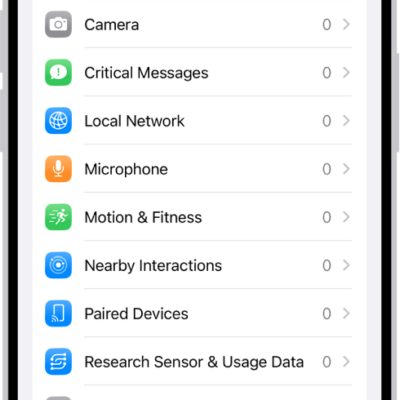
How to control access to hardware features on iPhone
You can control access to hardware features on iPhone, since apps must ask before using your camera, microphone, or Bluetooth, and change their access anytime.
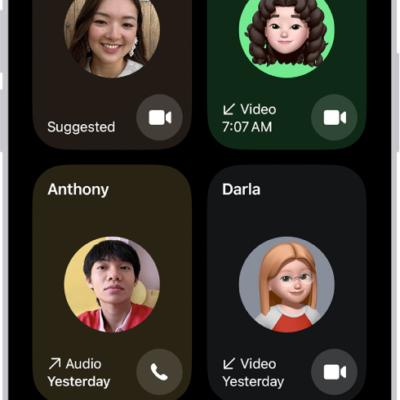
How to create a link to a FaceTime call on iPhone
You can create a FaceTime link on iPhone and share it so others can join your call, even from a browser on a non-Apple device.
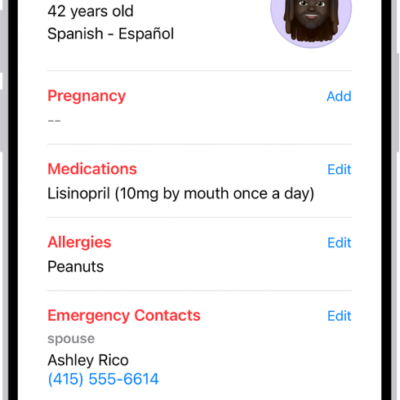
How to set up and view your Medical ID
You can set up a Medical ID in Health on iPhone with your allergies, conditions, and emergency contacts, and share it with first responders.