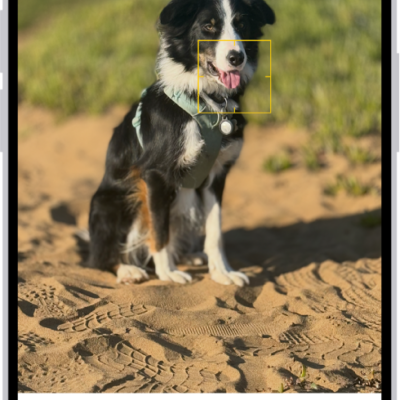
Use your iPhone camera to take a panoramic photo of your surroundings in Pano mode. It’s all about the arrow. The panorama comes together as you move slowly in the arrow’s direction, keeping it on the center line. You can pan in the opposite direction, too, and you can reverse the direction of a vertical pan.
- Open Camera on your iPhone.
- Swipe left to select Pano mode.
- Tap the Shutter button or click the Camera Control on (supported models).
- Pan slowly in the direction of the arrow, keeping it on the center line.
- To finish, tap the Shutter button again or click the Camera Control on (supported models).
Tap the arrow to pan in the opposite direction. To pan vertically, rotate iPhone to landscape orientation. You can reverse the direction of a vertical pan, too.
Tag: Photos