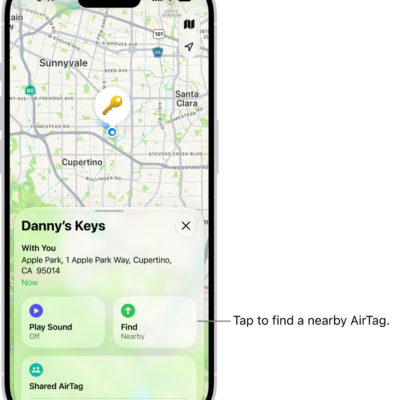
Use the Find My app to locate and play a sound on a missing iPhone, iPad, iPod touch, Mac, Apple Watch, AirPods, or Beats headphones (supported models).
There’s a catch, though: in order to locate a device, you must turn on Find My [device] before it’s lost. Once it’s on, you can see the device’s location on a map, get directions to it, and even locate or play a sound on a friend’s device.
Note: Turn on Precise Location for the Find My app, and you’ll be able to see how far away your devices are from you.
No access to the Find My app after losing your iPhone? You can still locate it or play a sound on it with Find Devices on iCloud.com.
About locating a device
- You can use Find My on your iPhone to see the location of your device on a map. If the device is online, you see its location, and it plays a sound to help you find it. If the device is offline, you see its location, but it doesn’t play a sound.
- For AirPods and supported Beats headphones, you can locate them when they’re near your device and connected to Bluetooth®. For supported AirPods, you can also see their location via the Find My network for up to 24 hours after they last connected to your device, even if they’re not nearby.
- For iPhone Wallet with MagSafe and Find My support, you can see its location when it’s attached to your iPhone and its last known location if it detaches from your iPhone.
See the location of your device on a map
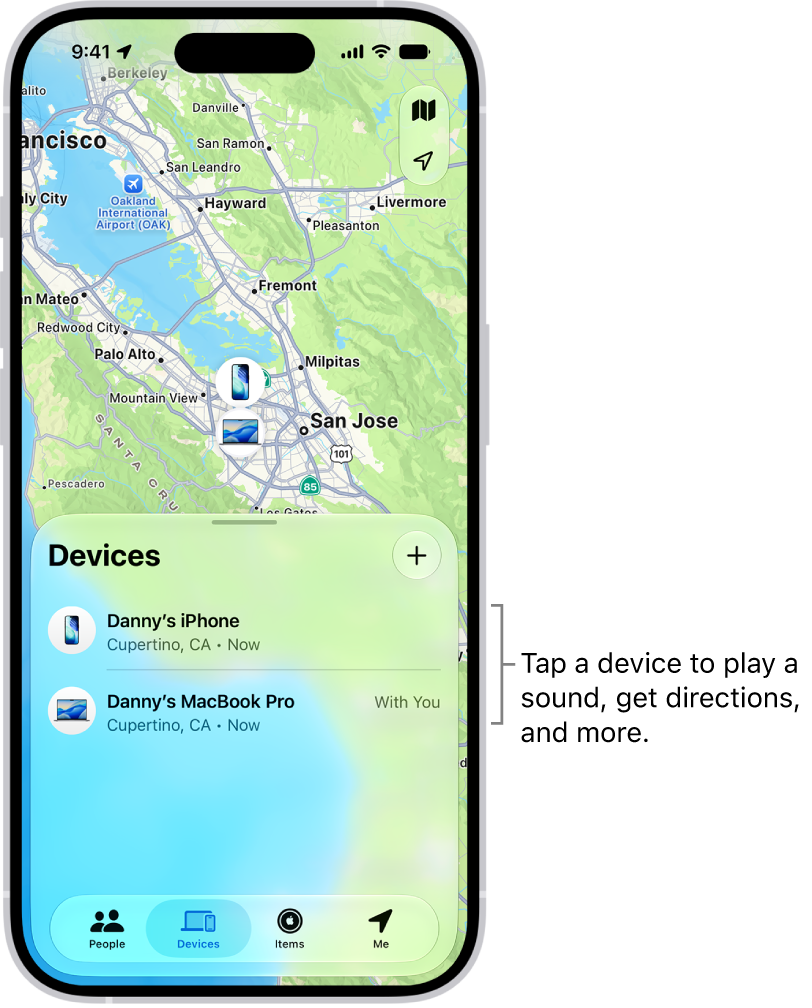
The Find My app shows your device’s current or last known location.
Tap Devices , then tap the name of the device you want to locate.
- If the device can be located: It appears on the map so you can see where it is.
- If the device can’t be located: You see “No location found” below the device’s name. Below Notifications, turn on Notify When Found. You receive a notification when it’s located.
Important: Make sure you allow notifications for the Find My app.
Play a sound on your device
- Start the Find My app on your iPhone.
- Tap Devices. Then tap the name of the device you want to play a sound on.
-
Tap Play.
-
If the device is online: A sound starts after a short delay and gradually increases in volume. Then plays for about two minutes. If applicable, a Find My [device] alert appears on the device’s screen.
A confirmation email is also sent to your Apple Account email address.
- If the device is offline: You see Sound Pending. The sound plays the next time the device connects to a Wi-Fi or cellular network. For AirPods and Beats headphones, you receive a notification the next time your device is in range of your iPhone or iPad.
-
If the device is online: A sound starts after a short delay and gradually increases in volume. Then plays for about two minutes. If applicable, a Find My [device] alert appears on the device’s screen.
With separated AirPods, you have additional options to play a sound.
Stop playing a sound on a device
When you find your device, you may want to turn off the sound before it stops automatically. To do that, use one of the following:
- iPhone, iPad, or iPod touch: Press the power button or a volume button, or flip the Ring/Silent switch. If the device is locked, you can also unlock it, or swipe to dismiss the Find My [device] alert. If the device is unlocked, you can also tap OK in the Find My [device] alert.
- Apple Watch: Tap Dismiss in the Find My Watch alert, or press the Digital Crown or side button.
- Mac: Click OK in the Find My Mac alert.
- AirPods or Beats headphones: Tap Stop in Find My.
Get directions to a device
If you see your device’s location on the map, you can get turn-by-turn directions to it.
- Start the Find My app on your iPhone.
- Tap Devices. Then tap the name of the device you want to get directions to.
- Tap Directions to open the Maps app.
If you’re near your supported AirPods, you can tap Find for additional directions.
Locate or play a sound on a friend’s device
A friend who loses a device can sign in to their Apple Account on Find Devices on iCloud.com to locate it or play a sound on it.
With Family Sharing set up, Find My can locate a family member’s missing device.