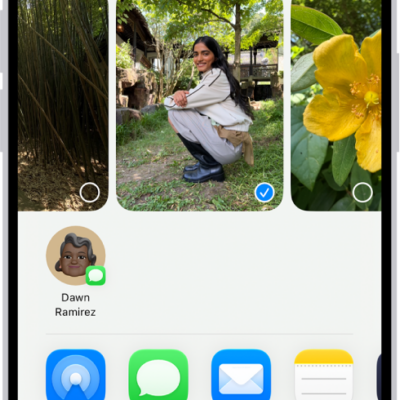
In the Photos app on iPhone, you can duplicate a photo or video while preserving the original version. You can also copy a photo and then paste it into another document such as an email, text message, or presentation.
A duplicate copy appears next to the original in your library, and you can copy several photos or videos at once.
Here’s how to duplicate and copy photos and videos on iPhone.
Duplicate a photo or video
- Open the Photos app on your iPhone.
- Open a photo or video and then tap the More button.
- Tap Duplicate.
You’ll find the duplicate copy next to the original in your library.
Copy a photo
- Open the Photos app on your iPhone.
- Open a photo, then tap the More button.
- Tap Copy and then paste the photo into another document.
Copy multiple photos or videos
- Open the Photos app on your iPhone.
- Tap Select and then tap the thumbnails you want to copy.
- Tap the More button, then tap Copy.
- Paste the copies into another document.
Tag: Photos