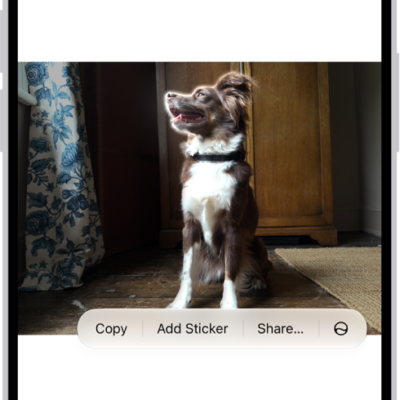
All photos and videos you take with your iPhone camera are saved in the Photos app. With iCloud Photos turned on, all new photos and videos are automatically uploaded and available in Photos on all your devices that are set up with iCloud Photos (with iOS 8.1, iPadOS 13, or later).
You can see the photos you’ve taken recently right from Camera. You can also share and print your photos.
Note: If Location Services is turned on in Settings > Privacy & Security > Location Services, photos and videos are tagged with location data that can be used by apps and photo-sharing websites.
View your photos
- Open Camera on your iPhone.
- Tap the thumbnail image in the lower-left corner.
- Swipe left or right to see the photos you’ve taken recently.
- Tap the screen to show or hide the controls.
- Tap All Photos to see all your photos and videos saved in the Photos app.
Share and print your photos
- While viewing a photo on your iPhone, tap the Share button.
- To share your photo, select an option such as AirDrop, Mail, or Messages.
- To print your photo, swipe up to select Print from the list of actions.
Upload photos and keep them up to date across devices
Use iCloud Photos to upload photos and videos from your iPhone to iCloud and then access them on other devices where you’re signed in to the same Apple Account. iCloud Photos is useful if you want to keep your photos up to date across multiple devices or save space on your iPhone. To turn on iCloud Photos, go to Settings > Apps > Photos, then turn on iCloud Photos.