









GeeksModo Story Archive - October 2026
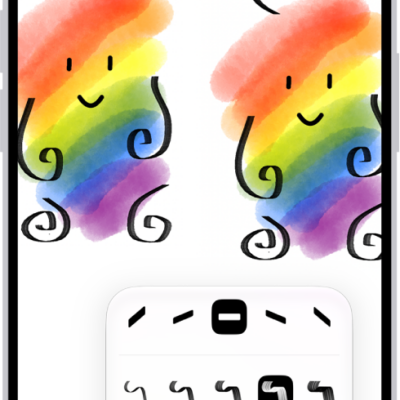
How to draw or handwrite on a Freeform board on iPhone
You can draw and handwrite on a Freeform board on iPhone, work with handwritten text like typed text, and solve handwritten math.
How to search through your notes on iPhone
You can search all your notes on iPhone for typed and handwritten text, tags, objects in images, and text in scanned documents.

What you can do while on a call on iPhone
You can switch audio to the speaker or a Bluetooth device, use other apps, and see a wait time prediction while on a call on iPhone.
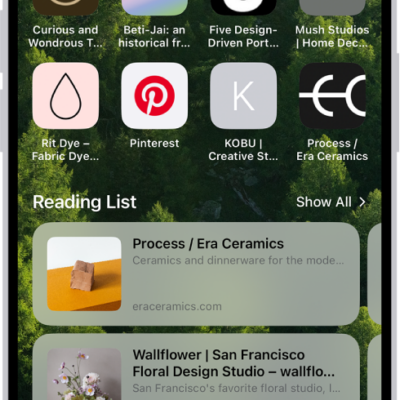
How to find links shared with you in Safari on iPhone
You can find links shared with you in Messages on your Safari start page on iPhone, and keep, remove, or organize them.
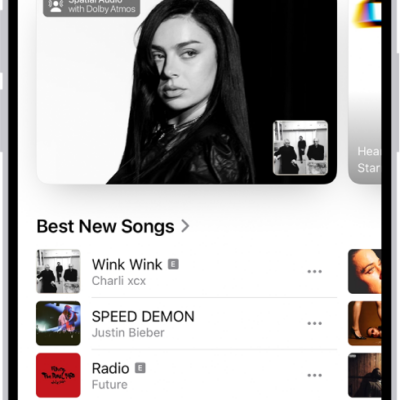
How to find new music with Apple Music on iPhone
You can find new music on iPhone, from new releases and expert playlists to upcoming concerts if you subscribe to Apple Music.
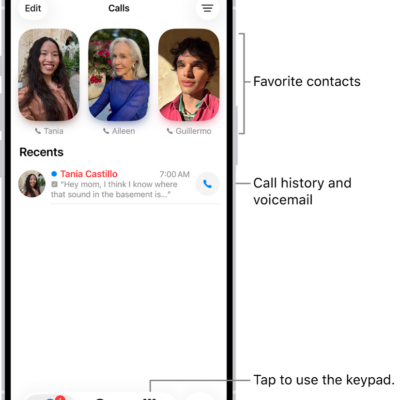
How to request or give remote control in a Phone call on iPhone
You can request control of someone's screen or let a trusted person control yours during a one-to-one phone call on iPhone.

How to automatically categorize incoming emails in Mail on iPhone
You can have Mail on iPhone sort incoming email into categories automatically, view a sender's messages together, recategorize senders, or switch to a list view.

How to change advanced camera settings on iPhone
You can change advanced iPhone camera settings, including the default resolution, View Outside the Frame, Prioritize Faster Shooting, and Lens Correction.
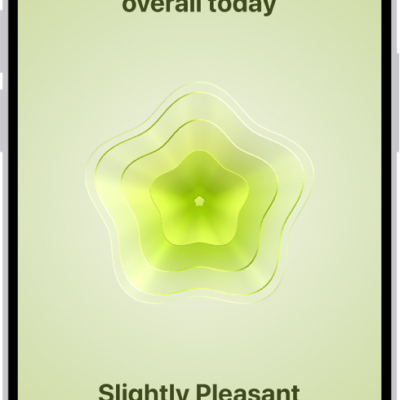
How to log your state of mind in Health on iPhone
You can log your emotions and daily moods in Health on iPhone, see how they relate to sleep and exercise, and set reminders.
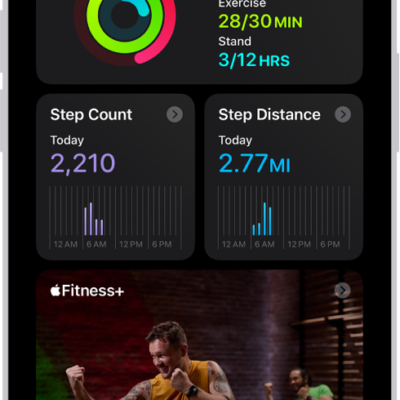
How to see your activity summary in Fitness on iPhone
You can see your daily activity, trends, and awards in Fitness on iPhone, and add, edit, move, or delete the metrics in your summary.