









GeeksModo Story Archive - October 2026
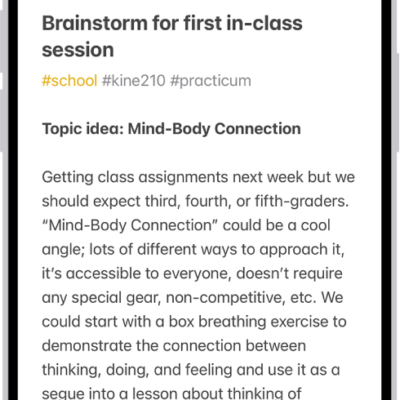
How to delete and recover notes in Notes on iPhone
You can delete notes on iPhone and recover them from the Recently Deleted folder within 30 days, or delete them for good.
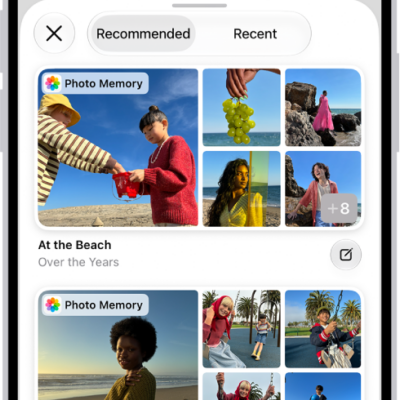
How to write in your journal on iPhone
You can write journal entries on iPhone, use Journaling Suggestions and Writing Prompts, and keep multiple journals.
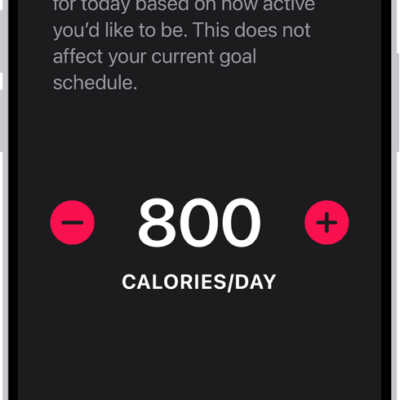
How to adjust your Activity ring goals in Fitness on iPhone
You can change your Activity ring goals in Fitness on iPhone, set a different goal for each day of the week, and pause your rings.
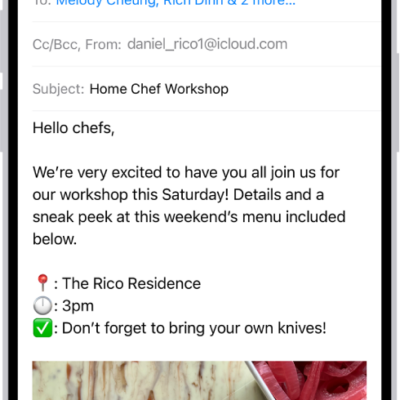
How to save a draft in Mail on iPhone
You can save an email as a draft in Mail on iPhone to finish later, and see draft emails from all your accounts.
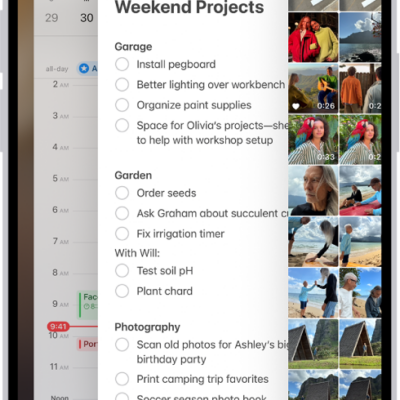
How to quit and reopen an app on iPhone
You can quit it from the App Switcher on iPhone and then reopen it if an app isn't responding.
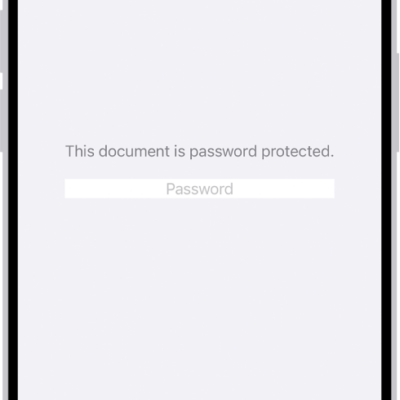
How to lock PDFs in Preview on iPhone
You can lock a PDF with a password in Preview on iPhone to stop others from editing or deleting it, and keep an unlocked copy.
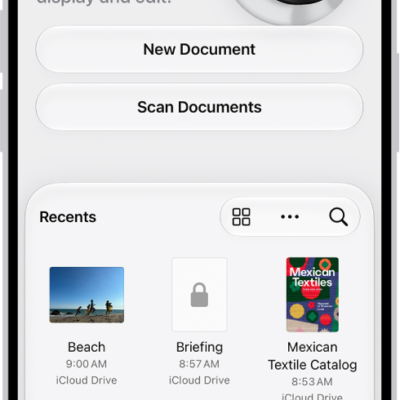
How to create an image in Preview on iPhone
You can create a new image in the Preview app on iPhone, either blank or from an image you copied to the Clipboard.
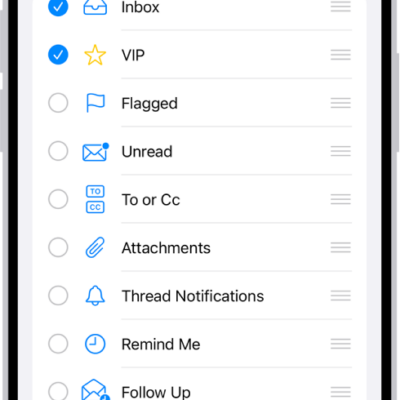
How to organize email in mailboxes on iPhone
You can organize email in mailboxes on iPhone, use swipe actions, view one account at a time, and move emails to Junk.
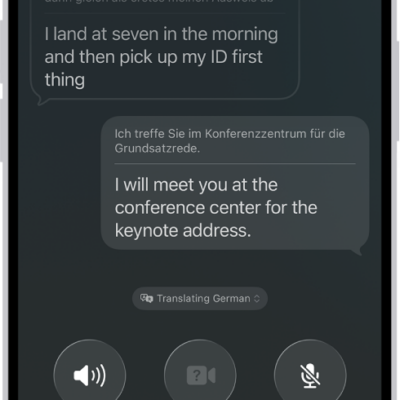
How to see translations during phone calls on iPhone
You can hear and read translations during a phone call with someone who speaks another language with Live Translation on iPhone.
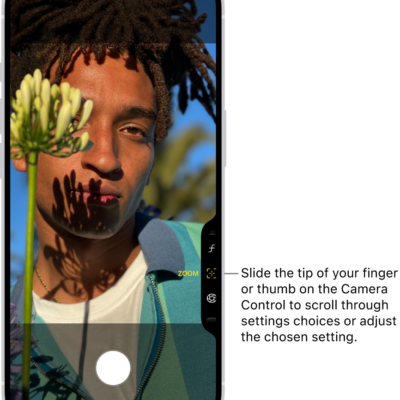
How to use the Camera Control on iPhone
You can use the Camera Control to open Camera, take photos and videos, and adjust camera settings on supported iPhone models.