









GeeksModo Story Archive - October 2026
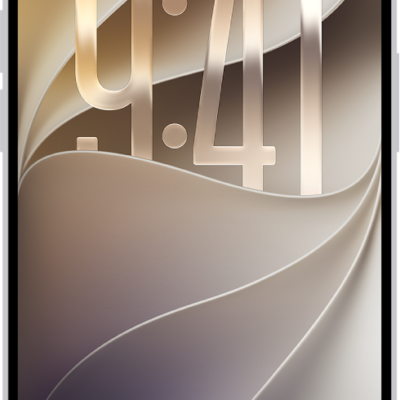
How to summarize notifications and reduce interruptions with Apple Intelligence on iPhone
You can get notification summaries, priority notifications, and the Reduce Interruptions Focus with Apple Intelligence on iPhone.
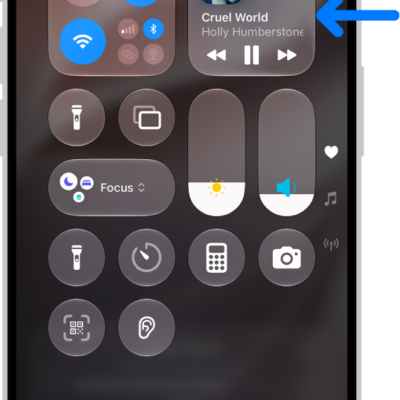
How to use AirPods with iPhone
You can listen to audio, take calls, hear and reply to messages, and more after you pair AirPods with iPhone.
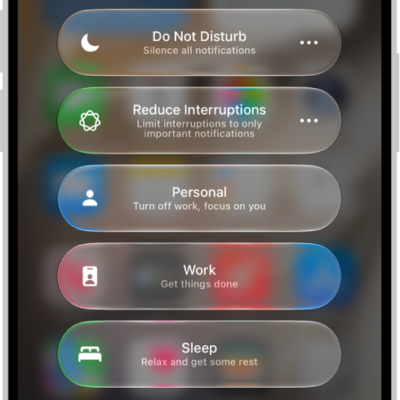
How to turn on or schedule a Focus on iPhone
You can turn on a Focus in Control Center or with Siri on iPhone, schedule it, and turn off or delete it.
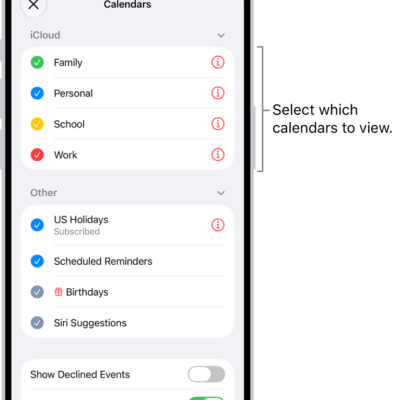
How to share iCloud calendars on iPhone
You can share an iCloud calendar on iPhone with other iCloud users, let them edit events, or share a read-only calendar with anyone.
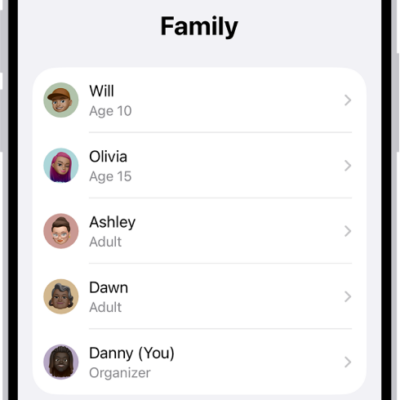
How to set up Family Sharing on iPhone
You can set up Family Sharing on iPhone so you and up to five family members can share Apple services, purchases, and iCloud+ storage.
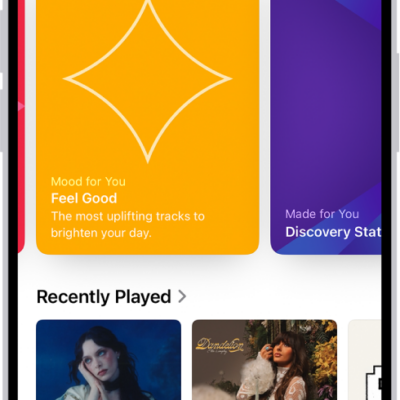
How to see what friends are listening to in Music on iPhone
You can find and follow friends on iPhone to see what they're listening to after you create an Apple Music profile.
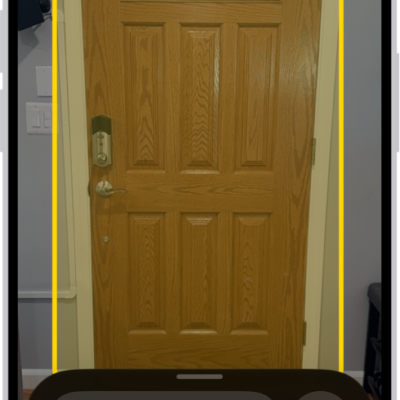
How to detect doors, people, and furniture around you using Magnifier on iPhone
You can detect doors, people, and furniture around you with Magnifier on iPhone, which tells you about them if you're blind or have low vision.
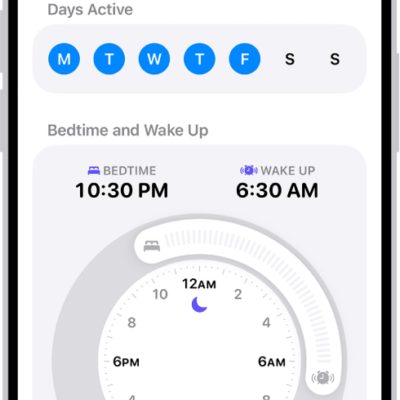
How to set up sleep in Health on iPhone
You can set up sleep schedules in Health on iPhone, choose a wake up alarm, and use a Sleep Focus to cut distractions at bedtime.
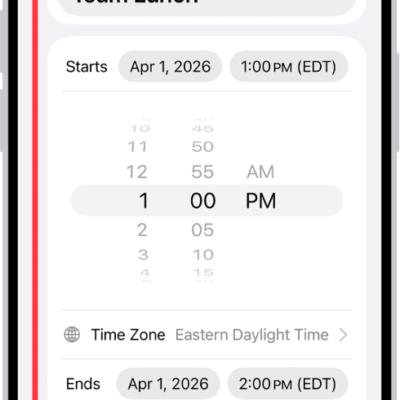
How to send invitations in Calendar on iPhone
You can send meeting and event invitations from Calendar on iPhone with iCloud, Exchange, and some CalDAV accounts, and email attendees.
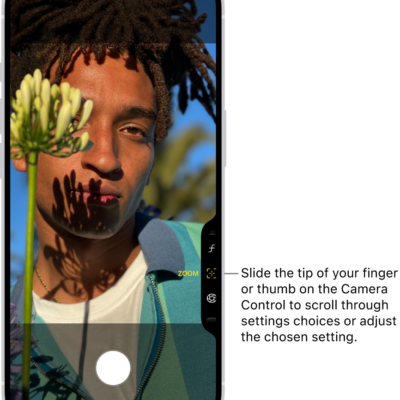
How to use the Camera Control to open another app on iPhone
You can set the Camera Control on supported iPhone models to open Magnifier, the Code Scanner, or another camera app, or turn it off.