









GeeksModo Story Archive - October 2026

How to create a custom iPhone Lock Screen
You can create a custom iPhone Lock Screen with your own wallpaper, photo, font, and widgets, make several, and link one to a Focus.
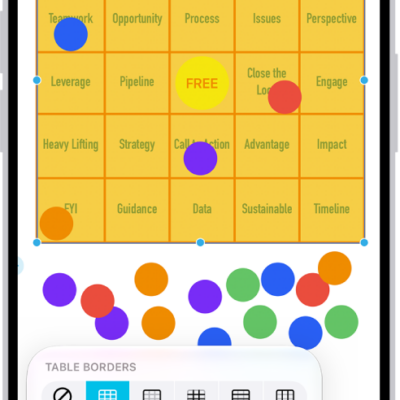
How to add tables to a Freeform board on iPhone
You can add tables to a Freeform board on iPhone, then resize rows and columns, change the style, and format the text in each cell.
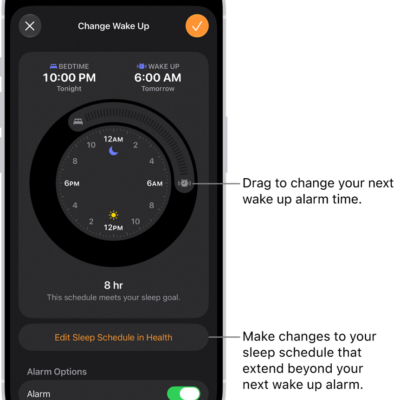
How to set an alarm in Clock on iPhone
You can set alarms in the Clock app on iPhone, repeat them on certain days, change the snooze length and volume, and remove them.
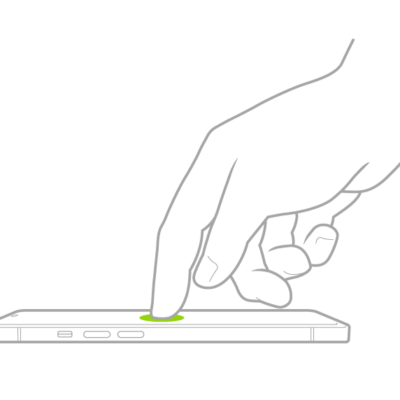
How to customize VoiceOver gestures and keyboard shortcuts on iPhone
You can customize VoiceOver gestures and keyboard shortcuts on iPhone, see the gestures for each command, and turn on Magic Tap.
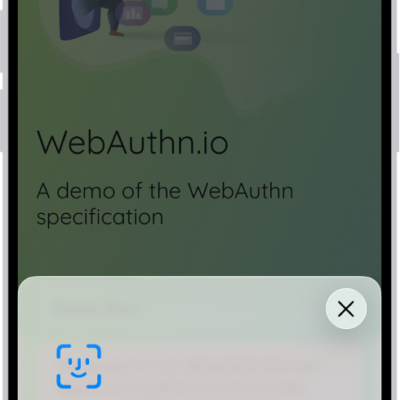
How to use passkeys to sign in to websites and apps on iPhone
You can create and use passkeys on iPhone to sign in to websites and apps without passwords, synced to your devices with iCloud Keychain.
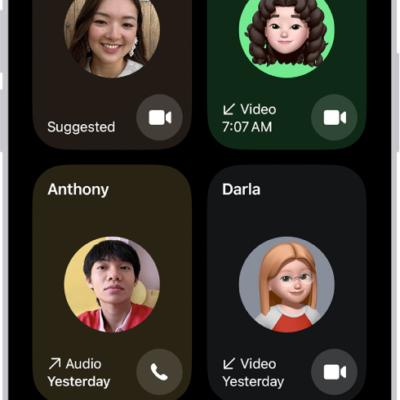
How to make FaceTime calls on iPhone
You can make FaceTime video and audio calls on iPhone, start them from Messages, and record a video message if no one answers.
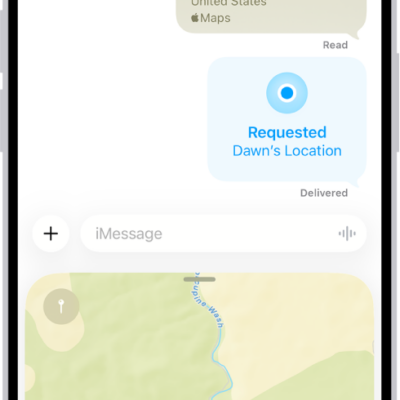
How to share your location in Messages on iPhone
You can share your location in Messages on iPhone, send a pinned location, ask for someone else's, and meet up with a friend.
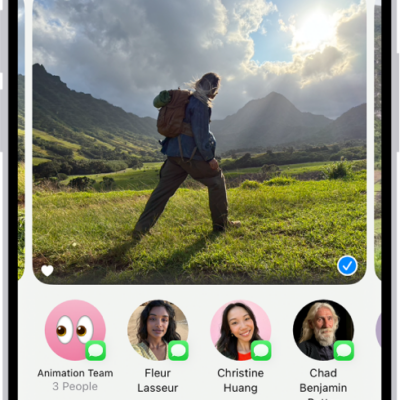
How to print photos on iPhone to an AirPrint-enabled printer
You can print one photo or several at once from the Photos app on iPhone to an AirPrint-enabled printer.
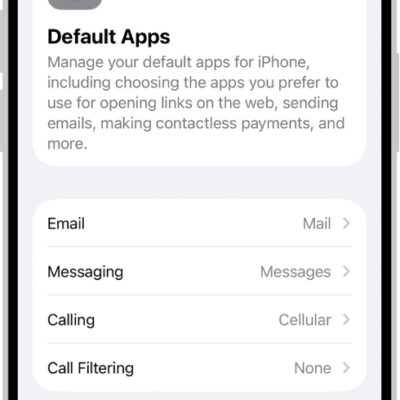
How to change the default apps on iPhone
You can set third-party apps as your defaults on iPhone for email, messaging, calling, web browsing, passwords, keyboards, and more.
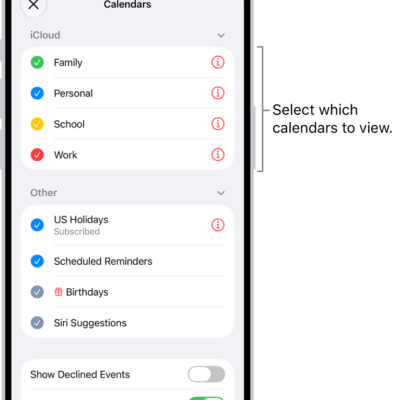
How to change your Calendar settings on iPhone
You can add calendar accounts on iPhone, including iCloud, Google, Exchange, Yahoo, and CalDAV, and change defaults for new events.