









GeeksModo Story Archive - October 2026
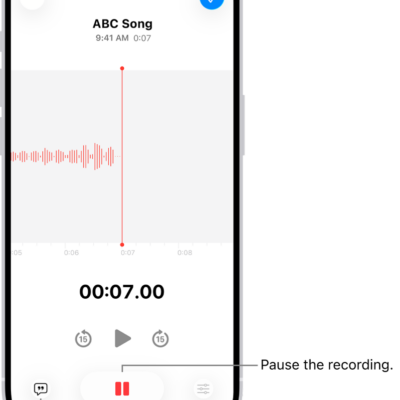
How to edit or delete a recording in Voice Memos on iPhone
You can trim, replace, or record over parts of a Voice Memos recording on iPhone, save it as new, or delete it.
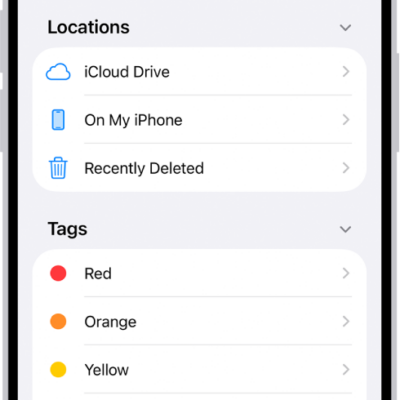
Files app basics on iPhone: find, organize, and share files
You can use the Files app on iPhone to find, view, organize, compress, and share your files, and move them to and from iCloud Drive.
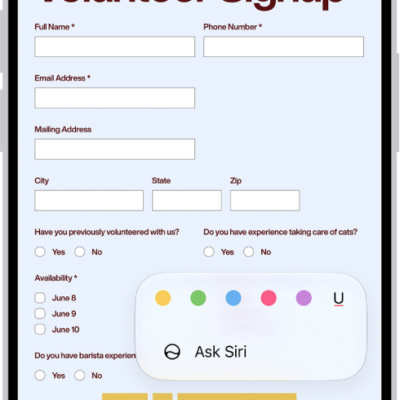
How to fill out forms, sign documents, and create signatures on iPhone
You can fill out forms and sign documents on iPhone, use AutoFill to complete them quickly, and create signatures with Markup.
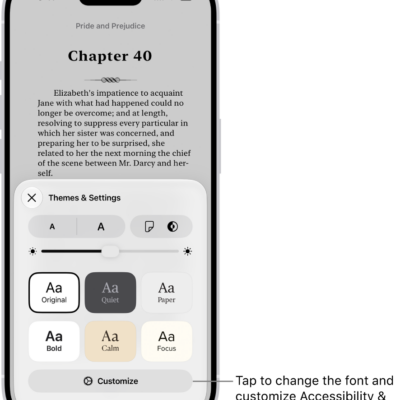
How to read books in the Books app on iPhone
You can read books in the Books app on iPhone, change the text and page appearance, bookmark pages, and turn on Line Guide.
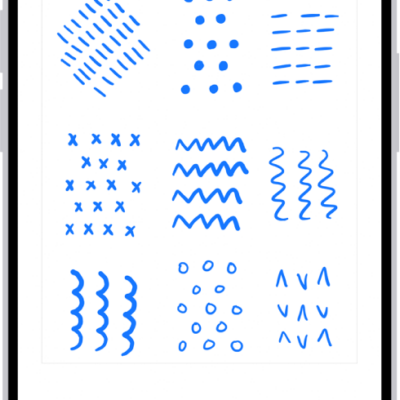
How to add drawings and handwriting in Notes on iPhone
You can draw and handwrite in Notes on iPhone, then select, straighten, and correct your handwriting, or turn sketches into images with Image Wand.
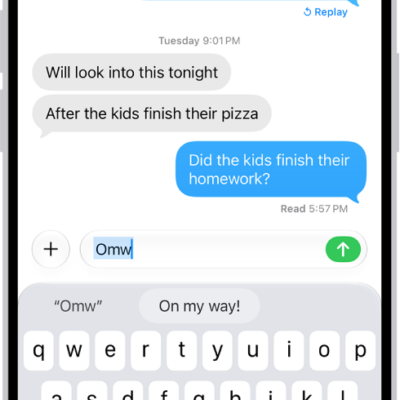
How to set up shorthand for frequently used text on iPhone
You can set up a text replacement on iPhone so a few keys enter long words and phrases, and sync your personal dictionary across devices.
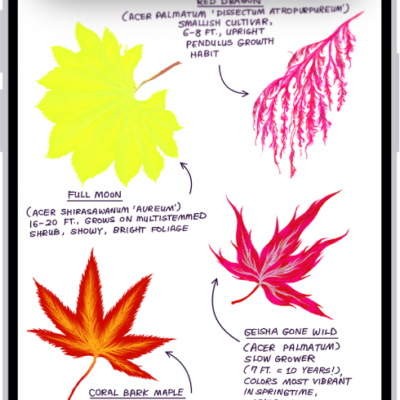
How to share your Accessibility settings with another device on iPhone
You can temporarily share your Accessibility settings from iPhone with another iPhone or iPad, like a friend's, and remove them when you're done.

How to use Siri in your car on iPhone
You can use Siri in your car without looking at your iPhone, even to report traffic incidents with CarPlay or Siri Eyes Free.
How to view a Voice Memos transcription on iPhone
You can view a transcription of your Voice Memos recording on iPhone while you record or after, copy it, and search it.
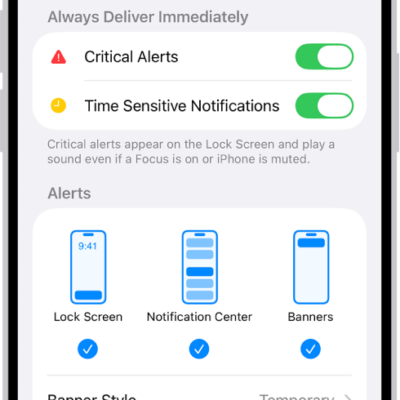
How to view and respond to notifications on iPhone
You can view notifications on iPhone in Notification Center and on the Lock Screen, respond to them, and clear them.