









GeeksModo Story Archive - October 2026
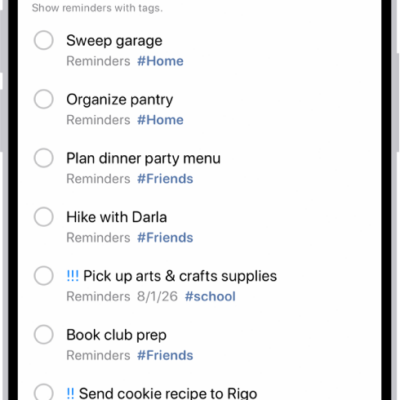
How to tag items in Reminders on iPhone
You can tag reminders on iPhone with tags like #work, then find them with the Tag Browser or Smart Lists, and rename or delete tags.
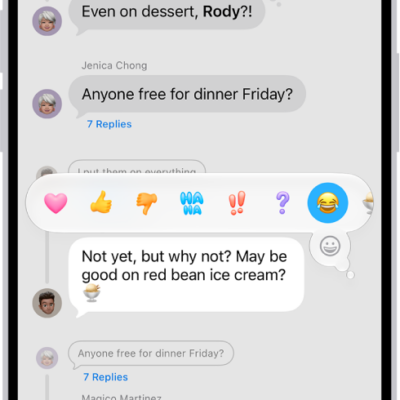
How to react with Tapbacks in Messages on iPhone
You can react to messages on iPhone with Tapbacks like a heart, thumbs-up, or any emoji or sticker, and see who sent a Tapback.
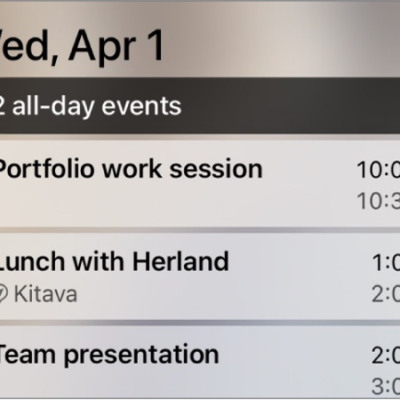
How to customize widgets in CarPlay
You can add, rearrange, and remove CarPlay widgets from your iPhone, and turn on Smart Rotate or Widget Suggestions.
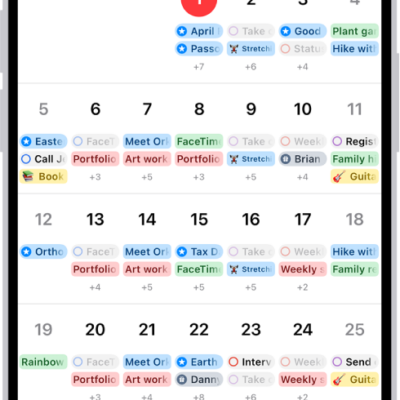
How to change how you view events in Calendar on iPhone
You can view Calendar events on iPhone by month, week, or several days at once, or as a list of upcoming events.

How to create a password for a website or app on iPhone
You can create a strong password for a website or app on iPhone in the Passwords app, or when you sign up for a new account.
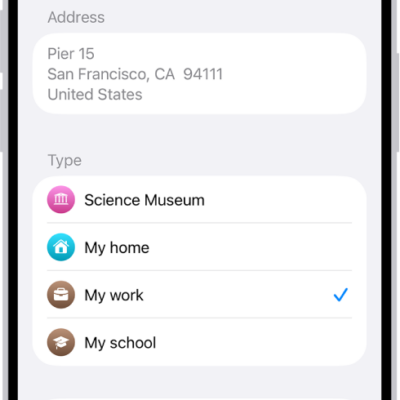
How to set your home, work, or school address in Maps on iPhone
You can set your home, work, or school address in Maps on iPhone for one-tap directions and traffic updates, and change it later.
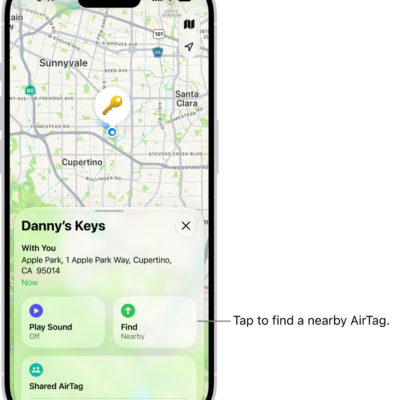
How to locate an AirTag or other item in Find My on iPhone
You can locate a missing AirTag or other registered item in Find My on iPhone, play a sound on it, and find its precise location.
How to mark an AirTag or other item as lost in Find My on iPhone
You can mark an AirTag or other item as lost in Find My on iPhone and add a message with your phone number or email address.
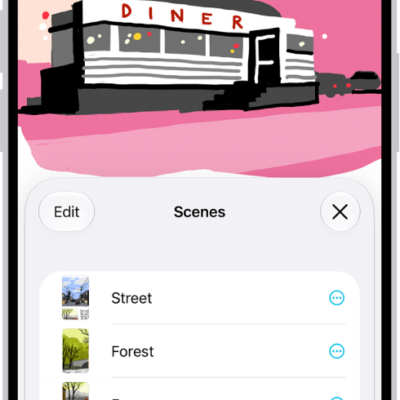
How to navigate and present scenes in your Freeform boards on iPhone
You can set up scenes in Freeform on iPhone to organize a board into sections, then navigate, present, print, or export them.
How to change weak or compromised passwords on iPhone
You can change weak or compromised passwords that iPhone flags, including ones found in data leaks, from the Security section of the Passwords app.