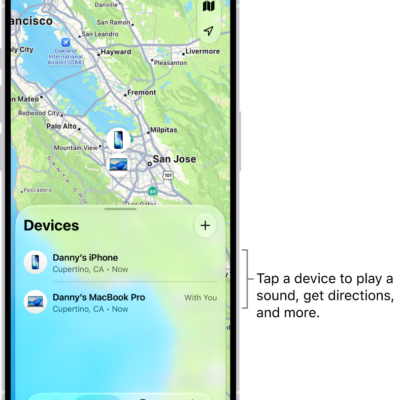
You can use the Find My app to locate a missing AirTag or third-party item that you’ve registered to your Apple Account. If you have an iPhone 15 or later model, you can also find their exact location.
If an item can’t be located, you still see where and when it was last located, and you can turn on Notify When Found. You can also play a sound on the item or get directions to it.
Here’s how to locate an AirTag or other item in Find My on iPhone.
See the location of an item
Tap Items , then tap the item you want to locate.
- If the item can be located: It appears on the map so you can see where it is. The location and timestamp appear below the item’s name. The item’s location is updated when it connects to the Find My network.
- If the item can’t be located: You see where and when it was last located. Below Notifications, turn on Notify When Found. You receive a notification once it’s located again.
Important: Make sure you allow notifications for the Find My app.
Play a sound
When the item is nearby, playing a sound on it can help you find it.
Note: You won’t see the Play Sound button for an item that can’t play a sound.
- Start the Find My app on your iPhone.
- Tap Items and tap the item you want to play a sound on.
- Tap Play.
To stop playing the sound before it ends automatically, tap Stop Sound.
Get directions to an item
The Maps app can also give you directions to an item’s current or last known location.
- Start the Find My app on your iPhone.
- Tap Items and tap the item you want to get directions to.
- Tap Directions to open Maps.
Find the precise location of an AirTag
With a supported iPhone, you can find the precise location of your AirTag when you’re near it.
- Start the Find My app on your iPhone.
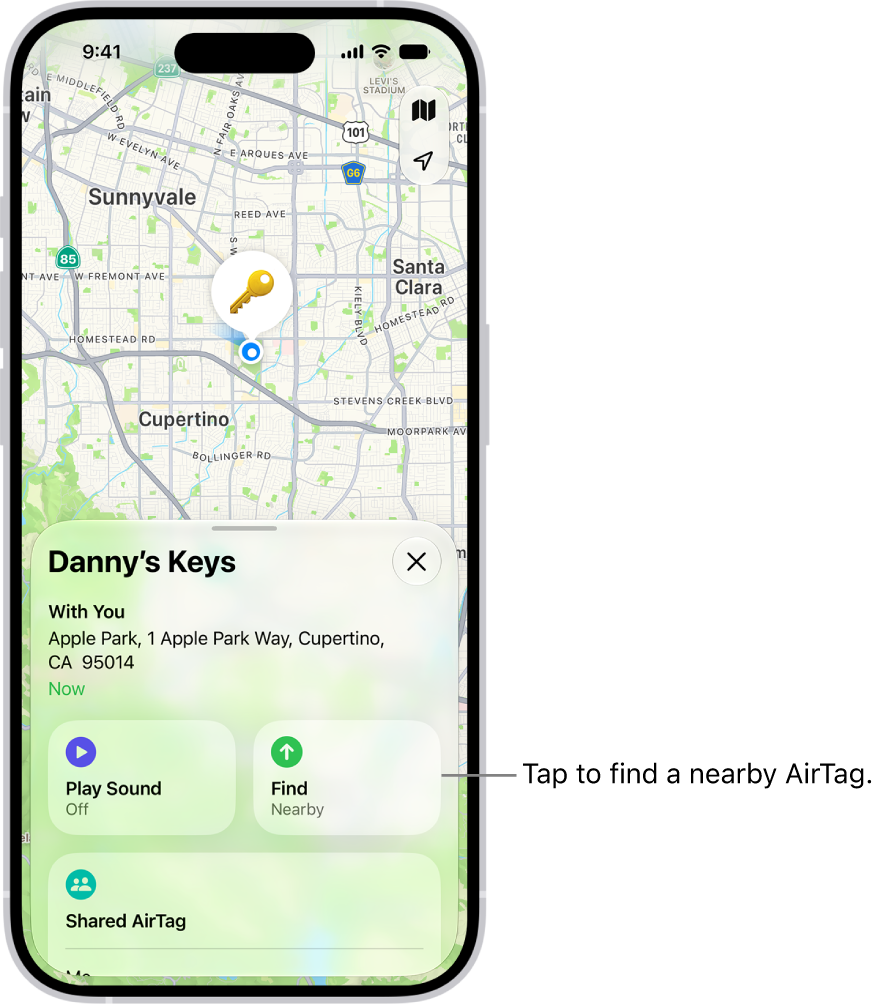
- Tap Items, then tap the nearby AirTag.
-
Tap Find.
-
Do any of the following:
- Move closer to the AirTag: Start moving around to locate the AirTag and follow the onscreen instructions. You may see an arrow pointing in the direction of the AirTag, an approximate distance telling you how far away it is, and a note if it’s located on a different floor.
- Play a sound: Tap the Play Sound button to play a sound on the AirTag.
- When you locate the AirTag, tap the Close button.