









GeeksModo Story Archive - October 2026
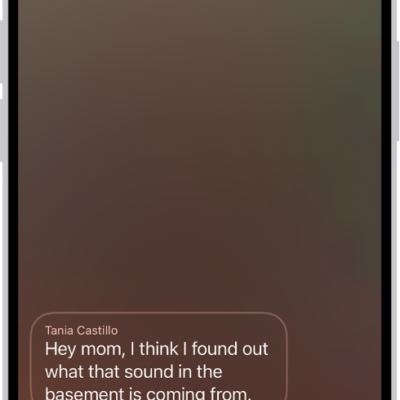
How to change your voicemail greeting and settings on iPhone
You can record a custom voicemail greeting on iPhone, change your voicemail password, and pick a new voicemail alert sound.

How to clean up, extend, and reframe photos on iPhone
You can use Apple Intelligence in Photos on iPhone to remove distractions, extend a photo's background, and reframe its perspective.

How to view photos and Memories on Apple Watch
You can view photos and Memories on Apple Watch, zoom and pan, view Live Photos, and share your favorite shots.
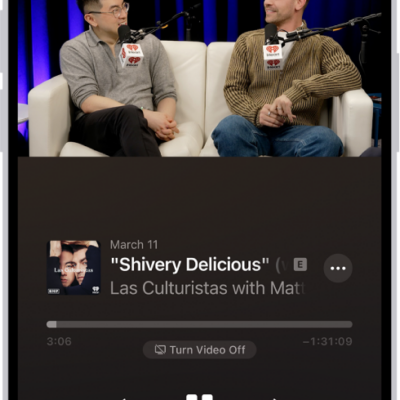
How to view podcast transcripts on iPhone
You can view, interact with, and search podcast episode transcripts in the Podcasts app on iPhone.
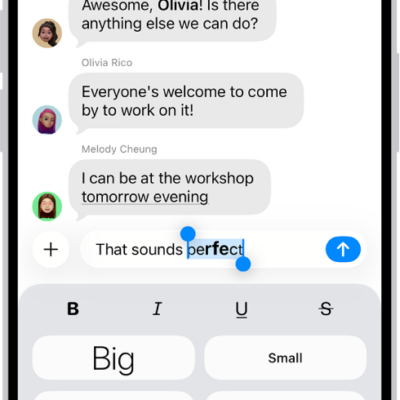
How to format text and animate messages on iPhone
You can format text with bold, italics, and underlining in Messages on iPhone, animate words, add bubble and screen effects, and send GIFs.
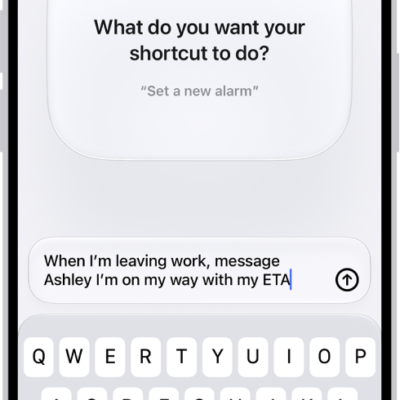
How to use Shortcuts to automate tasks on iPhone
You can use Shortcuts to automate tasks on iPhone with a tap or Siri, using ready-made shortcuts from the Gallery or your own.
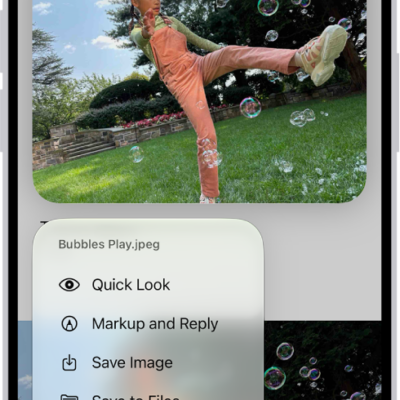
How to add email attachments in Mail on iPhone
You can attach photos, videos, documents, scans, and drawings to an email in Mail on iPhone, and send large files with Mail Drop.
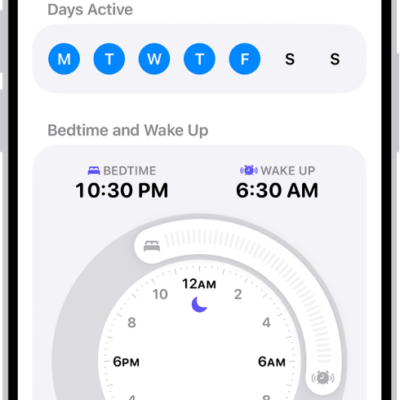
How to edit sleep schedules in Health on iPhone
You can add and change sleep schedules in Health on iPhone, set different ones for weekdays and weekends, and adjust wind-down and sleep goals.
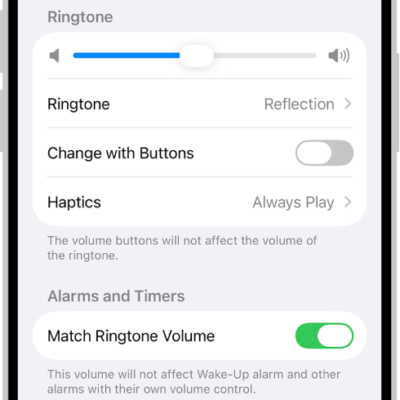
How to get ringtones, text tones, and alert tones in the iTunes Store on iPhone
You can buy ringtones, text tones, and alert tones in the iTunes Store on iPhone, and redownload tones you bought on another device.
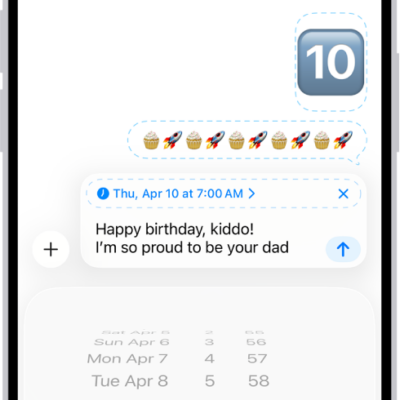
How to schedule a text message on iPhone to send later
You can schedule a text message on iPhone up to 14 days ahead, then edit, delete, or reschedule it before it's sent.