









GeeksModo Story Archive - October 2026

How to install or remove configuration profiles on iPad
You can install or remove configuration profiles on iPad for corporate or school networks, and see installed profiles in Settings.
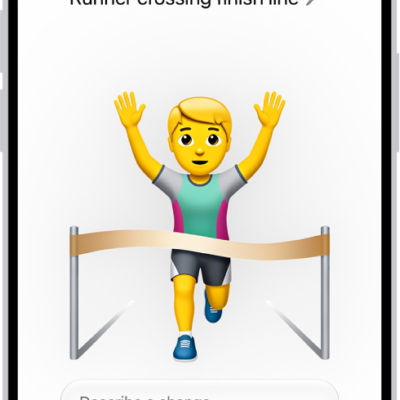
How to create your own emoji with Genmoji on iPhone
You can create Genmoji on iPhone from a description, existing emoji, or a photo, and use them in messages with Apple Intelligence.
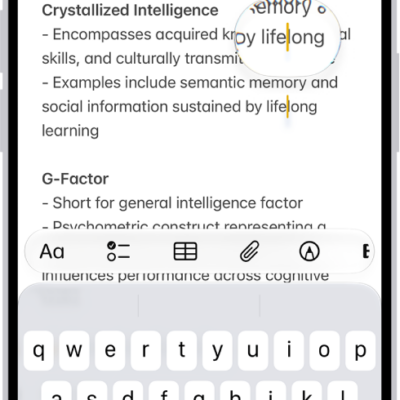
How to view a larger version of text you’re reading or typing on iPhone
You can see larger versions of text under the pointer or text you're typing with Hover Text and Hover Typing on iPhone.
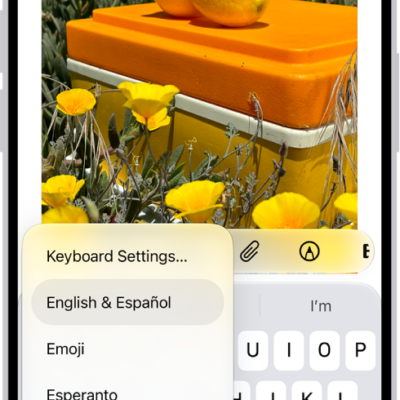
How to adjust the onscreen and external keyboard settings for accessibility on iPhone
You can set the iPhone keyboard to show only uppercase letters, and use Key Repeat, Sticky Keys, and Slow Keys with an external keyboard.
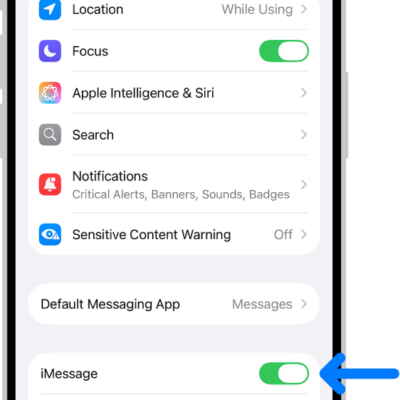
How to turn read receipts on or off in Messages on iPhone
You can turn read receipts on or off in Messages on iPhone for everyone or for one person, so senders see when you've read a text.
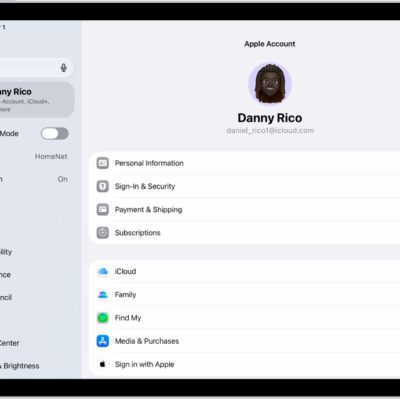
How to use two-factor authentication for your Apple Account on iPad
You can use two-factor authentication for your Apple Account on iPad to help prevent others from accessing your account.

How to adjust iPhone display and text settings
You can change the text size, make text bold, choose a look for Liquid Glass, and turn on Display Zoom on iPhone.
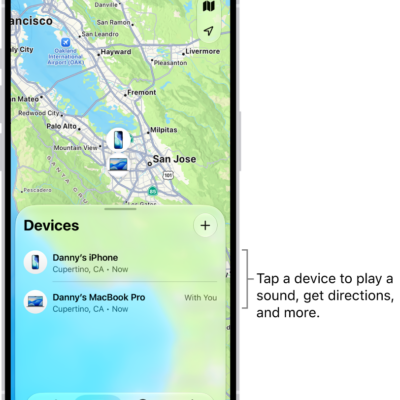
How to mark a device as lost in Find My on iPhone
You can mark a missing iPhone, iPad, Mac, Apple Watch, or AirPods as lost in Find My on iPhone and show a message with your contact info.
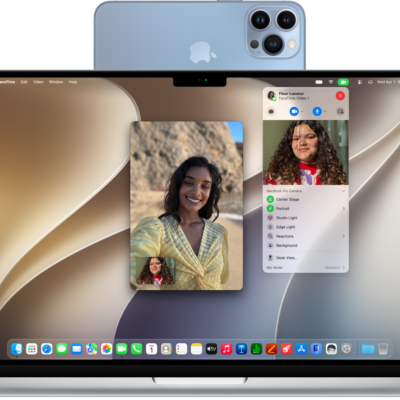
How to use your iPhone as a webcam on Mac
You can use your iPhone as a webcam or microphone for your Mac, wirelessly or with a cable, and use Desk View with Continuity Camera.
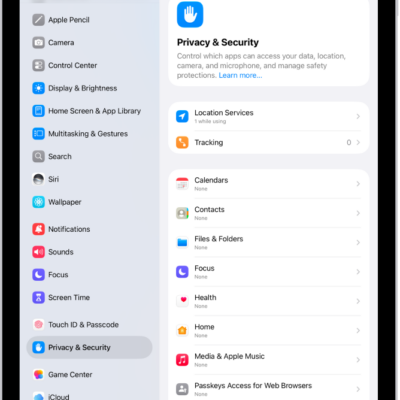
How to control access to information in apps on iPad
You can control access to information in apps on iPad, review which apps can use Contacts, Photos, and Calendar, and see how they use it.