









GeeksModo Story Archive - October 2026
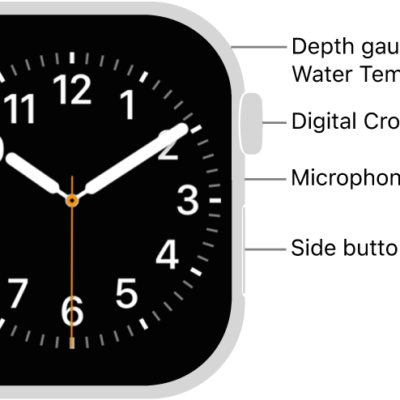
How to find more resources for Apple Watch software and service
You can find more resources for Apple Watch software and service, including where to get software and service information.
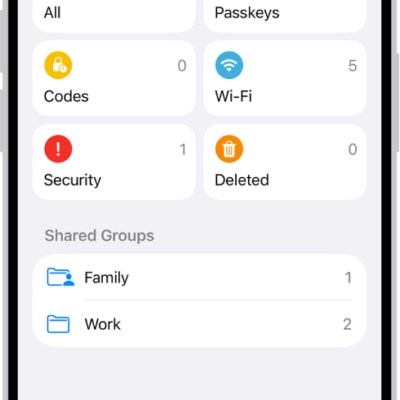
How to share passwords and passkeys with people you trust on iPhone
You can create a shared password group on iPhone to share passwords, passkeys, and Sign in with Apple credentials with people you trust.
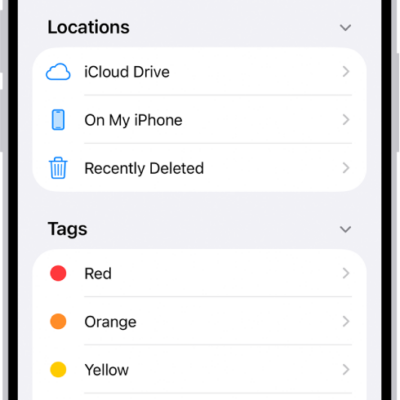
How to connect external storage devices to iPhone
You can connect external storage devices like USB drives and SD cards to iPhone, then open and manage their files in the Files app.
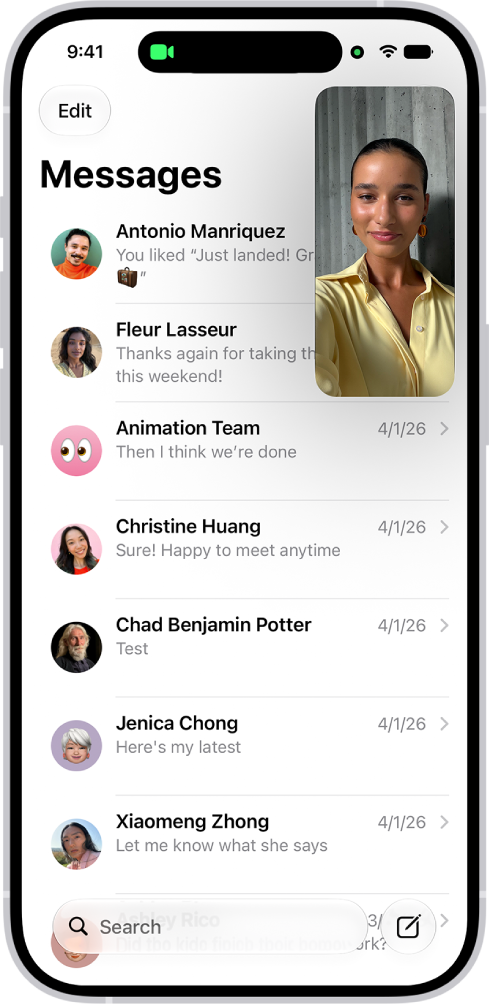
How to multitask with Picture in Picture on iPhone
You can keep watching a video or stay on a FaceTime call while you use other apps with Picture in Picture on iPhone.

How to explore maps with immersive views on iPhone
You can explore cities in 3D detail in Maps on iPhone, zoom into satellite views, and move through 360-degree views with Look Around.

How to use Photographic Styles with your iPhone camera
You can use Photographic Styles on supported iPhone models to adjust colors in your photos for a custom look, and edit them later in Photos.
How to use security keys to sign in to your Apple Account on iPhone
You can use security keys to sign in to your Apple Account on iPhone, replacing verification codes for extra protection from targeted attacks.
How to change the name of your iPhone
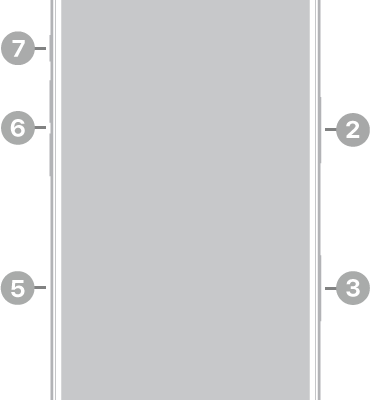
You can change your iPhone's name, which is used by iCloud, AirDrop, Bluetooth, your Personal Hotspot, and your computer.
How to set Screen Time Schedules and Time Allowances in Screen Time on iPhone
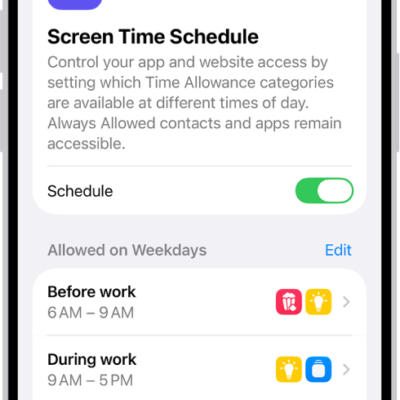
You can set Schedules for when you use apps, Time Allowances for how long, and apps to always allow with Screen Time on iPhone.
How to control your Apple Watch and smart home accessories with Siri
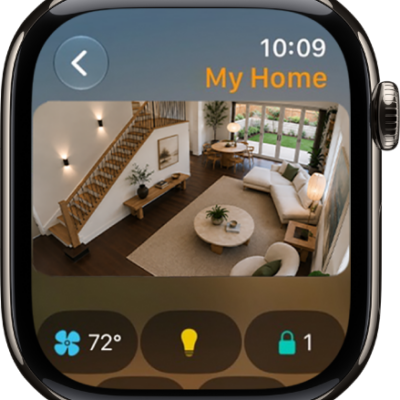
You can control your Apple Watch and smart home accessories with Siri, open apps, change settings, and turn on lights with your voice.