









GeeksModo Story Archive - October 2026
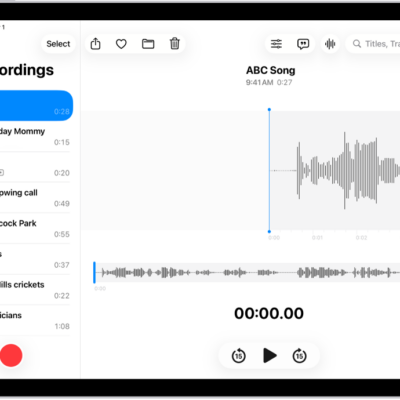
How to keep recordings up to date in Voice Memos on iPad
You can keep recordings up to date in Voice Memos on iPad across your iPhone, iPad, and Mac with iCloud.
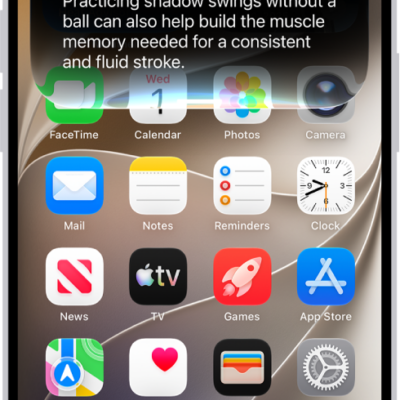
How to change Siri accessibility settings on iPhone
You can change Siri accessibility settings on iPhone, including how long Siri waits, how fast it speaks, typing to Siri, and atypical speech.
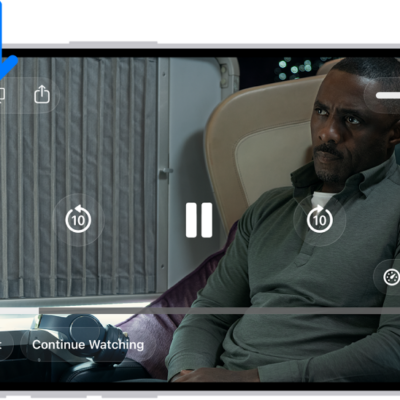
How to hear audio descriptions for video content on iPhone
You can turn on audio descriptions on iPhone to hear a narration of what's happening in a video if you can't see your screen.
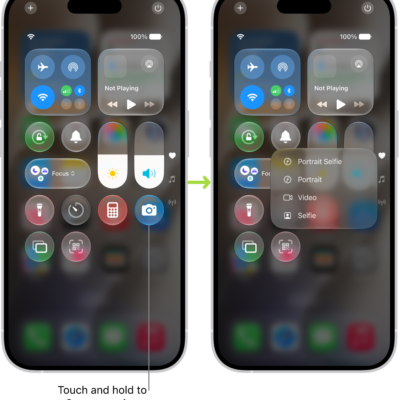
How to use and customize Control Center on iPhone
You can use and customize Control Center on iPhone for quick access to Airplane Mode, flashlight, volume, and more.
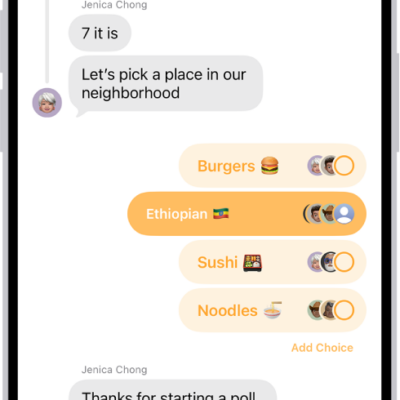
How to poll people in Messages on iPhone
You can start a poll in any iMessage conversation on iPhone, add options, vote, and check the results, or let Apple Intelligence suggest one.
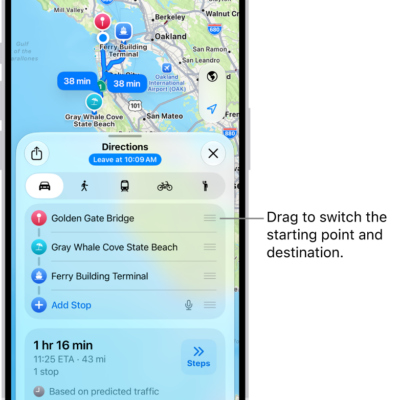
How to change or add stops to your route in Maps on iPhone
You can change the start or destination of a route in Maps on iPhone, plan a route with up to 14 stops, and add stops on the way.
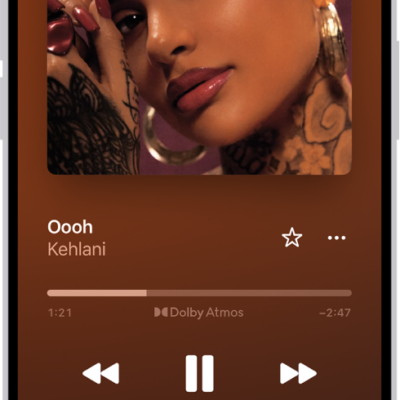
How to play audio from iPhone on HomePod and other wireless speakers
You can play audio from iPhone on HomePod, Apple TV 4K, AirPlay 2 smart TVs, and Bluetooth speakers, and on several devices at once.
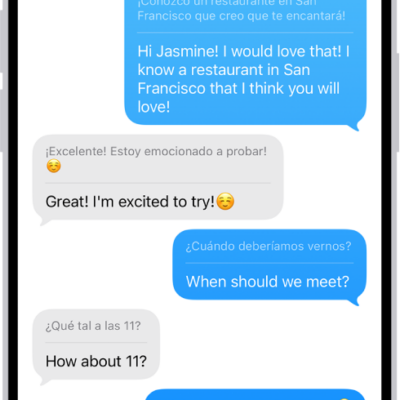
How to change your Translate settings on iPhone
You can download languages for the Translate app on iPhone, choose when to use on-device translation, and pick a default translation app.
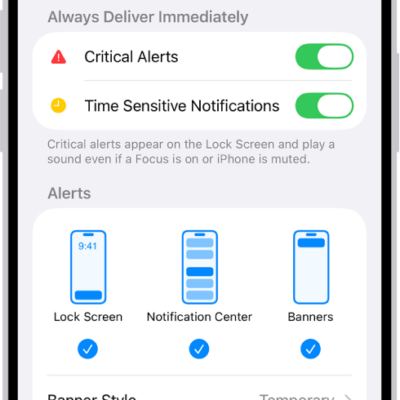
How to flash the iPhone screen or indicator light for notifications
You can make the iPhone indicator light, the screen, or both flash when you get a notification, which helps if you can't hear alerts.
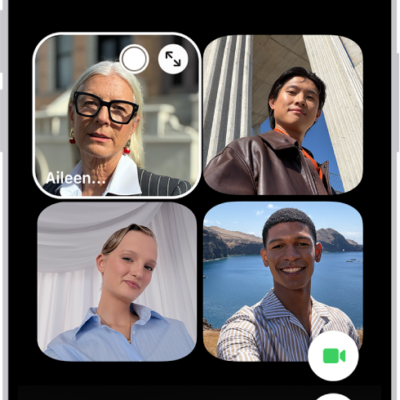
How to request or give remote control in a FaceTime call on iPhone
You can request control of someone's screen or let a trusted person control yours during a one-to-one FaceTime call on iPhone.