How to hear audio descriptions for video content on iPhone
If you can’t see your screen and your content includes audio descriptions, you can listen to an audio description, a separate audio track that narrates or describes the visual content of a clip, show, or movie. You turn on Audio Descriptions in Accessibility settings.
- Open Settings, tap Accessibility, and then tap Audio Descriptions.
- Turn on Audio Descriptions.
Read Next
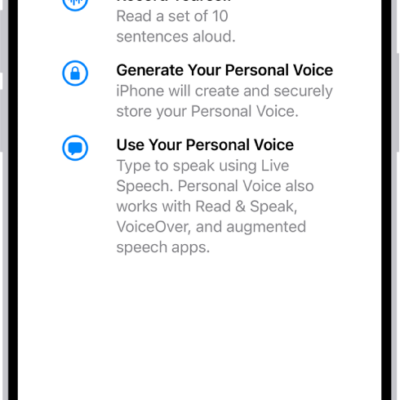
You can use speech accessibility features on iPhone, including Live Speech, Personal Voice, Voice Control, Vocal Shortcuts, and Siri options.
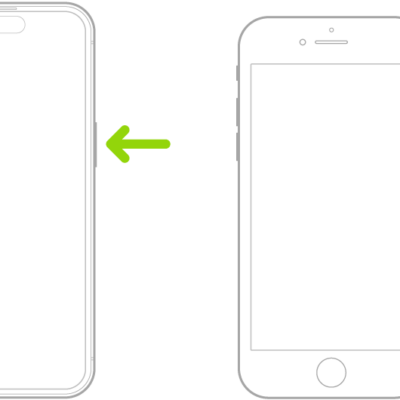
You can quickly turn accessibility features on or off on iPhone with a triple-click, the Action button, Back Tap, Control Center, or Siri.
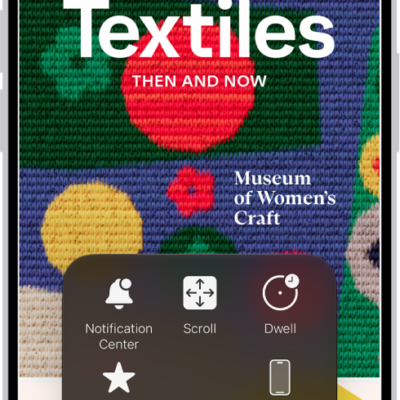
You can replace gestures with a tap or a sound, press buttons onscreen, and use an adaptive accessory with AssistiveTouch on iPhone.