









GeeksModo Story Archive - October 2026
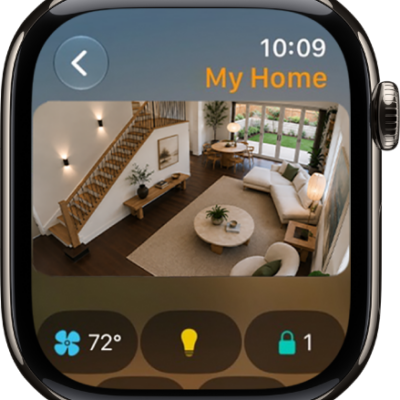
How to control your home with Apple Watch
You can control your home with Apple Watch, use accessories and scenes, send intercom messages, and view your HomeKit Secure Video cameras.
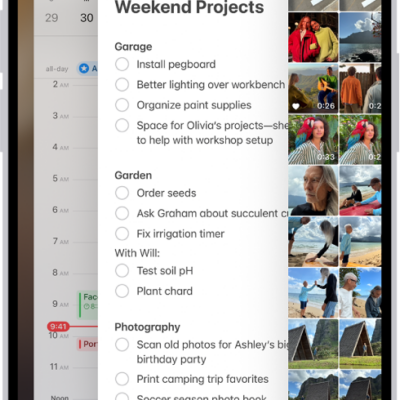
How to switch between open apps on iPhone
You can switch between open apps on iPhone with the App Switcher, or with a swipe on an iPhone with Face ID.
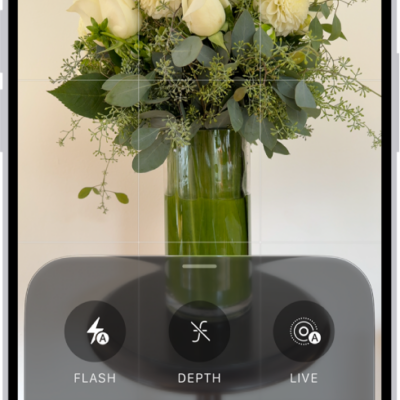
How to capture a verifiable photo with Apple Reference Image
You can use Apple Reference Image to take a photo that also captures signed, original data from the Main camera sensor on iPhone 18 Pro models.
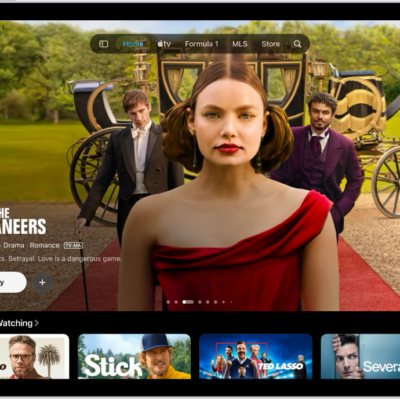
How to watch TV in the Apple TV app on iPad
You can watch TV in the Apple TV app on iPad, streaming TV shows, movies, and sports, and downloading episodes or seasons.
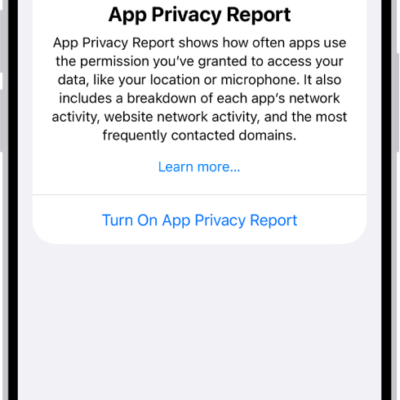
How to control access to information in apps on iPhone
You can control access to information in apps like Contacts, Photos, and Calendar on iPhone, and check how apps use the access you grant.
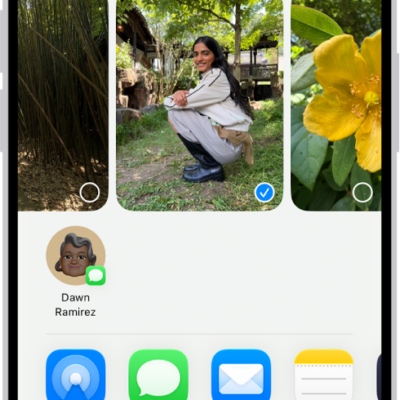
How to contribute to a shared album on iPhone
You can add photos and videos to a shared album on iPhone, react and comment, delete what you added, and save shared photos to your library.
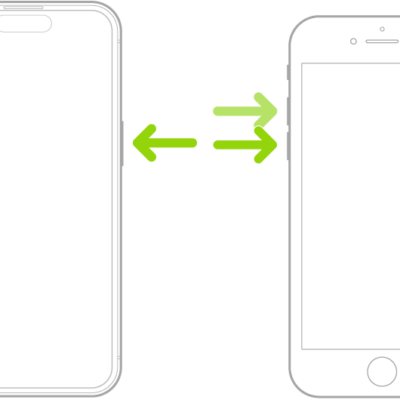
How to force restart iPhone
You can force it to restart with the volume and side buttons if your iPhone isn't responding and you can't turn it off and on.

How to import and export photos and videos on iPhone
You can import photos and videos to iPhone from a camera, SD card, or another device, and export originals to an external drive.
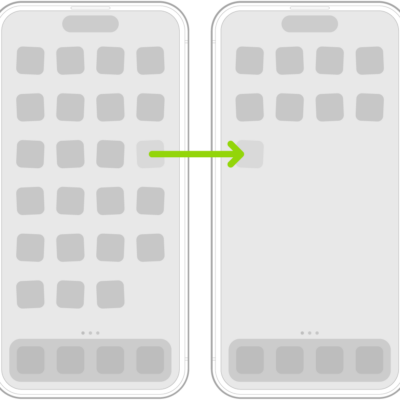
How to move apps and widgets on the iPhone Home Screen
You can move apps and widgets anywhere on the iPhone Home Screen, hide Home Screen pages, and reset the layout to the original.