









GeeksModo Story Archive - October 2026
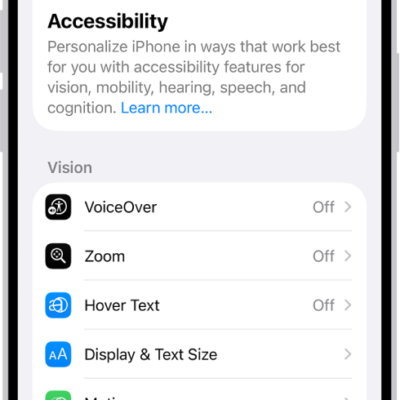
What Switch Control is and how it works on iPhone
You can use Switch Control on iPhone with one or more switches, from an adaptive button to a head movement or a sound.
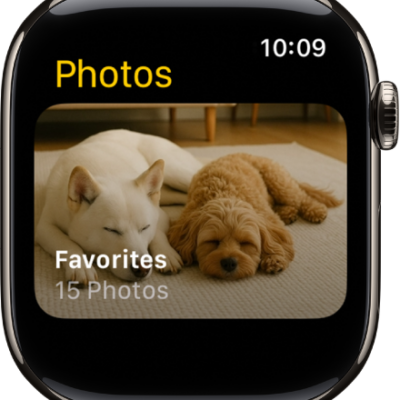
How to choose a photo album and manage storage on Apple Watch
You can choose a photo album for Apple Watch, show featured photos and Memories, stop photo syncing, and limit photo storage.
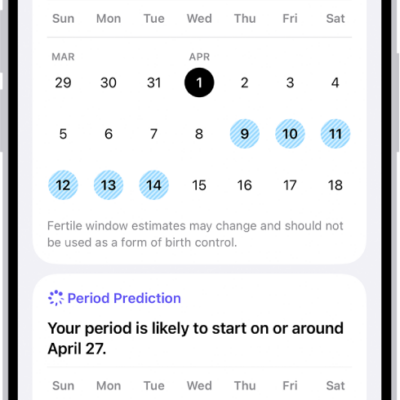
How to track menopause stages in Health on iPhone
You can track perimenopause and menopause stages in Health on iPhone, log symptoms and bleeding, and find educational resources.
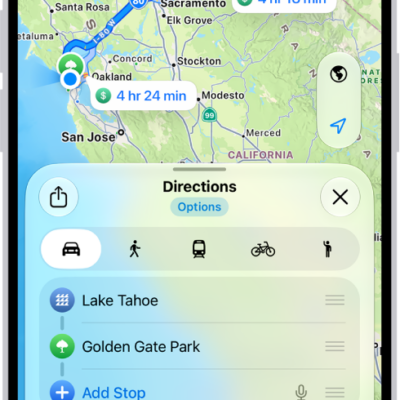
How to get walking directions in Maps on iPhone
You can get walking directions in Maps on iPhone, preview the elevation, and avoid hills, stairs, or busy roads.
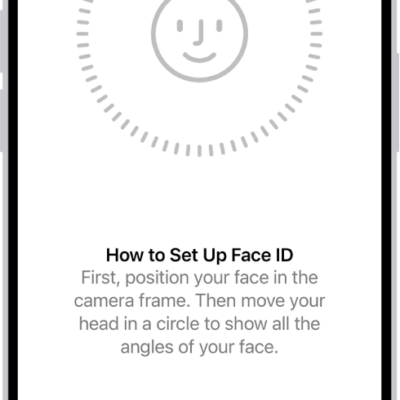
How to change Face ID and attention settings on iPhone
You can set up Face ID without moving your head and change attention-aware settings on iPhone if you have physical or vision limitations.
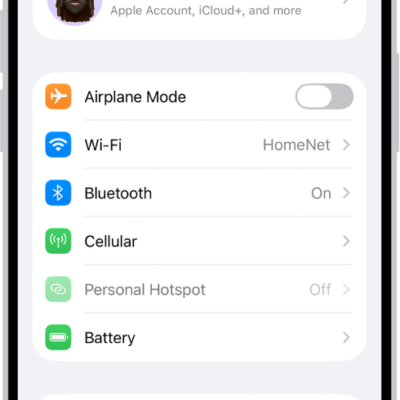
How to make calls using Wi-Fi on iPhone
You can turn on Wi-Fi Calling on iPhone to make and receive calls over a Wi-Fi network when your cellular signal is low.
How to send and receive audio messages in Messages on iPhone
You can record and send audio messages with transcripts in Messages on iPhone, keep them, and play them with Raise to Listen.
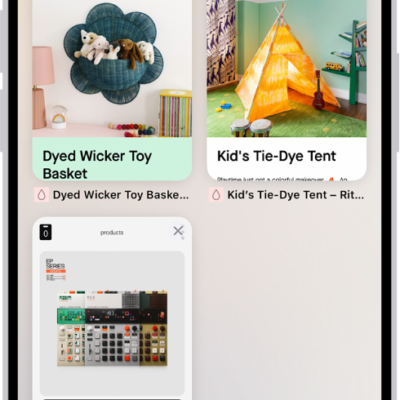
How to organize your tabs in Safari on iPhone
You can organize tabs in Safari on iPhone into Tab Groups, pin and reorder tabs, and let Apple Intelligence sort them into topics.
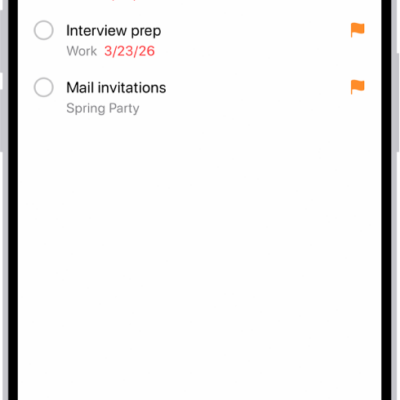
How to use Smart Lists in Reminders on iPhone
You can use Smart Lists in Reminders on iPhone to filter items by tags, dates, locations, flags, and priority, or convert a list.
How to create and send Memoji in Messages on iPhone
You can design your own Memoji in Messages on iPhone, create several, and send animated Memoji that mirror your voice and expressions.