









GeeksModo Story Archive - October 2026
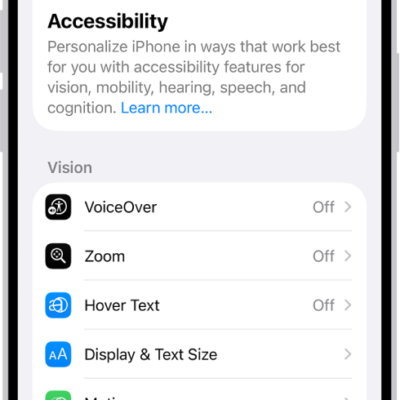
How to use Vocal Shortcuts on iPhone
You can teach iPhone to perform an action when you say a word or make a sound of your choosing with Vocal Shortcuts on iPhone.
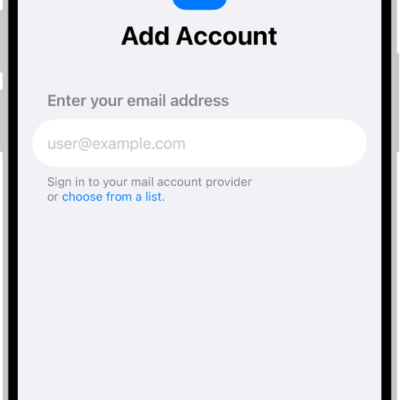
How to set up a custom email domain with iCloud Mail on iPhone
You can add or buy a custom email domain for iCloud Mail on iPhone and create addresses for it if you subscribe to iCloud+.
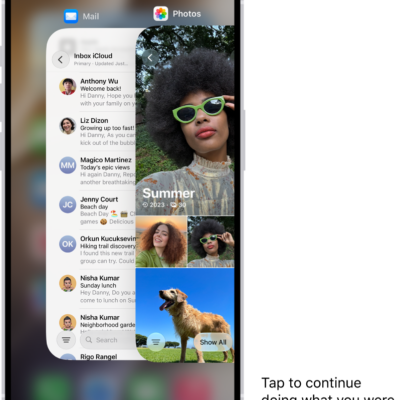
How to set up iPhone Handoff on iPhone
You can use the same phone number on two iPhones and switch between them, with your calls and messages following you with iPhone Handoff.
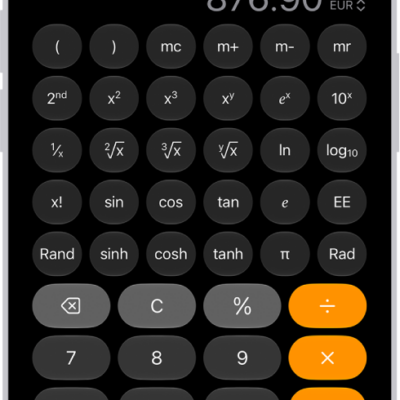
How to convert units or currency in Calculator on iPhone
You can convert length, weight, currency, and more in the Calculator app on iPhone, and swap the units with a tap.
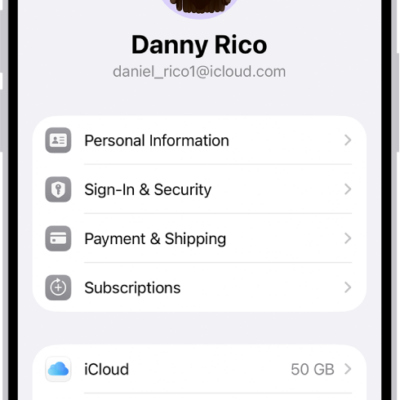
How to use two-factor authentication for your Apple Account on iPhone
You can use two-factor authentication for your Apple Account on iPhone, so signing in takes your password and a six-digit code.
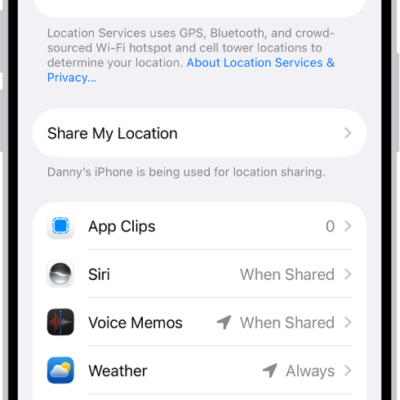
How to control the location information you share on iPhone
You can control the location information you share on iPhone, turning Location Services on or off and changing each app's access.
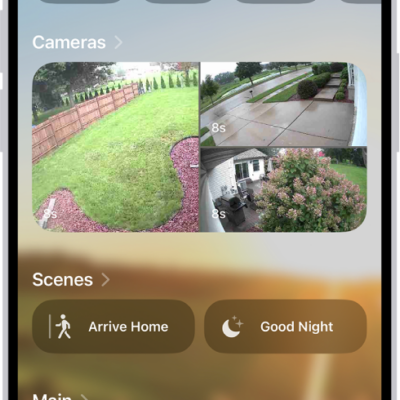
How to invite others to control accessories in your home on iPhone
You can invite residents to control your home accessories in the Home app on iPhone, or give guests scheduled access to doors and locks.
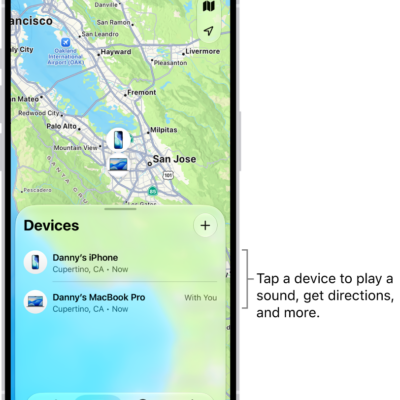
How to set separation alerts in case you leave a device behind in Find My on iPhone
You can turn on separation alerts in Find My on iPhone so you don't leave a device behind, and set Trusted Locations where alerts don't appear.
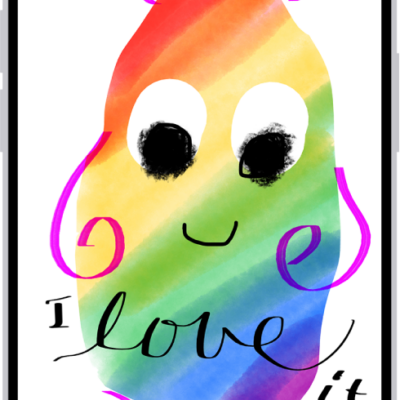
How to draw and create images in Messages on iPhone
You can send drawings, doodles, and Digital Touch effects in Messages on iPhone, and create images with Image Playground.
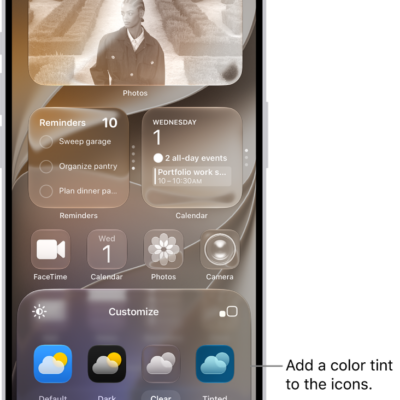
How to customize apps and widgets on the iPhone Home Screen
You can customize app icons and widgets on your iPhone Home Screen: make them larger, tint them, or switch to a dark or clear look.