









GeeksModo Story Archive - October 2026
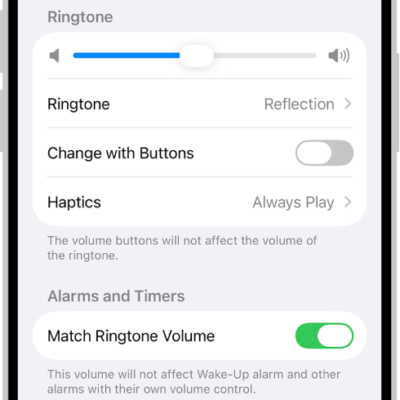
How to change iPhone sounds and vibrations
You can change your iPhone ringtone, alert sounds, and vibration patterns, create your own vibration, and give contacts their own tones.
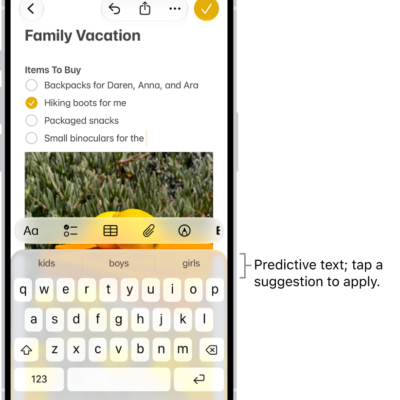
How to type to speak using Live Speech on iPhone
You can type to speak using Live Speech on iPhone, so what you type is spoken out loud in conversations and FaceTime calls.
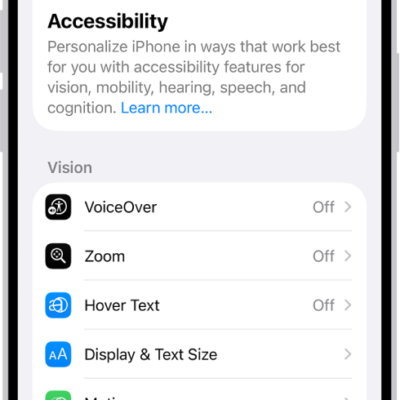
How to write with your finger in VoiceOver on iPhone
You can write characters with your finger, enter your passcode silently, and open apps with handwriting mode in VoiceOver on iPhone.
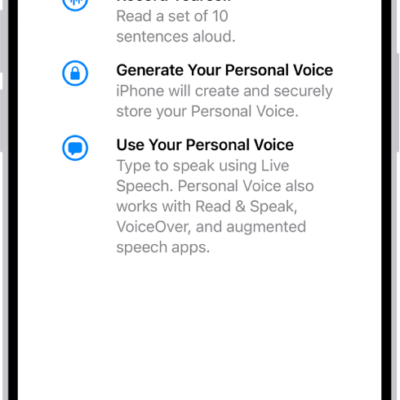
How to record your Personal Voice on iPhone
You can record a Personal Voice on iPhone that sounds like you and use it with Live Speech and calls if you're at risk of speech loss.
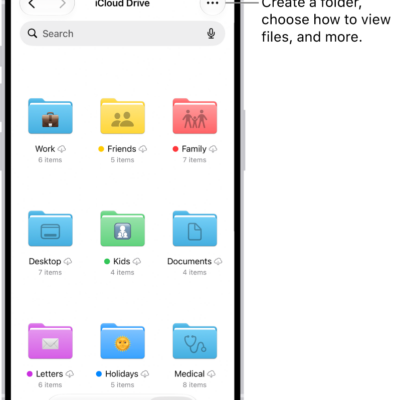
How to share files and folders in iCloud Drive on iPhone
You can share files and folders in iCloud Drive on iPhone, collaborate with others, send copies, and change sharing settings.
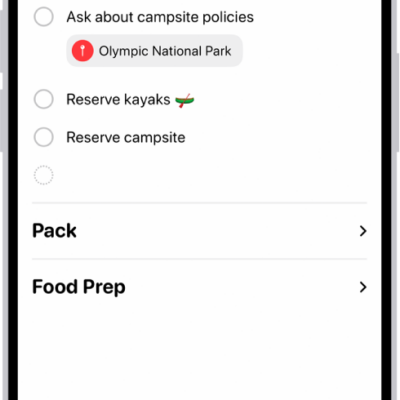
How to delete or recover items in Reminders on iPhone
You can delete items in Reminders on iPhone, undo a deletion right away, or recover items from Recently Deleted within 30 days.
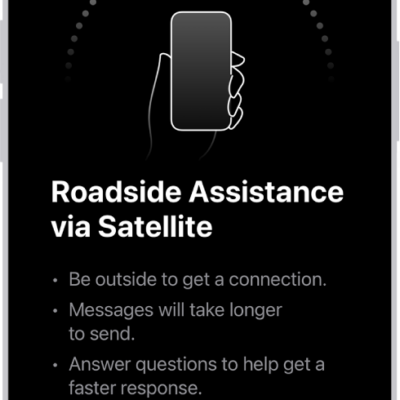
How to request Roadside Assistance via satellite on your iPhone
You can request Roadside Assistance via satellite from Messages on iPhone when you're outside cellular and Wi-Fi coverage on supported models.
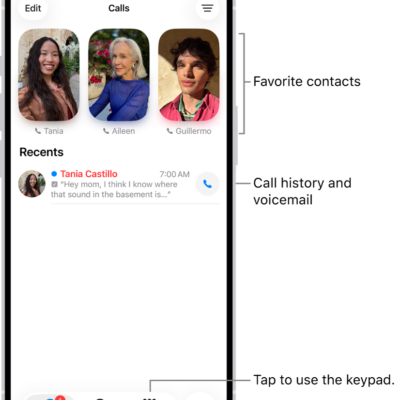
How to make a call on iPhone
You can make a call on iPhone by dialing the keypad, tapping a favorite or recent call, or choosing a contact, and with Siri.
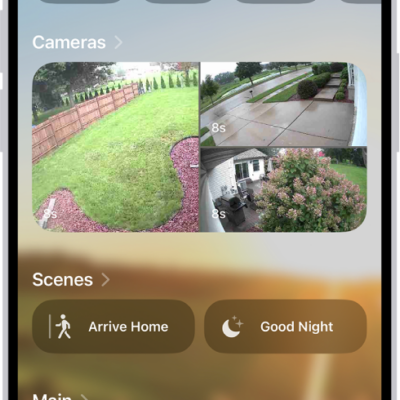
How to use Apple Intelligence with Home cameras and notifications on iPhone
You can use Apple Intelligence with Home cameras and notifications on iPhone for video descriptions, natural-language search, and fewer alerts.
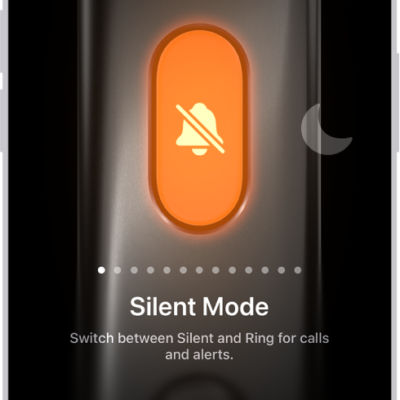
How to use and customize the Action button on iPhone
You can choose what the Action button does when you press it, and change it any time in Settings on supported iPhone models.