









GeeksModo Story Archive - October 2026
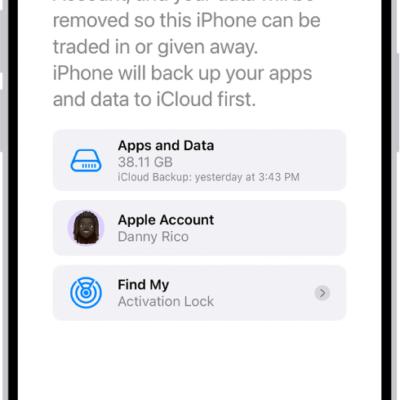
How to erase iPhone
You can erase your iPhone and restore it to factory settings from Settings or from your Mac or Windows device, and keep or erase your eSIM.
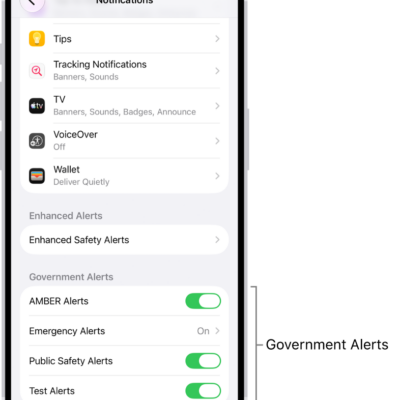
How to change notification settings on iPhone
You can choose how and when notifications appear on iPhone, which apps send them, what they sound like, and turn on government alerts.
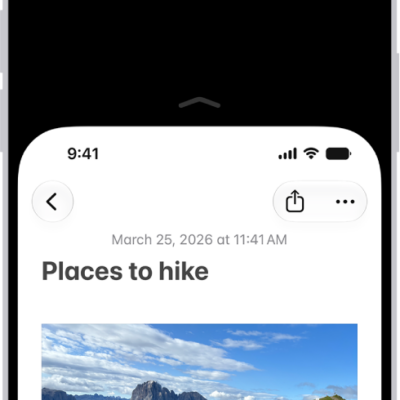
How to adjust how iPhone responds to your touch
You can change Touch Accommodations, Haptic Touch, Tap to Wake, and Shake to Undo so your iPhone responds better to your touch.
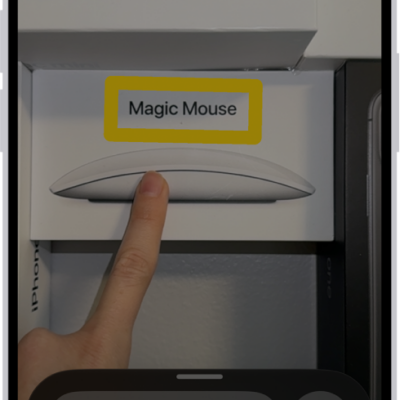
How to detect text around you and have it read out loud using Magnifier on iPhone
You can use Magnifier on iPhone to read nearby text out loud, or point at the exact text you want if you're blind or have low vision.
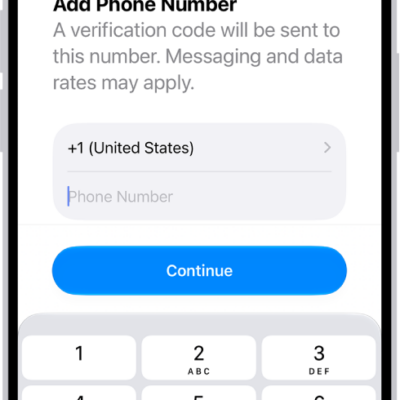
How to view or change cellular data settings on iPhone
You can turn cellular data on or off on iPhone, manage roaming, and see and limit how much data each app uses.

How to control a nearby Apple device with iPhone
You can use Control Nearby Devices on iPhone to remotely control another Apple device signed in to your Apple Account, including media controls.
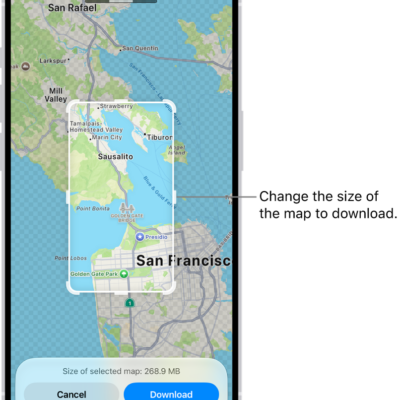
How to download offline maps on iPhone
You can download offline maps on iPhone to get directions, see place details, and check your arrival time without Wi-Fi or cellular.
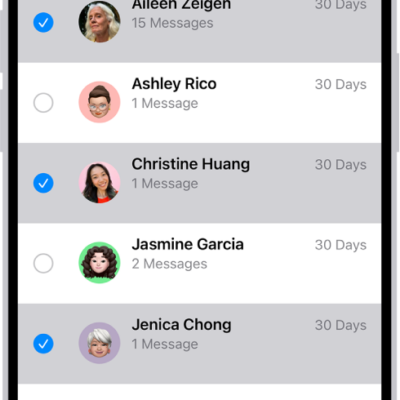
How to recover deleted messages in Messages on iPhone
You can recover text messages you deleted on iPhone for up to 30 days from Recently Deleted in Messages.
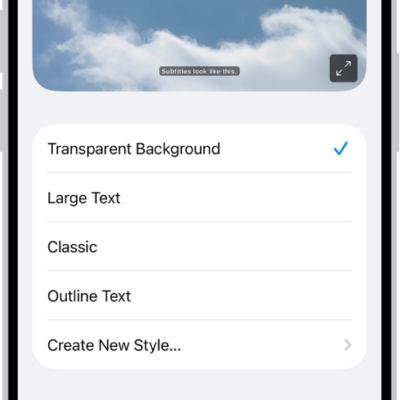
How to display subtitles and captions on iPhone
You can turn on subtitles, closed captions, and transcriptions on iPhone, including generated subtitles on supported models.
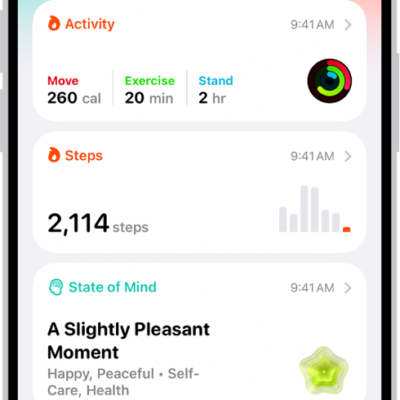
How to download health records on iPhone
You can download health records to the Health app on iPhone with a QR code or link, or set up automatic downloads from your provider.