









GeeksModo Story Archive - October 2026
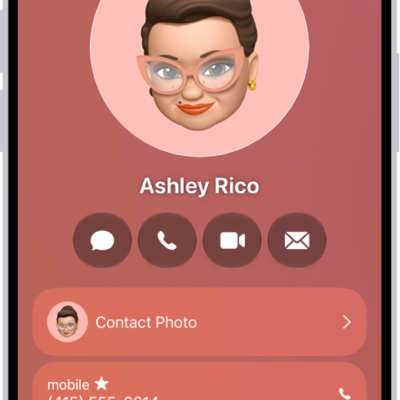
How to get rid of duplicate contacts on iPad
You can get rid of duplicate contacts on iPad by resolving duplicates or linking contact cards for the same person.
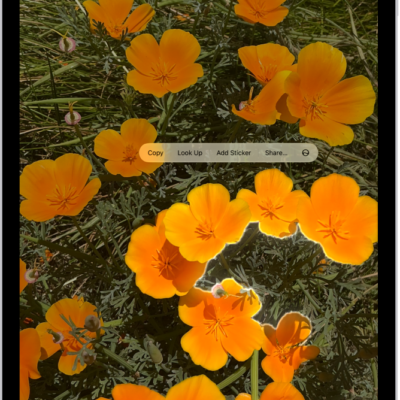
How to duplicate and copy photos and videos on iPad
You can duplicate and copy photos and videos on iPad, keep the original, and paste a copy into an email, message, or presentation.
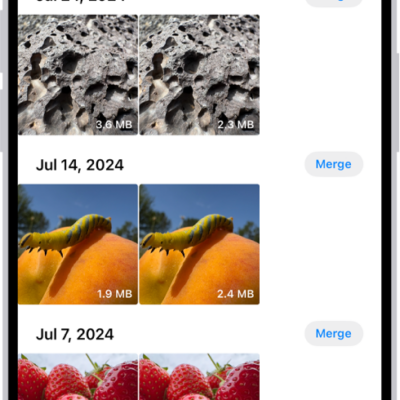
How to merge duplicate photos and videos on iPad
You can merge duplicate photos and videos on iPad from the Duplicates collection to save space and clean up your library.
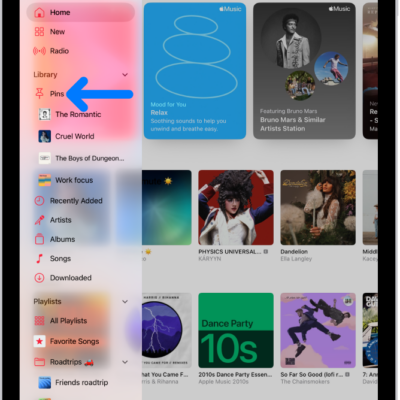
How to pin albums, songs, and more in Music on iPad
You can pin albums, songs, playlists, and artists in Music on iPad to the top of your library, and unpin them later.

How to create a password for a website or app on iPad
You can create a password for a website or app on iPad in the Passwords app, using a suggested strong password or your own.
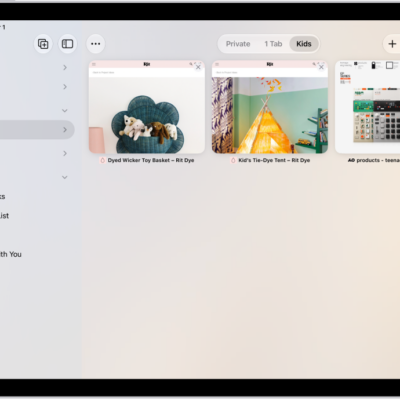
How to work with multiple tabs in the sidebar in Safari on iPad
You can work with multiple tabs in the sidebar in Safari on iPad, and copy, duplicate, move, or close them together.
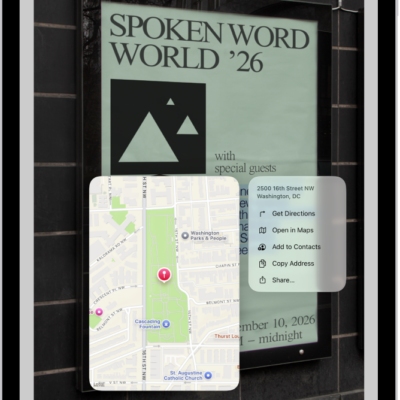
How to interact with text in an image in Preview on iPad
You can interact with text in an image in Preview on iPad with Live Text, and copy, translate, call, or email from it.

How to make a call on iPad
You can make a call on iPad by dialing a number, using Favorites or recent calls, or calling someone in your contacts.
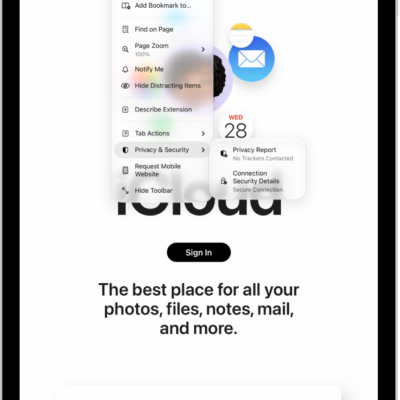
How to check whether a website is encrypted in Safari on iPad
You can check whether a website is encrypted in Safari on iPad by reviewing its connection security details.

How to restore purchased and deleted items to iPad
You can restore purchased and deleted items to iPad, redownload App Store and iTunes purchases, and recover deleted email and photos.