









GeeksModo Story Archive - October 2026
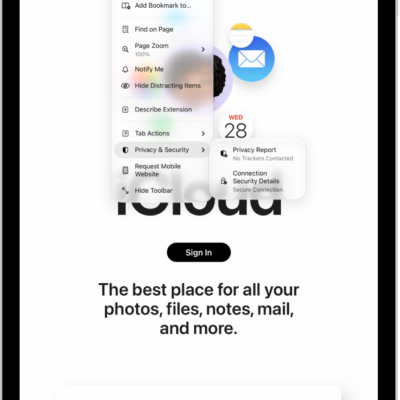
How to check whether a website is encrypted in Safari on iPad
You can check whether a website is encrypted in Safari on iPad by reviewing its connection security details.
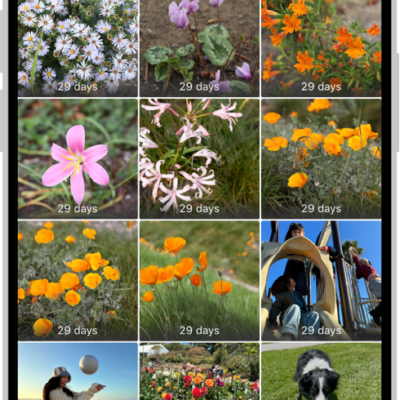
How to restore purchased and deleted items to iPad
You can restore purchased and deleted items to iPad, redownload App Store and iTunes purchases, and recover deleted email and photos.

How to share and send apps in the App Store on iPad
You can share and send apps in the App Store on iPad, share a link to an app, or send it as a gift.
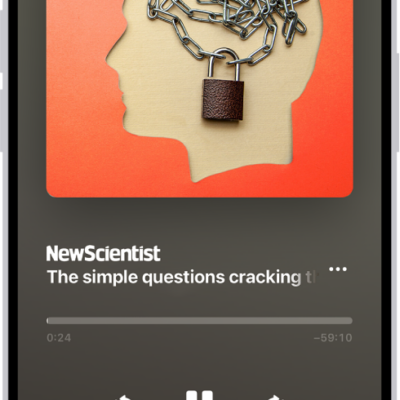
How to listen to Apple News Today on iPad
You can listen to Apple News Today on iPad, an audio briefing of the day's top stories, and get show notes notifications.

How to play music together using SharePlay on iPad
You can play music together using SharePlay on iPad on a HomePod, Apple TV 4K, or Bluetooth speaker, and let others control it.

How to manage storage on iPad
You can manage storage on iPad, check available space, remove items, and offload unused apps automatically.
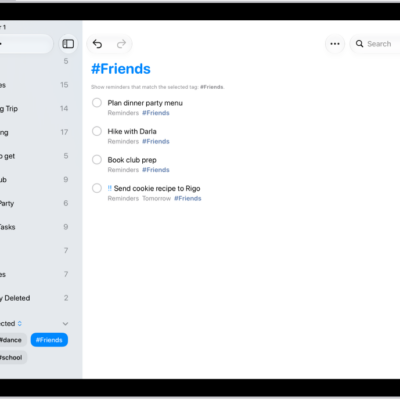
How to use keyboard shortcuts in Reminders on iPad
You can use keyboard shortcuts in Reminders on iPad with an iPad keyboard to create lists, add reminders, and more.
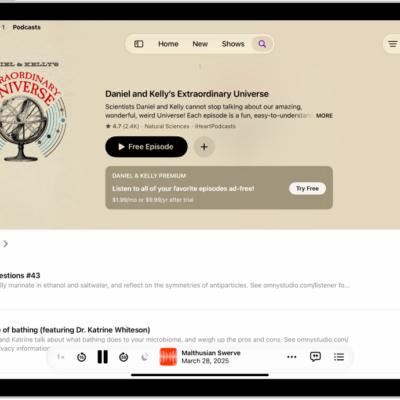
How to rate or review podcasts on iPad
You can rate or review podcasts on iPad, give a show 1 to 5 stars, write or edit a review, and delete your review.

How to automatically install Background Security Improvements on iPad
You can automatically install Background Security Improvements on iPad for extra protection between software updates.
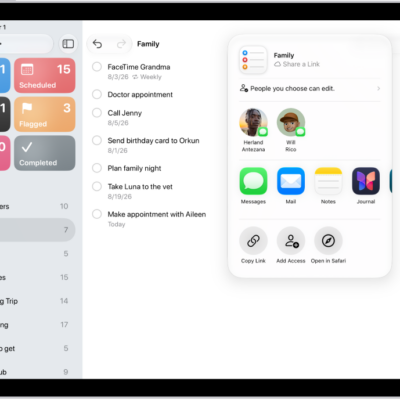
How to print a list in Reminders on iPad
You can print a list in Reminders on iPad, like a grocery list, checklist, or project tasks, from the More button.