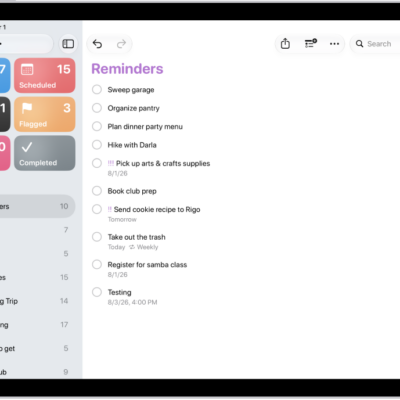
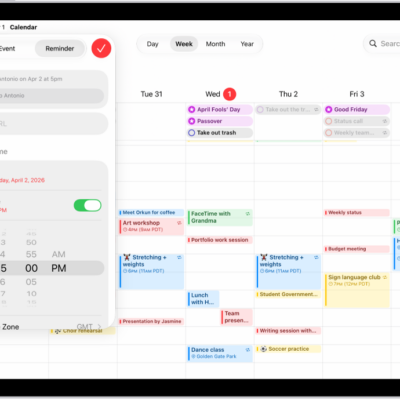
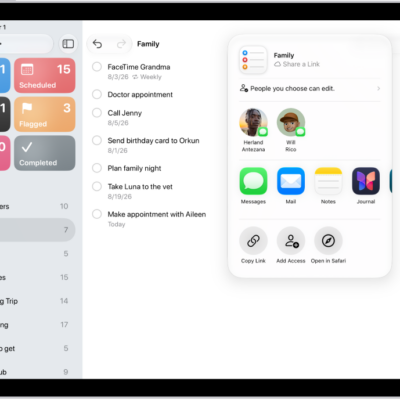
If your iPad is connected to an iPad keyboard, you can use keyboard shortcuts to quickly perform actions in the Reminders app. You can learn keyboard shortcuts right on your iPad. It’s one of the ways you can use shortcuts on an Apple external keyboard with iPad.
Examples of keyboard shortcuts
- Create a new list: Press Shift-Command-N.
- Add a new reminder: Press Command-N.
- Show completed reminders: Press Shift-Command-H.
- Show all reminders assigned to you: Press Command-5.
Learn keyboard shortcuts
Press and hold the Globe key or Command (⌘) key until the shortcuts appear.
See also