How to print a list in Reminders on iPad
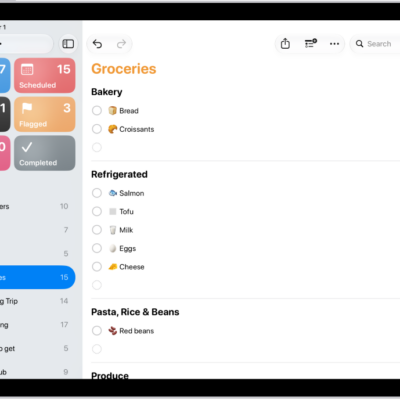
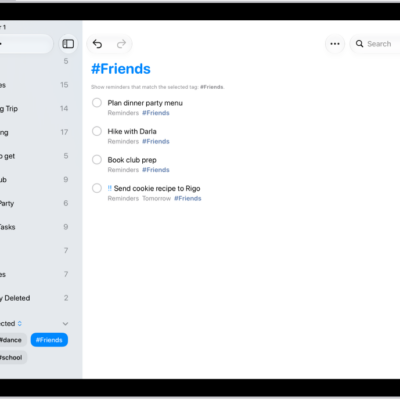
You can print a grocery list, checklist, to-do items, project tasks, and more. You just go to the Reminders app on your iPad, view the list you want to print, and print it. That works for grocery lists, checklists, and to-do items alike.
- Go to the Reminders app on your iPad.
- View the list you want to print.
- Tap the More button and tap Print.
See also
Read Next
You can make a grocery list in Reminders on iPad that sorts items into categories automatically, and convert an existing list.
You can use keyboard shortcuts in Reminders on iPad with an iPad keyboard to create lists, add reminders, and more.
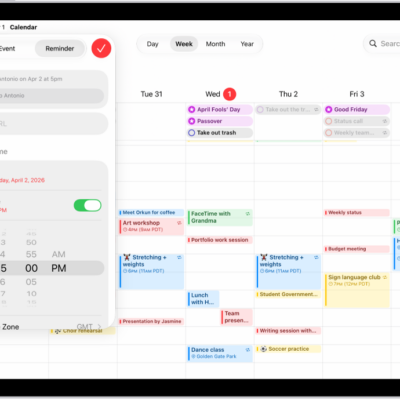
You can use reminders in Calendar on iPad to view, create, complete, and edit reminders from the Reminders app.