









GeeksModo Story Archive - October 2026
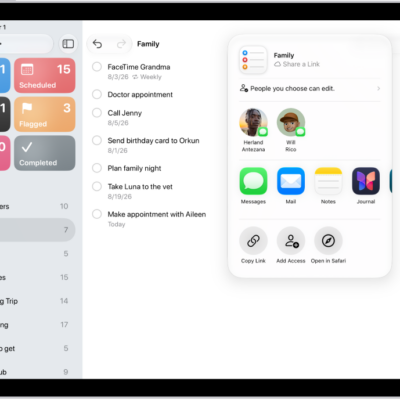
How to print a list in Reminders on iPad
You can print a list in Reminders on iPad, like a grocery list, checklist, or project tasks, from the More button.
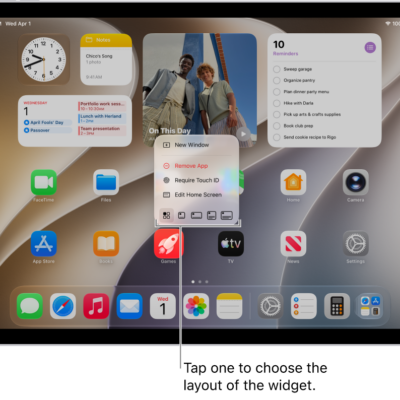
How to use the Podcasts widget on iPad
You can use the Podcasts widget on iPad to view and play episodes from your Home Screen without opening the Podcasts app.
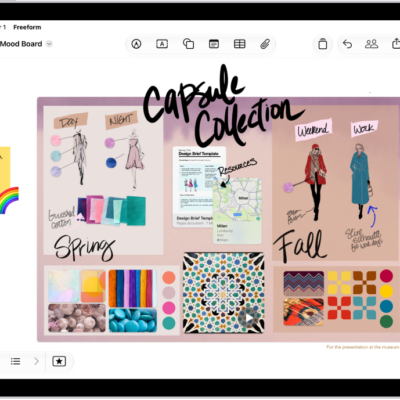
How to use keyboard shortcuts in Freeform on iPad
You can use keyboard shortcuts in Freeform on iPad with an iPad keyboard to quickly start boards, move items, and more.

How to see the FileVault recovery key for your Mac in Passwords on iPad
You can see the FileVault recovery key for your Mac in Passwords on iPad and copy it to reset a forgotten Mac password.
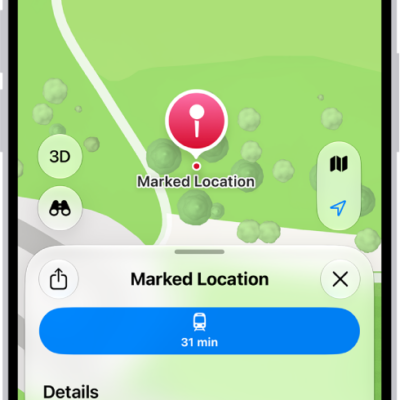
How to report an issue with Maps on iPad
You can report an issue with Maps on iPad, add something that's missing, or report a closed business or wrong direction.
How to print a Freeform board on iPad
You can print a Freeform board on iPad as a single page, or one scene per page if you saved scenes.
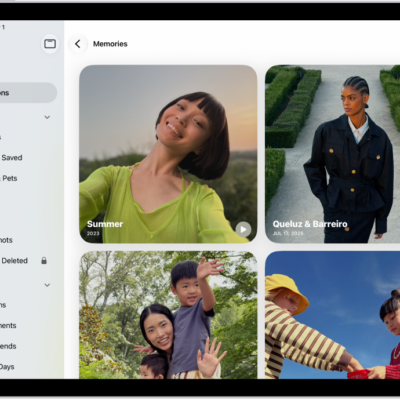
How to share or delete memories in Photos on iPad
You can share or delete memories in Photos on iPad, share memory movies, play them with AirPlay, and feature people less.
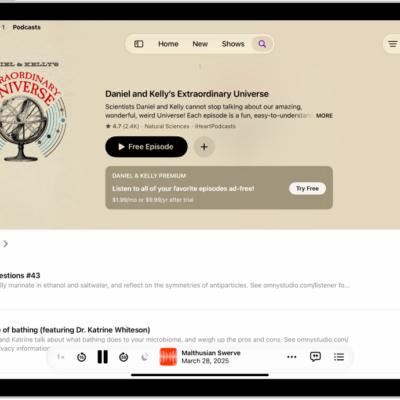
How to change your download settings for Podcasts on iPad
You can change your download settings for Podcasts on iPad, turn automatic downloads on or off, and remove played episodes.
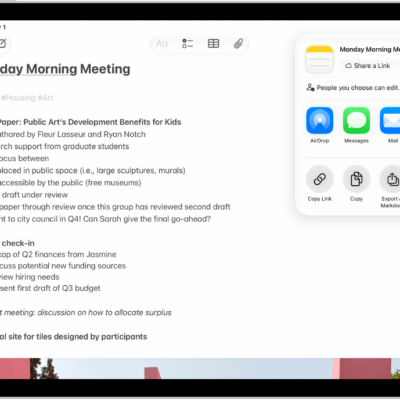
How to export or print notes on iPad
You can export or print notes on iPad, open a note in Pages, and export it as a PDF or Markdown file.
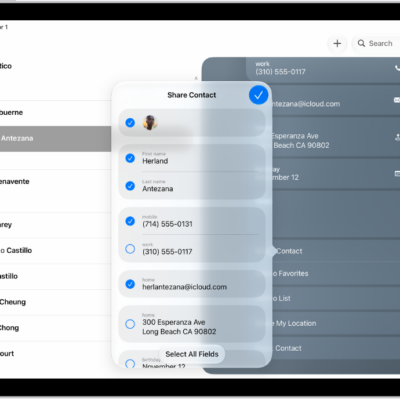
How to export contacts on iPad
You can export contacts on iPad from a list in Contacts, choose which fields to include, and send them with Messages or Mail.