









GeeksModo Story Archive - October 2026
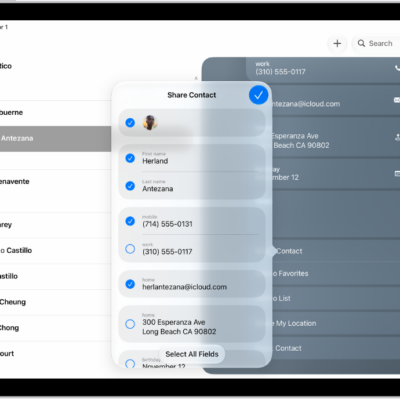
How to export contacts on iPad
You can export contacts on iPad from a list in Contacts, choose which fields to include, and send them with Messages or Mail.
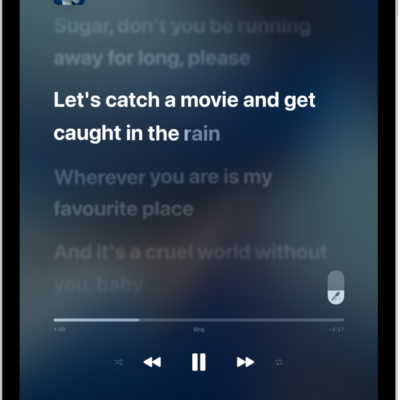
How to show song credits and lyrics on iPad
You can show song credits and lyrics on iPad with Apple Music, view time-synced lyrics, and share lyrics.
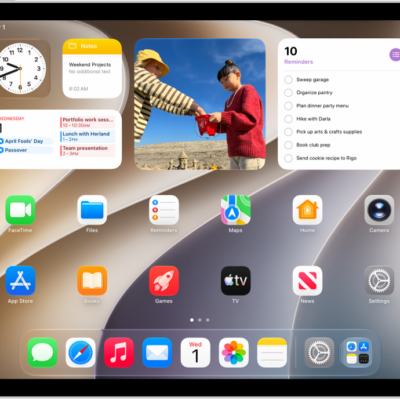
How to change the name of your iPad
You can change the name of your iPad, which is used by iCloud, AirDrop, Bluetooth, Personal Hotspot, and your computer.
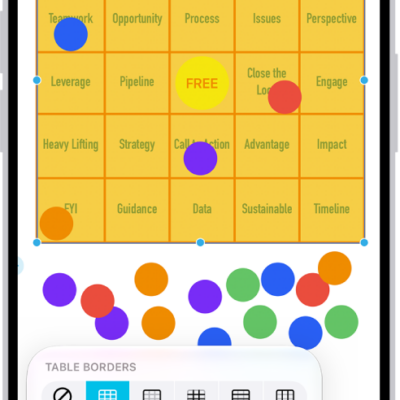
How to add tables to a Freeform board on iPad
You can add tables to a Freeform board on iPad, select and format cells, change the table style, and attach items to cells.
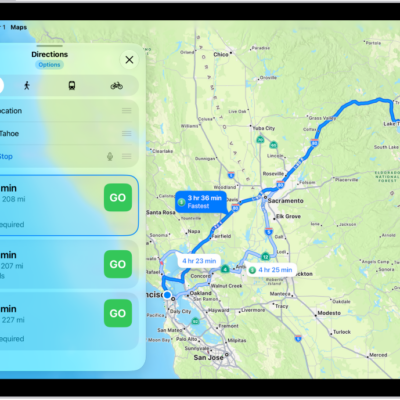
How to check traffic conditions and report traffic incidents in Maps on iPad
You can check traffic conditions and report traffic incidents in Maps on iPad, like accidents, hazards, and speed checks.
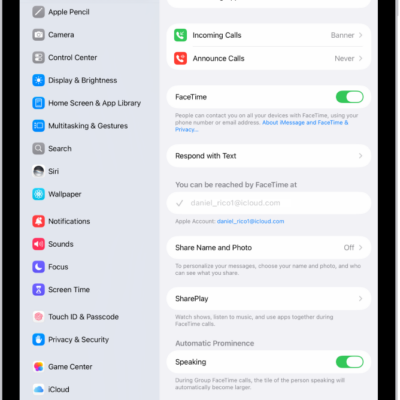
How to change your Phone settings on iPad
You can change your Phone settings on iPad, hide your Caller ID, turn on Dial Assist, and change the default calling app.
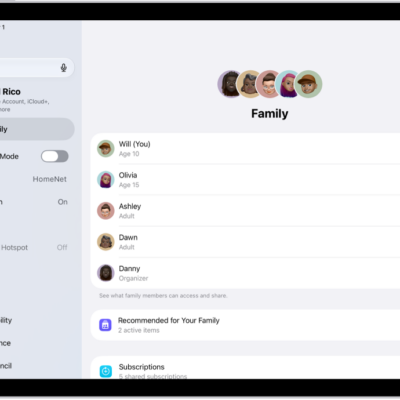
How to manage your iTunes Store purchases and settings on iPad
You can manage your iTunes Store purchases and settings on iPad, approve purchases with Family Sharing, and download music.
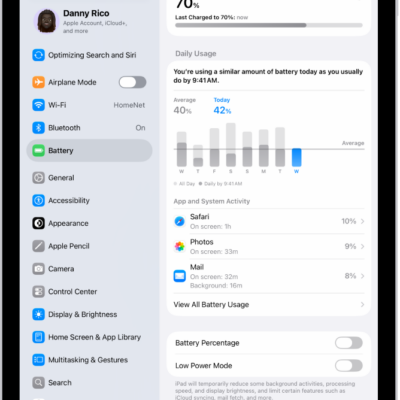
How to check iPad battery usage and battery health
You can understand your iPad battery usage and health, with daily usage, app and system activity, and battery health information.
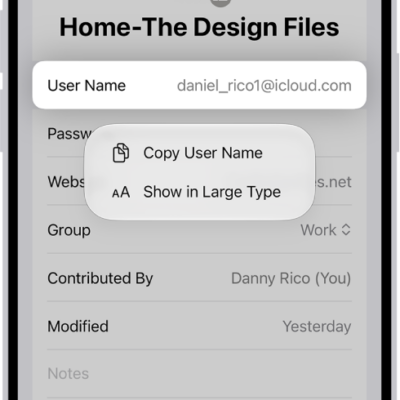
How to show user names and passwords in large text on iPad
You can show user names, passwords, and verification codes in large text on iPad in the Passwords app.
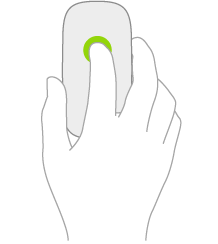
How to connect a mouse to iPad
You can connect a mouse to iPad, from Magic Mouse to another Bluetooth or USB mouse, and reconnect it later.