How to change the name of your iPad
You can change the name of your iPad, which is used by iCloud, Bluetooth®, your Personal Hotspot, your computer, and AirDrop, which you use to send items to nearby Apple devices. To rename your iPad, you just clear the current name and enter a new name.
- Open the Settings app on your iPad.
- Tap General, tap About, and then tap Name.
- Tap the Clear Text button and enter a new name.
See also
Read Next
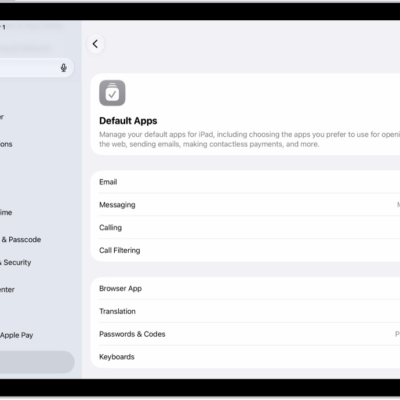
You can change the default apps on iPad for email, messaging, calling, browsing, passwords, and keyboards to third-party apps.
You can change advanced camera settings on iPad, adjust focus and exposure, use a grid, save camera settings, and adjust the shutter volume.
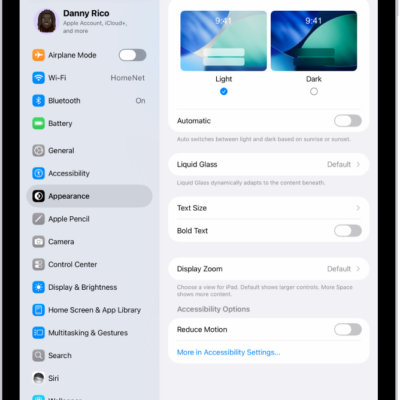
You can adjust iPad display and text settings, change text size, make text bold, choose a Liquid Glass look, and use Display Zoom.