









GeeksModo Story Archive - October 2026
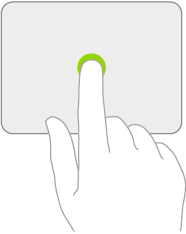
How to change trackpad settings on iPad
You can change trackpad settings on iPad, like tracking speed, Natural Scrolling, and Tap to Click.
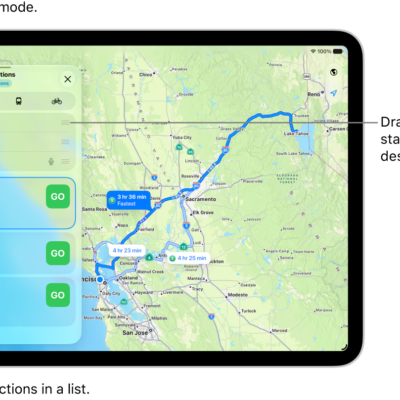
How to change or add stops to your route in Maps on iPad
You can change or add stops to your route in Maps on iPad, create a multistop route with up to 14 stops, and switch the start and destination.

How to use the music player controls on iPad
You can use the music player controls on iPad, with the MiniPlayer and the Now Playing screen, to play and control music.
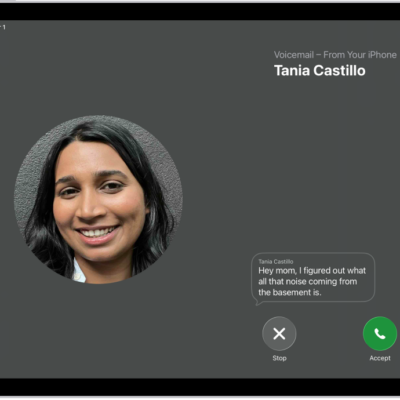
How to answer or decline incoming calls on iPad
You can answer or decline incoming calls on iPad, silence a call, send it to voicemail, or respond with a text.
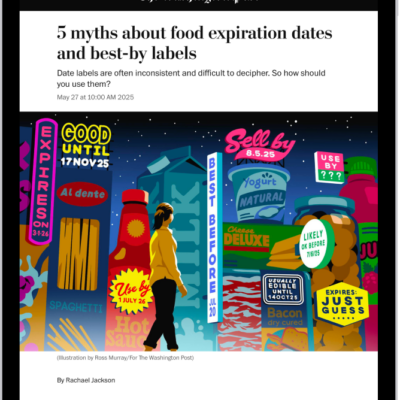
How to read local news in News on iPad
You can read local news in News on iPad, set up a local news feed, follow locations, and customize the feed for a location.
How to clear your reading history in News on iPad
You can clear your reading history in News on iPad, clear recommendations, and recommend stories based only on what you read in News.
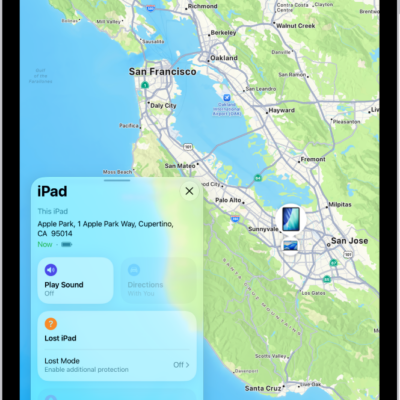
How to turn off Find My on iPad
You can turn off Find My on iPad if you no longer want to share your location or view the location of friends and items.
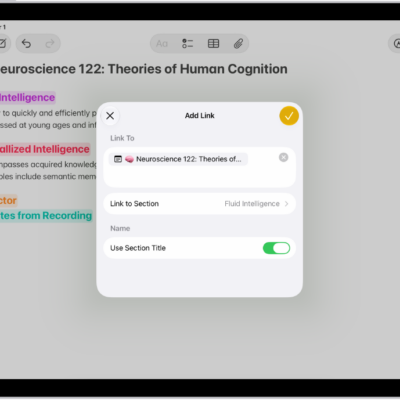
How to add links in Notes on iPad
You can add links in Notes on iPad to webpages, other notes, or sections, and tap addresses, phone numbers, and dates to take action.

How to make onscreen elements easier to see on iPad
You can make onscreen elements easier to see on iPad by turning on Show Borders for controls, buttons, and Control Center.
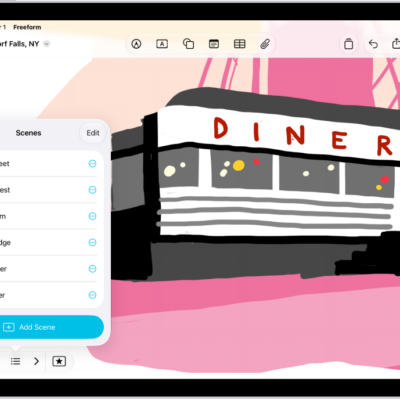
How to navigate and present scenes in your Freeform boards on iPad
You can navigate and present scenes in your Freeform boards on iPad, set up scenes, edit them, and print or export them as a PDF.