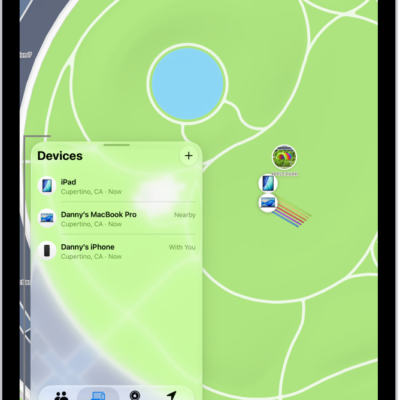
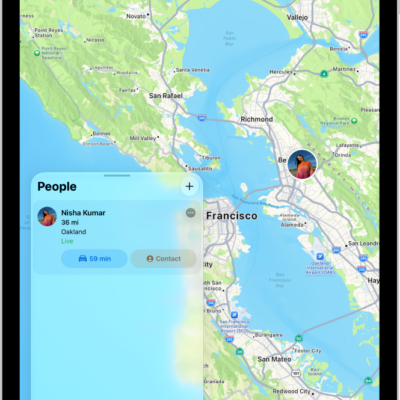
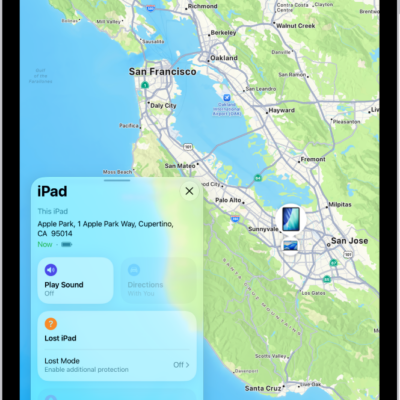
You can turn off Find My on your iPad if you no longer want to share your location or view the location of your friends, devices, and items. You’ll need your Apple Account password to turn it off. You can also share your location in Find My on iPad.
- Open Settings, tap [your name], and then tap Find My on your iPad.
- Tap Find My iPad. Then tap to turn it off.
- Enter your Apple Account password, then tap Turn Off.
See also
Tag: Find My