









GeeksModo Story Archive - October 2026
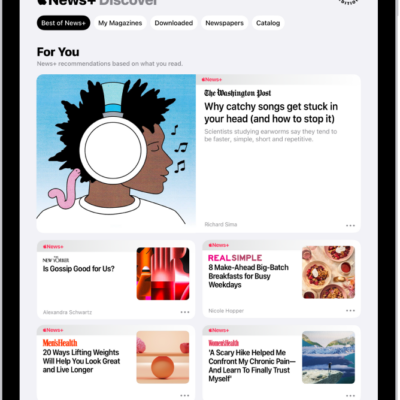
How to customize the tab bar in News on iPad
You can customize the tab bar in News on iPad with Saved Stories, Shared with You, History, and channels or topics you follow.
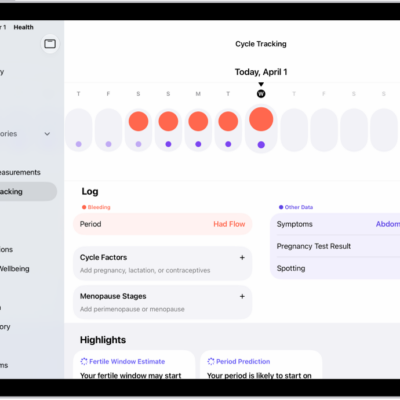
How to track menopause stages in Health on iPad
You can track menopause stages in Health on iPad with Cycle Tracking, log related symptoms, and find support with educational resources.
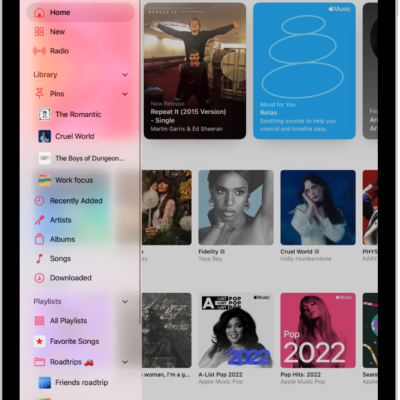
How to listen to radio stations in Music on iPad
You can listen to radio stations in Music on iPad, from Apple Music 1 to stations by genre, and create your own stations.
How to organize your notes in folders on iPad
You can organize your notes in folders on iPad, create subfolders, pin notes, and sort or change the folder view.
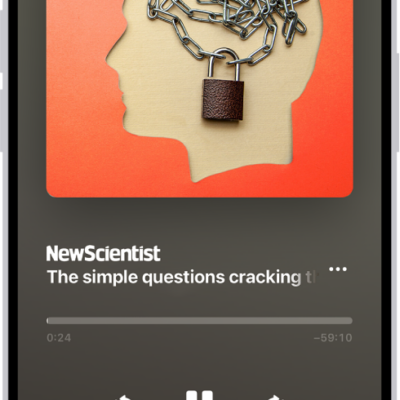
How to listen to News stories on iPad
You can listen to News stories on iPad with Apple News+, browse audio stories, play them, and add stories to Up Next.
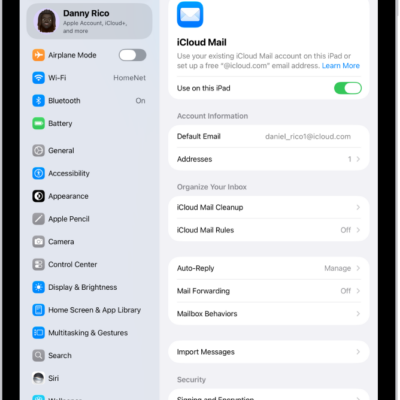
How to use iCloud Mail rules to automatically apply actions to emails in Mail on iPad
You can use iCloud Mail rules on iPad to automatically move, delete, forward, or mark emails as read based on criteria you set.
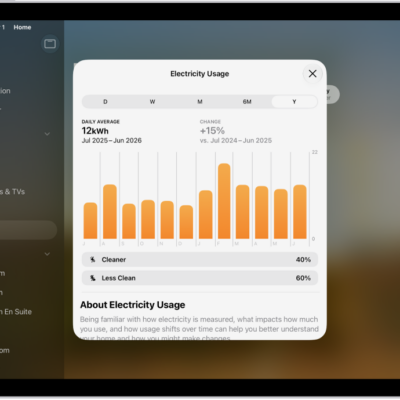
How to view electricity usage and rates on iPad (participating U.S. providers only)
You can view electricity usage and rates on iPad with participating U.S. providers by connecting your utility account to the Home app.
How to use Grid Forecast to plan energy use in Home on iPad (U.S. only)
You can use Grid Forecast to plan energy use in Home on iPad (U.S. only), seeing cleaner and less clean times for electricity.
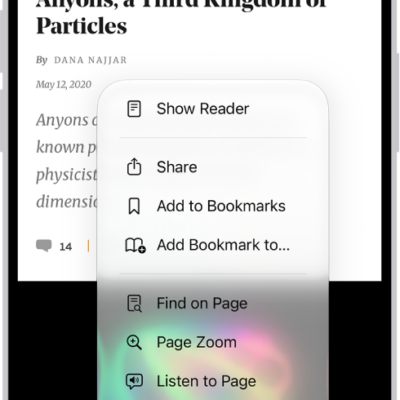
How to hide distractions when browsing in Safari on iPad
You can hide distractions when browsing in Safari on iPad with Distraction Control, and stop hiding items anytime.
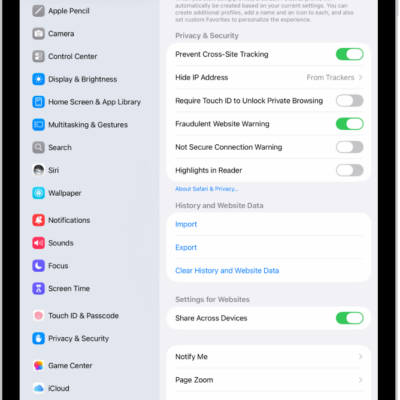
How to block pop-ups in Safari on iPad
You can block pop-ups in Safari on iPad by turning on Block Pop-ups in the Settings app.