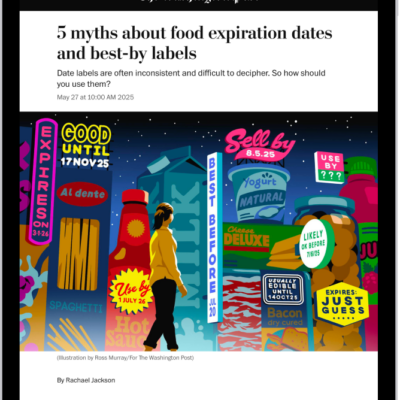
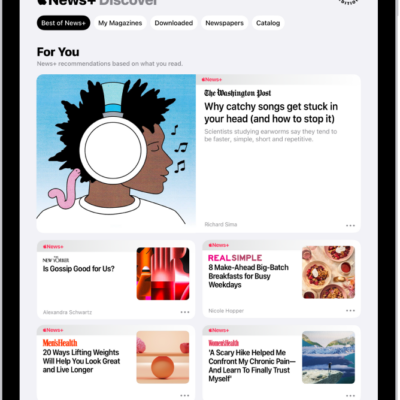
In the News app, you can use the tab bar to quickly access feeds like Today, News+, Sports, Puzzles, and Food. You can customize your tab bar with Saved Stories, Shared with You, History, and any channel or topic you follow.
Items you can add are highlighted. Today, Audio, and News+ remain in your tab bar as defaults, and you can add items to the tab bar or remove them, including Saved Recipes.
- Start the News app on your iPad.
-
Tap Edit in the sidebar.
If you don’t see the sidebar, tap the Sidebar button.
-
Drag any highlighted item to or from the tab bar, such as:
- Shared with You
- Saved Recipes
- Saved Stories
- History
- Any channel or topic you follow
See also
Tag: News