









GeeksModo Story Archive - October 2026
How to change the date and time on iPad
You can change the date and time on iPad, set the time zone manually, use 24-hour time, and show the date in the status bar.

How to install and manage fonts on iPad
You can install and manage fonts on iPad by downloading them from the App Store and using them in your documents.
How to change the password for a website or app on iPad
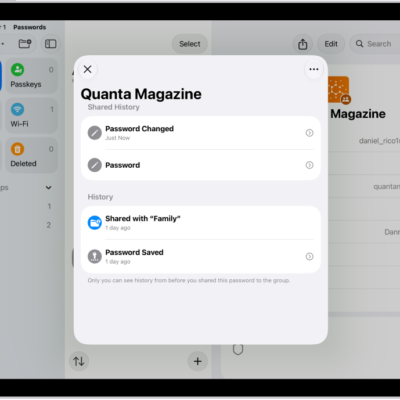
You can change the password for a website or app on iPad from the Passwords app, or upgrade to Sign in with Apple if it's offered.
How to download a PDF from Safari to your iPad
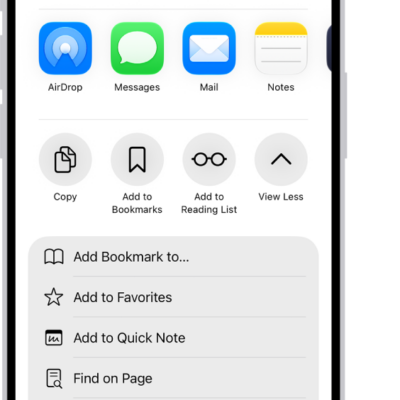
You can download a PDF from Safari to your iPad, save it in Files to read later, and share it with others.
How to change typing assistance options for an Apple external keyboard with iPad
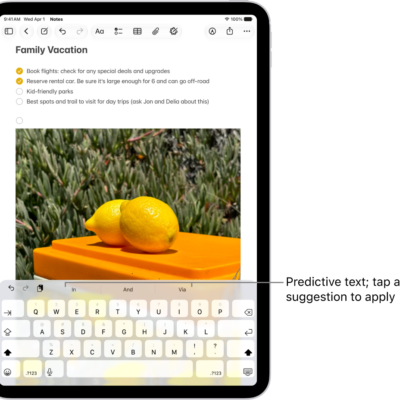
You can change typing assistance options for an Apple external keyboard with iPad, like Auto-Correction, Auto-Capitalization, and smart punctuation.
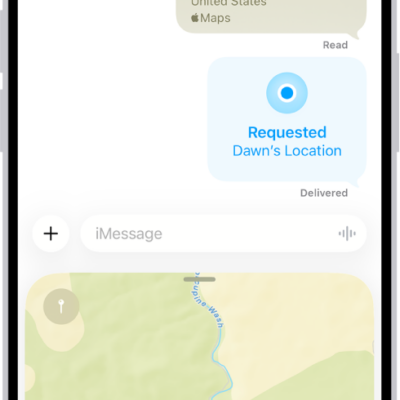
How to share places in Maps on iPad
You can share places in Maps on iPad by message or email, so people know where to meet you.
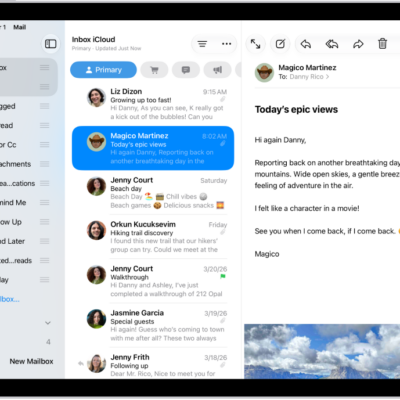
How to delete and recover emails in Mail on iPad
You can delete and recover emails in Mail on iPad, archive instead of deleting, and choose how long to keep deleted messages.
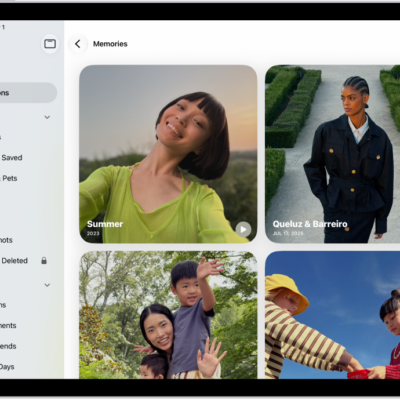
How to find your travel photos and videos on iPad
You can find your travel photos and videos on iPad in the Trips collections in Photos, grouped by location.
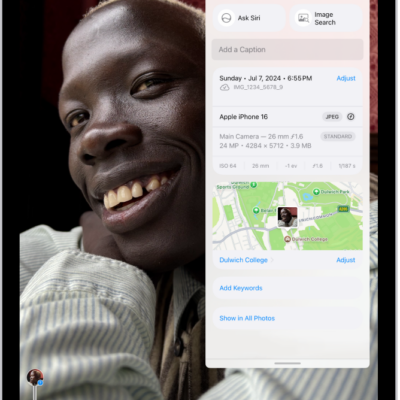
How to browse photos and videos by location on iPad
You can browse photos and videos by location on iPad, view your library on a map, and check where a photo or video was taken.
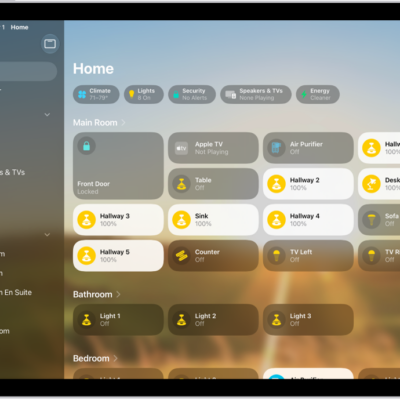
How to add more homes with iPad
You can add more homes with iPad in the Home app, give each one a name and wallpaper, and switch between them.