









GeeksModo Story Archive - October 2026
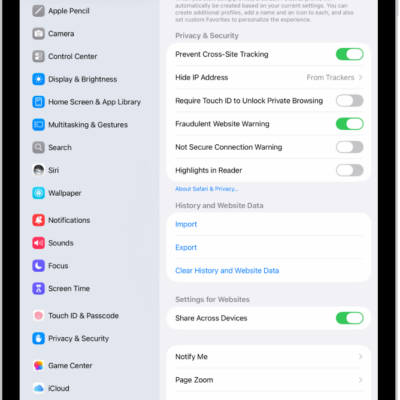
How to enable cookies on iPad
You can enable cookies on iPad by turning off Block All Cookies in Safari settings, so websites that need cookies work normally.

How to customize apps and widgets on the iPad Home Screen
You can customize apps and widgets on the iPad Home Screen, change icon size, tint, and appearance, and resize widgets.
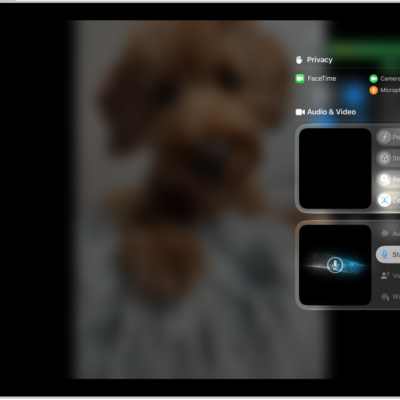
How to improve audio and record video calls on iPad
You can improve audio and record video calls on iPad, choose an audio input, use Voice Isolation or Wide Spectrum, and record locally.
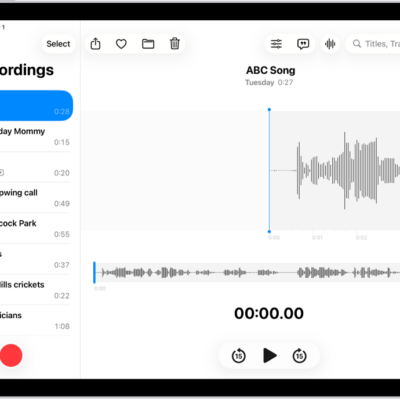
How to make a recording in Voice Memos on iPad
You can make a recording in Voice Memos on iPad, filter out background sounds, record stereo or mono, and keep recordings in sync.

How to keep the screen off when you use VoiceOver on iPad
You can keep the screen off when you use VoiceOver on iPad with the screen curtain, to save battery life and keep things private.
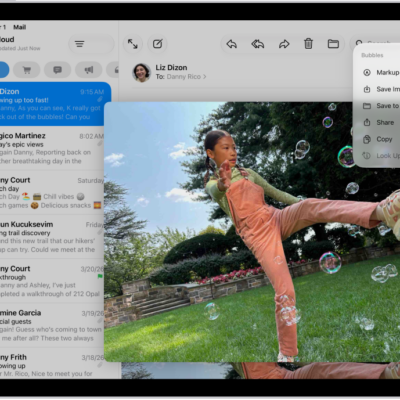
How to print an email or attachment in Mail on iPad
You can print an email or attachment in Mail on iPad from the More Actions button or the Share button.

How to change Apple Pencil double tap and squeeze settings for accessibility
You can change Apple Pencil double tap and squeeze settings for accessibility on iPad, adjust squeeze firmness, and slow down double tap.
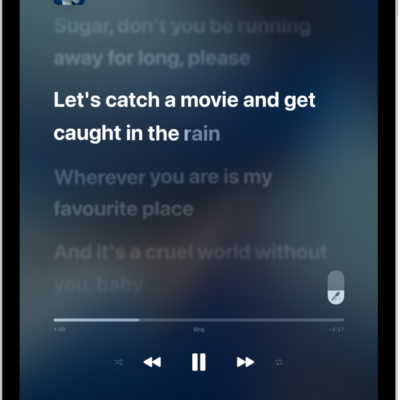
How to sing along with Apple Music on iPad
You can sing along with Apple Music on iPad using Apple Music Sing, with real-time lyrics and adjustable vocal volume for select songs.
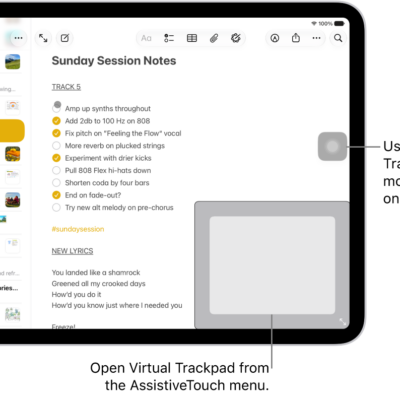
How to use an adjustable onscreen trackpad on iPad
You can use an adjustable onscreen trackpad on iPad with Virtual Trackpad, turning part of the screen into a resizable trackpad.
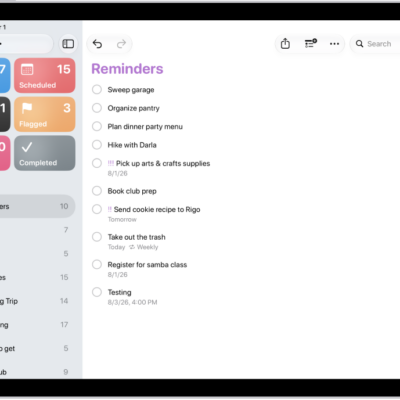
How to delete or recover items in Reminders on iPad
You can delete or recover items in Reminders on iPad, undo a deletion, and recover items from Recently Deleted within 30 days.