









GeeksModo Story Archive - October 2026
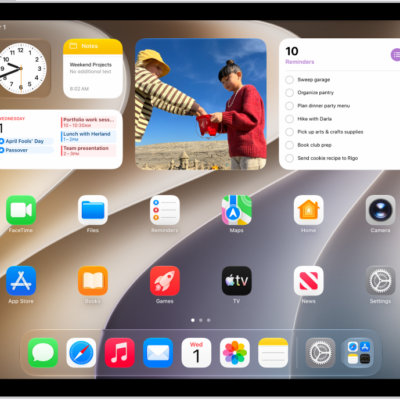
How to operate iPad when VoiceOver is on
You can operate iPad when VoiceOver is on, with gestures to unlock iPad, go to the Home Screen, switch apps, and open Control Center.
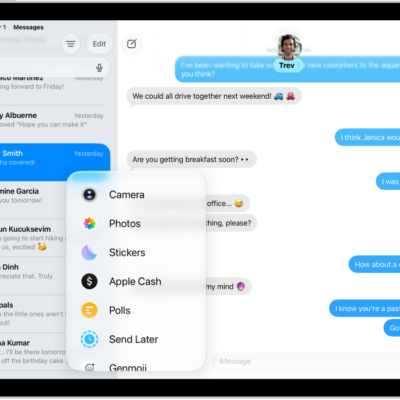
What iMessage is and how it works on iPad
You can learn about iMessage on iPad, Apple's end-to-end encrypted messaging service for Messages across your Apple devices.
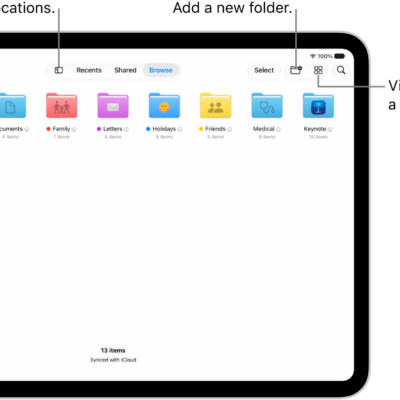
How to send files from the Files app on iPad
You can send files from the Files app on iPad, reply to a received document, and scan a document to send.
How to subscribe to Apple Arcade in the Apple Games app on iPad
You can subscribe to Apple Arcade in the Apple Games app on iPad, or to Apple One, and share it with family members.

How to adjust the accessibility settings for AirPods on iPad
You can adjust the accessibility settings for AirPods on iPad, like press speed, press and hold duration, and noise cancellation with one AirPod.
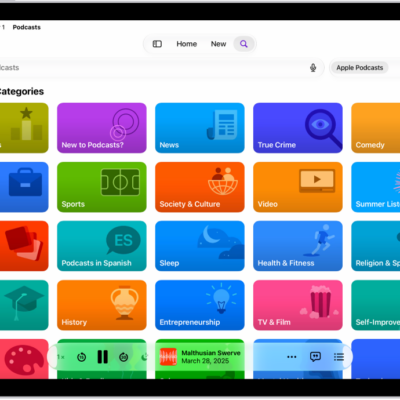
How to connect app subscriptions to Podcasts on iPad
You can connect app subscriptions to Podcasts on iPad and listen to subscriber-only shows from Apple Music, Apple News+, and other apps.
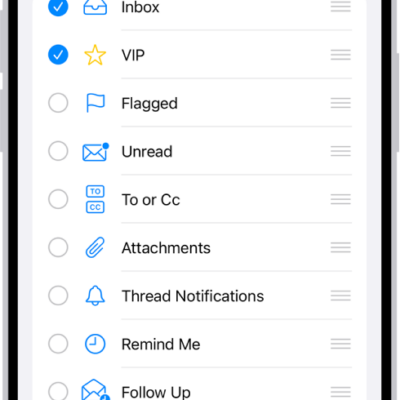
How to change your Mail settings on iPhone
You can change Mail settings on iPhone, including your signature, default mail app, message list, swipe actions, and notifications.
What Switch Control is and how it works on iPad
You can learn about Switch Control on iPad, an assistive technology that lets you interact with iPad using switches.
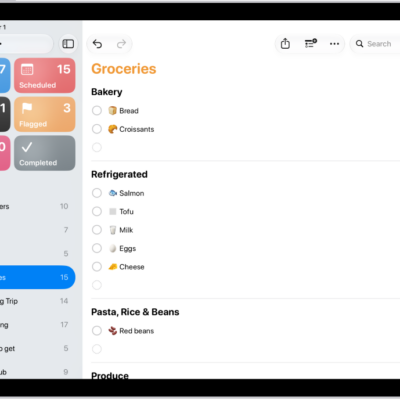
How to complete items in Reminders on iPad
You can complete items in Reminders on iPad, show or clear completed items, and use the Reminders widget on your Home Screen.
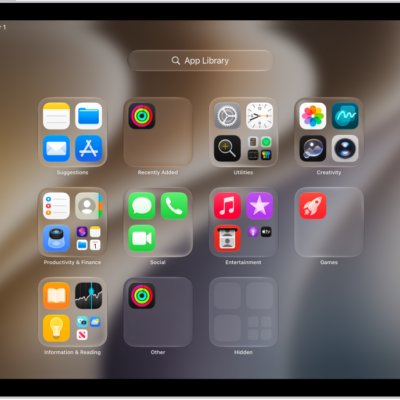
How to add an app on iPad
You can add an app on iPad from the App Store, choose whether it goes to the Home Screen or App Library, and move it later.