









GeeksModo Story Archive - October 2026
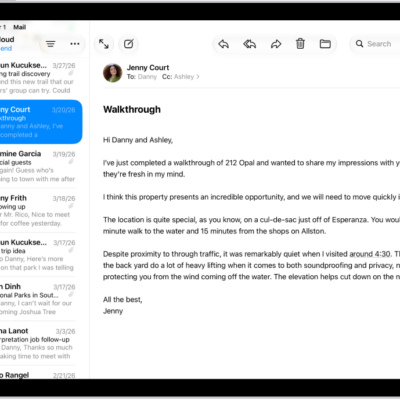
How to unsend email with Undo Send in Mail on iPad
You can unsend email with Undo Send in Mail on iPad, and set a delay for all emails to give yourself more time.
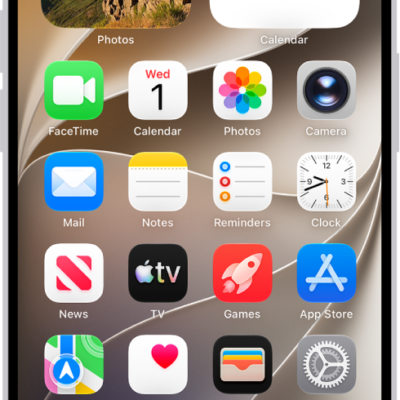
How to reset iPhone settings to their defaults
You can reset your iPhone settings to their defaults without erasing your content, and back up first to keep your current settings.
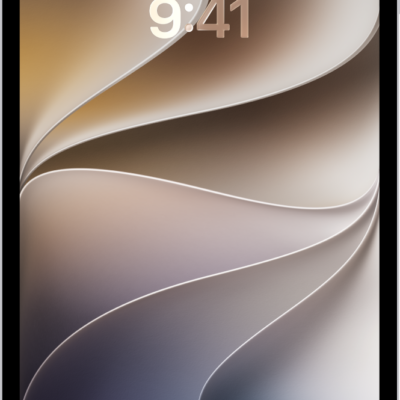
How to access features from the iPad Lock Screen
You can access features from the iPad Lock Screen, open Camera and Control Center, see notification previews, and control Live Activities.
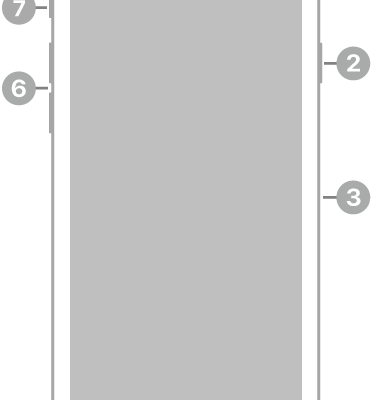
iPhone SE (2nd generation) hardware: buttons, cameras, and ports
You can find the cameras, buttons, and other essential hardware features on iPhone SE (2nd generation), plus links to help you get started.
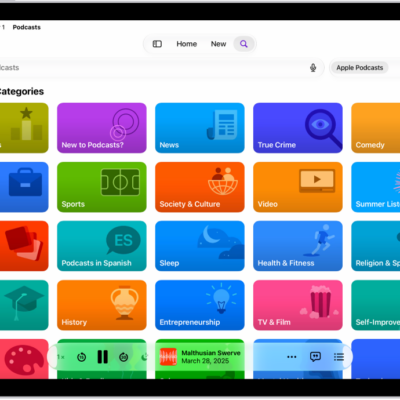
How to select your favorite Podcasts categories and channels on iPad
You can select your favorite Podcasts categories and channels on iPad to get better show recommendations.
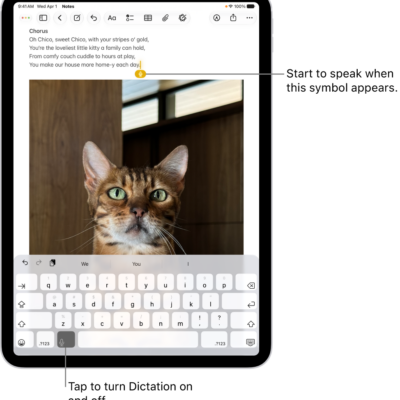
Dictation commands for punctuation, formatting, and emoji on iPad
You can use commands for dictating text on iPad to add punctuation, format and edit text, and insert emoji with your voice.
How to dictate text while using an Apple external keyboard with iPad
You can dictate text while using an Apple external keyboard with iPad, with punctuation and emoji inserted as you speak.
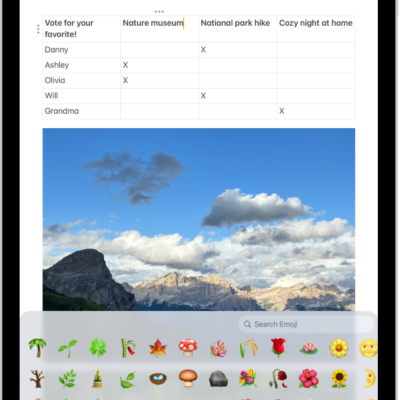
How to switch between keyboards with iPad
You can switch between keyboards with iPad, from language and emoji keyboards to the onscreen keyboard, using an Apple external keyboard.
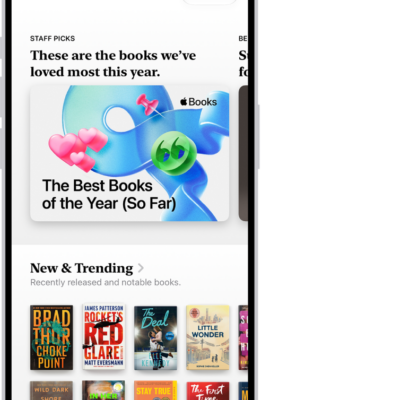
How to buy books and audiobooks on iPad
You can buy books and audiobooks on iPad in the Books app, browse top charts and series, and search by title, author, or genre.
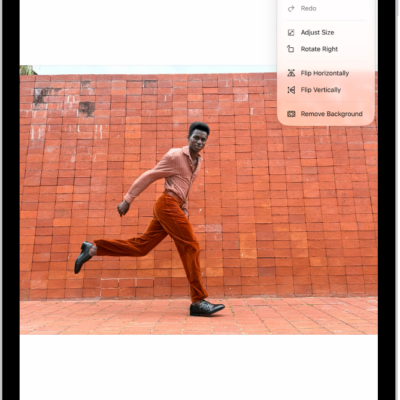
How to edit an image in Preview on iPad
You can edit an image in Preview on iPad, crop, rotate, or flip it, remove the background, and adjust its size.