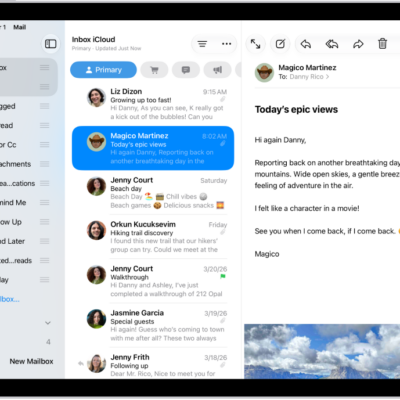
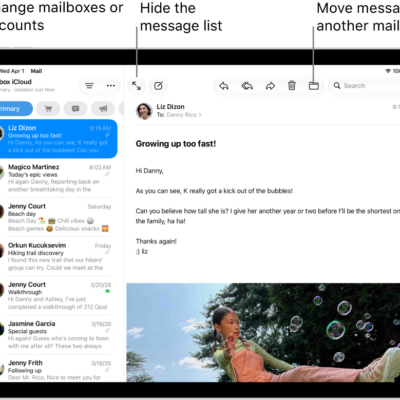
You can change your mind and unsend an email message in the Mail app with Undo Send. You can also set a delay for all emails to give yourself a little more time to unsend them.
Normally, there are 10 seconds to change your mind after you’ve sent an email, and a delay gives you more time than that, for whatever length you choose. You can also check your email, send email, and save a draft in Mail on iPad.
Undo a sent email
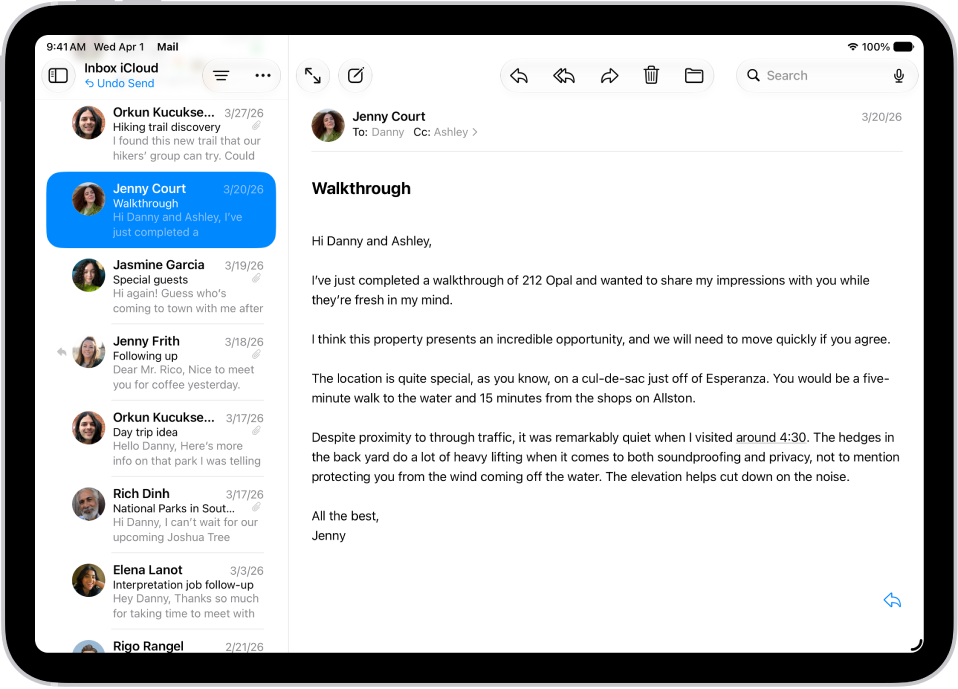
After you send an email message, you have 10 seconds to change your mind.
Tap Undo Send at the bottom of the email list to pull back the message.
Delay sending emails
Setting a delay gives you extra time to change your mind and unsend emails.
Go to Settings > Apps > Mail, tap Undo Send Delay, then choose a length of time to delay outgoing email messages.
See also
Tag: Mail