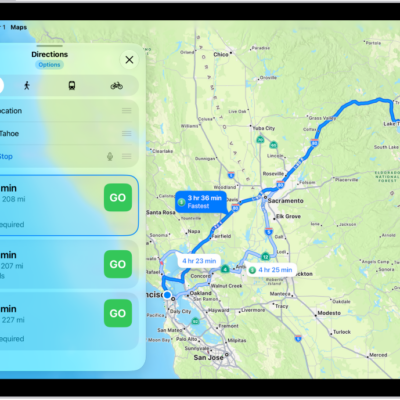
If you notice something’s missing in Maps—an address, business, transit stop, or another feature—you can add it. You can also report other kinds of issues, such as an incorrect step in directions or a business that has closed, from the Reports option next to the search field.
To change the address used for your home or work, you can add a pin to your Places. And you can clear your location history and delete recent directions in Maps, too.
- Go to the Maps app on your iPad.
- Do one of the following:
- Touch and hold the map until a pin marker appears, scroll to the bottom of the card, then tap Report Something Missing.
- Tap your picture or initials next to the search field, tap Reports, then tap Report a New Issue.
- Choose an option and then follow the onscreen instructions.
Any business, large or small, can use Apple Business to help its customers find it in Apple Maps, Wallet, Siri, and more.
See also
Tag: Maps