









GeeksModo Story Archive - October 2026
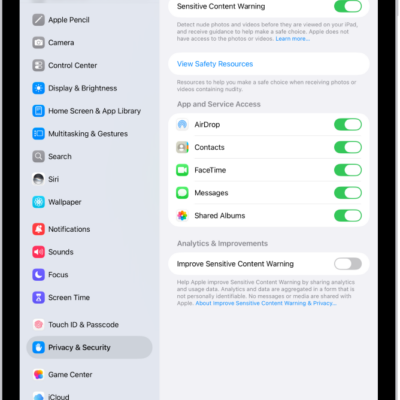
How to receive warnings about sensitive content on iPad
You can receive warnings about sensitive content on iPad with Sensitive Content Warning, for yourself or a family member.
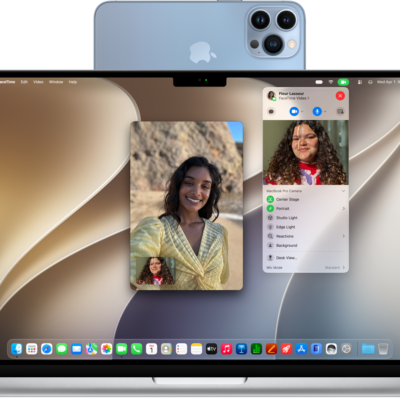
How to use your iPad as a webcam for Apple TV 4K
You can use your iPad as a webcam for Apple TV 4K with Continuity Camera, for FaceTime calls and singing along to Apple Music.
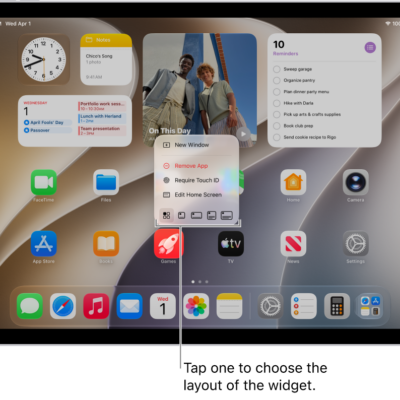
How to add a Mail widget to your iPad Home Screen
You can add a Mail widget to your iPad Home Screen to see recent unread emails, VIP emails, or any other mailbox at a glance.
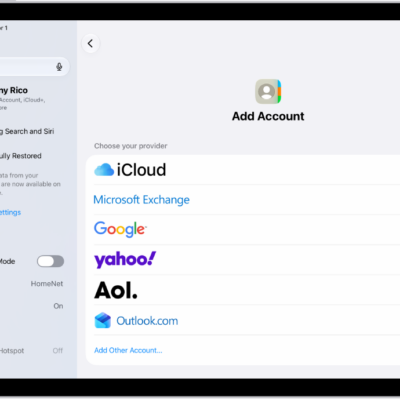
How to import contacts on iPad
You can import contacts on iPad from a vCard attachment or add a contact from a directory.
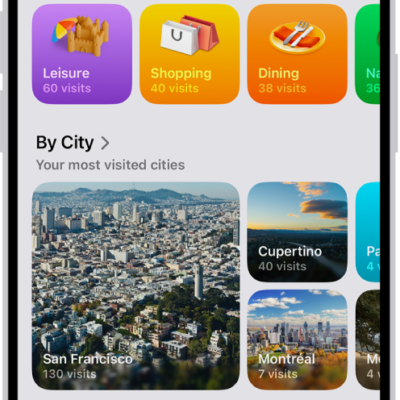
How to view Visited Places in Maps on iPad
You can view Visited Places in Maps on iPad to keep track of places you've been, so you can revisit or share them later.
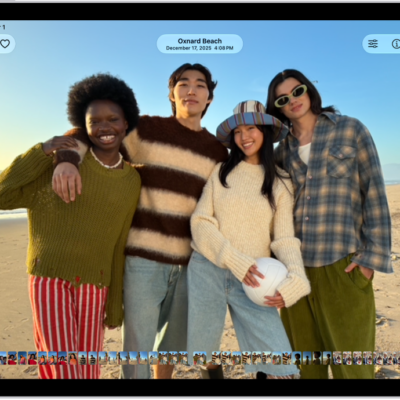
How to view reference images in Photos on iPad
You can view reference images in Photos on iPad to verify whether a photo taken in Reference mode has been altered or edited.
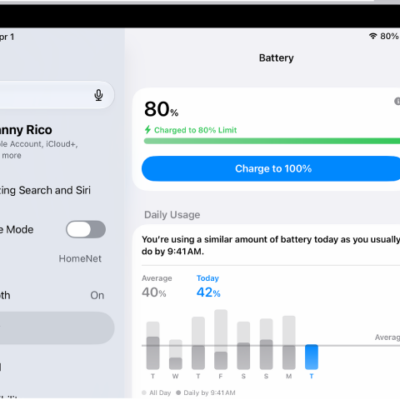
How to set a charge limit on iPad
You can set a charge limit on iPad to stop charging at 80% and reduce battery wear, or change it back to 100%.
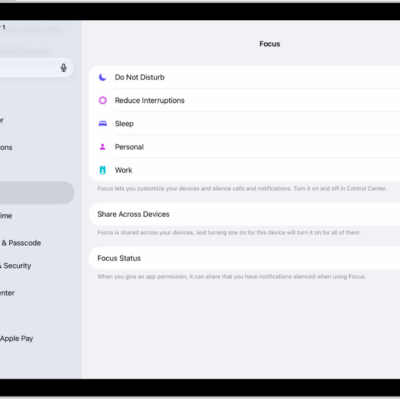
How to allow or silence notifications for a Focus on iPad
You can allow or silence notifications for a Focus on iPad from specific people and apps, and allow repeated calls.
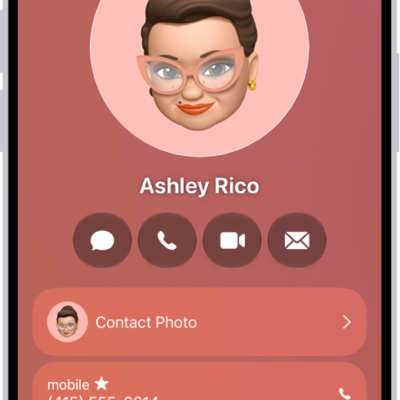
How to get rid of duplicate contacts on iPad
You can get rid of duplicate contacts on iPad by resolving duplicates or linking contact cards for the same person.
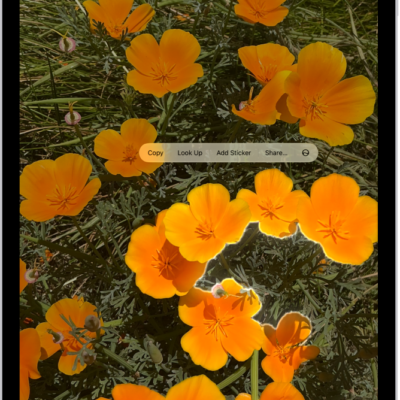
How to duplicate and copy photos and videos on iPad
You can duplicate and copy photos and videos on iPad, keep the original, and paste a copy into an email, message, or presentation.