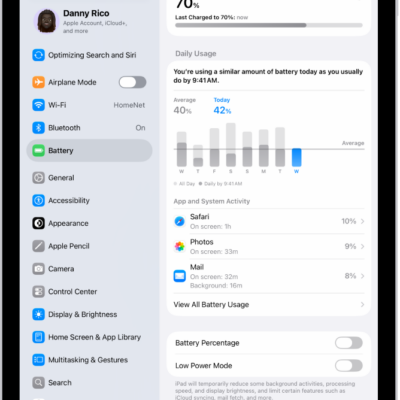
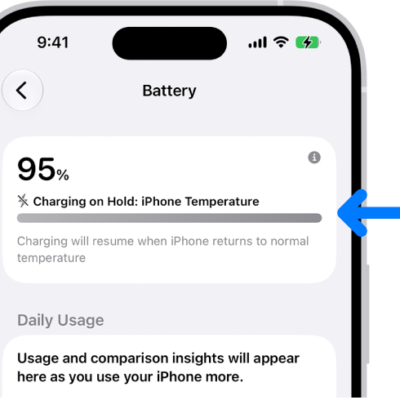
On supported models, you can set a maximum battery level of 80% to help reduce battery wear, especially if you charge your iPad frequently or keep it connected for long periods. iPad still charges to 100% now and then to keep the battery percentage accurate, and you can turn the limit off anytime, or override it until tomorrow.
That can happen more often when your iPad isn’t regularly able to complete a full charge. You can also check your battery usage and health, and use Low Power Mode to save battery life.
What to expect
- Your iPad will occasionally charge to 100%—even with the limit set to 80%—to keep the battery percentage display accurate. This may happen more often if your iPad isn’t regularly able to complete a full charge.
Set a Charge Limit
- Open the Settings app on your iPad.
- Tap Battery, then tap Battery Health.
- Turn on 80% Limit. You can remove the limit anytime.
Change the Charge Limit
- Open the Settings app on your iPad.
- Tap Battery, then tap Battery Health.
- Turn off 80% Limit. Then do any of the following:
- Temporarily override 80% charge limit: Tap Allow Until Tomorrow. The charge limit will return to 80% at 6:00 a.m.
- Set a new charge limit: Tap Set Limit to 100%. The charge limit will remain at 100% until you change it again.
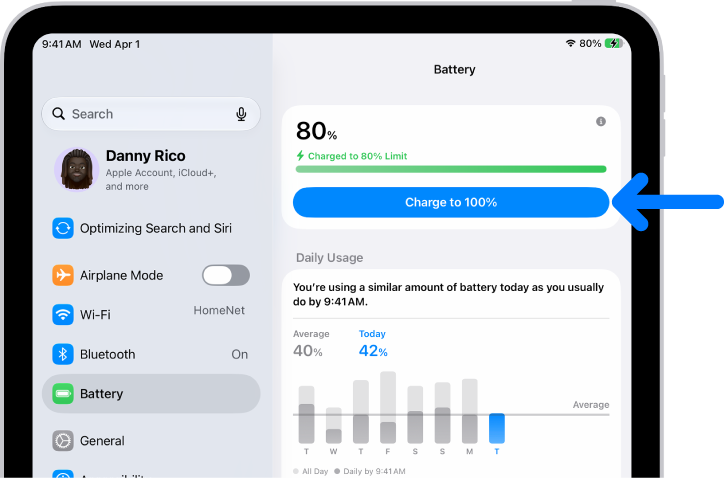
If you need to temporarily override your charge limit and charge your iPad to full sooner than scheduled, go to the Settings app, tap Battery, then tap “Charge to 100%.”
See also
Tag: Battery