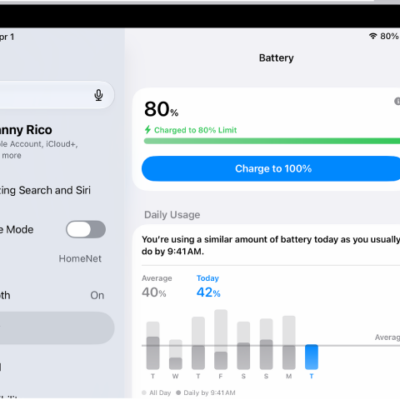
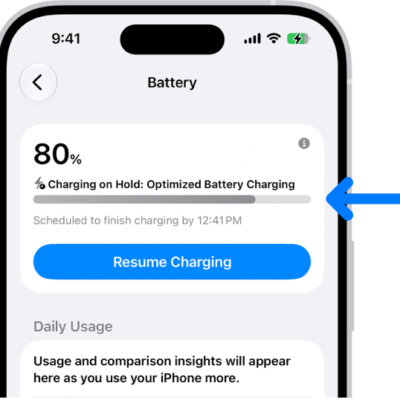
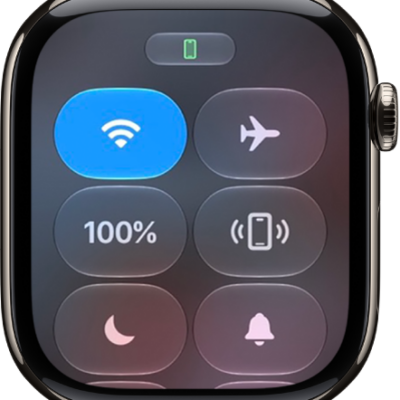
You can see how much charge remains in your iPad battery in the status bar. You can also add a widget to the Home Screen to monitor the battery levels of your iPad and connected accessories, including AirPods and Apple Pencil.
By default, iPad shows a battery icon without a percentage, though you can display the number alongside the icon. Control Center shows the current percentage, too, even if that setting is off.
Show the iPad battery percentage in the status bar
iPad shows a battery icon without a percentage by default, but turning on Battery Percentage displays the number alongside the icon.
- Start the Settings app on your iPad.
- Tap Battery and then turn on Battery Percentage.
Check the battery percentage in Control Center
Even with Battery Percentage turned off in Settings, Control Center shows the current battery percentage.
Add a Batteries widget to your Home Screen
See Add a widget to your Home Screen and Create a custom Lock Screen.
See also
Tag: Battery